Digital Customer Experience: How Your Website Wins and Keeps Customers
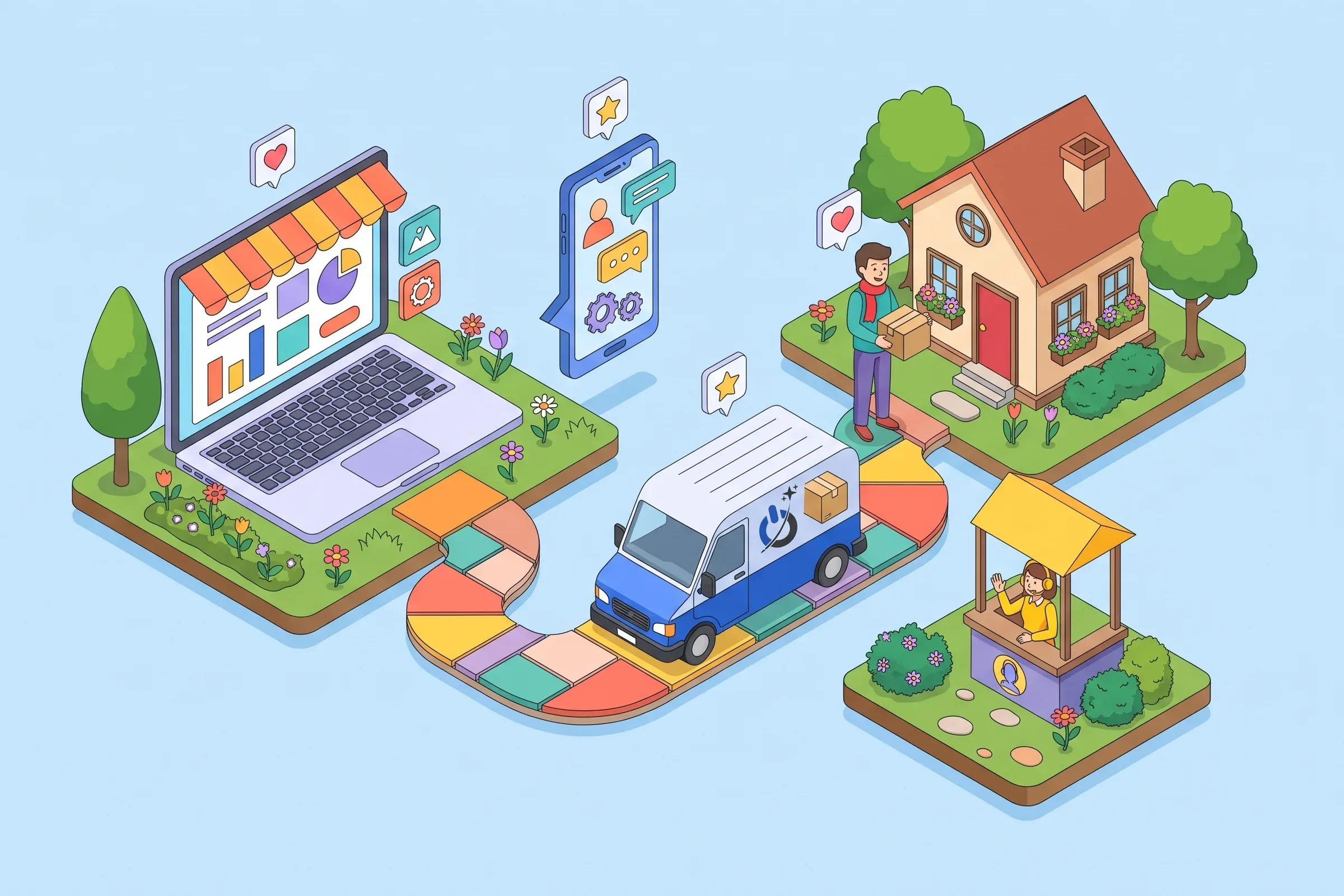
That difference has a name: customer experience. This guide explains what digital customer experience covers, why it drives customer loyalty and how to work on it through your website: touchpoints, customer journey, personalization, service and measurement. The goal is concrete: a website that brings in customers, and keeps them coming back.
At a glance
- Customer experience is everything a customer feels across their interactions with your business, from the first visit to after-sales support.
- A good experience is useful, easy to use and enjoyable: it slightly exceeds what the customer expected.
- According to McKinsey, 71% of consumers expect personalized interactions and 76% get frustrated when they are missing.
- On a website, customer experience is built through the journey, personalization, response speed and transparency about data.
- It can be measured: satisfaction, customer effort, recommendation, return and repeat purchase rates.
What is customer experience?
Customer experience (often shortened to CX) refers to all of a customer’s perceptions and emotions across their interactions with a business. It covers the whole relationship: an ad they saw, the website visit, a chat with a salesperson, the purchase, delivery, after-sales support and even complaints.
Digital customer experience is the part that happens online: website, app, emails, chat, social media. For many businesses it is now the first contact, and often the most frequent one.
Forrester sums up a good experience in three qualities. It is useful: it meets a real need. It is usable: people get what they want easily. It is enjoyable: people want to come back. Remove any one of the three and the experience suffers.
Customer experience vs user experience
The two are often confused. User experience (UX) is about using a specific product, such as your website: clear navigation, readability, speed. Customer experience is broader: it includes the website’s UX, but also price, delivery, the tone of customer service and how you handle a problem.
| User experience (UX) | Customer experience (CX) | |
|---|---|---|
| Scope | one product: website, app | the whole relationship with the business |
| Examples | navigation, readability, speed | price, delivery, customer service, complaints |
| Owners | designers, developers | the whole company |
| Measures | user tests, task success rate | satisfaction, recommendation, loyalty |
A perfectly designed website will not save a failed delivery. Conversely, a great team cannot make up for a checkout that crashes. Both must be worked on together.
The three pillars: touchpoints, journey, ecosystem
Touchpoints
A touchpoint is any moment a customer meets your brand: a Google search, your business profile, a page on your website, a confirmation email, a parcel, a phone call. Each one can build or damage trust. List them, then ask for each: what is the customer looking for at this moment, and what do they actually find?
The customer journey
The journey connects these touchpoints over time: discovery, comparison, purchase, use, loyalty. Mapping it reveals the breaks, those moments when customers must repeat information, wait without knowing why or switch channels.
The ecosystem
Behind the experience are your tools and teams: CRM, online store, invoicing software, customer service. If information does not flow between them, customers notice: they repeat their order on the phone, receive a promotion for a product they just bought, cannot find their history. Connecting these tools is often the most profitable project.

Why customer experience makes the difference
In many industries, products look alike and prices are compared in one click. Experience then becomes the main way to stand out. Apple and Starbucks did not build loyalty on the product alone: it is the whole experience, from store to app, that brings customers back.
Expectations have risen too. According to a McKinsey study published in 2021, 71% of consumers expect companies to deliver personalized interactions, and 76% get frustrated when this does not happen. Customers compare your website with those of the ecommerce giants, not just with your direct competitors.
A website that brings in customers: 7 levers
A website that attracts and retains customers does not rely on one trick, but on a series of details done well.
- A clear message on arrival. Visitors should understand within seconds what you offer and for whom. Our website design statistics show how fast first impressions form.
- Effortless navigation. Simple menus, effective site search, breadcrumbs.
- Answers before questions. Lead times, prices, shipping costs, returns, warranties: shown where the customer wonders about them, not hidden in the terms and conditions.
- Easy contact. Tap-to-call phone number, short form, chat with a human or an assistant that knows when to hand over. And a fast reply.
- Useful personalization. Relevant recommendations, order history, content adapted to the profile (see below).
- Post-purchase follow-up. Clear confirmation, delivery tracking, usage tips, a review request at the right time. Our email deliverability guide makes sure these messages arrive.
- Care in difficult cases. A well-handled return or complaint often builds more loyalty than a smooth purchase.
Customer portal, order tracking, connected tools: need something custom? Discover our custom web application development
Personalizing the customer experience on your website
Netflix, Amazon and YouTube show a different home page to every visitor. Without going that far, a small business can personalize at several levels:
| Level | Examples | Effort |
|---|---|---|
| Context | language, country, currency, device | low |
| Behavior | products viewed, related items, current cart | medium |
| Customer account | history, repeat orders, saved preferences | medium |
| Segment | content and offers by customer type (consumer, pro, reseller) | medium |
| Real time | recommendations computed on every visit | high |
Personalization relies on data, and that is where trust is won or lost. Collect only what is genuinely useful, explain what it is used for and ask for consent where the law requires it: GDPR in Europe, CASL and Quebec’s Law 25 in Canada, state privacy laws in the United States. Intrusive personalization (“you viewed this three times”) has the opposite of the intended effect.
Artificial intelligence and customer experience
Artificial intelligence is entering customer experience: conversational assistants that answer at any hour, product recommendations, automatic request routing, summaries for teams. Used well, it cuts waiting times and frees up time for complex cases. Our AI integration services cover these uses.
Two rules prevent disappointment. Customers must know they are talking to an automated assistant and be able to reach a human easily. And the assistant must rely on your real information (catalog, lead times, conditions), not make up answers.
Measuring customer experience
What is not measured does not improve. The most common metrics:
| Metric | Question asked | Use |
|---|---|---|
| CSAT (satisfaction) | Are you satisfied with…? | after a purchase or a support interaction |
| CES (customer effort) | Was it easy to…? | after a task: order, return, request |
| NPS (recommendation) | Would you recommend…? (0 to 10) | overall relationship, twice a year |
| Repeat purchase rate | — | actual loyalty, measured in the store or CRM |
Cross these scores with your website data: bounce rate, form abandonment, site searches with no results, exit pages. To see how these behavioral signals relate to search rankings, read our guide to dwell time and SEO. For an international clientele, language is part of the experience too: see our guide to building a multilingual website.
Assess your website’s customer experience
In short
Customer experience is the sum of every moment a customer meets your business. On the web, it is built with a clear message, effortless navigation, visible answers, easy contact, respectful personalization and post-purchase follow-up. It is what turns a brochure website into one that brings in customers, and one-off buyers into loyal ones.
Frequently asked questions about customer experience
What is customer experience?
It is all of a customer’s perceptions and emotions across their interactions with a business, from discovery to after-sales support. It includes the website, customer service, delivery and how problems are handled. A good experience is useful, easy and enjoyable.
What is digital customer experience?
It is the part of customer experience that happens on digital channels: website, app, emails, chat, social media. It depends on how clear and fast the website is, on personalization and on the quality of online answers.
What is the difference between customer experience and user experience?
User experience is about using a specific product, such as a website or an app. Customer experience is broader: it covers every interaction with the business, including price, delivery and service. A very usable website cannot make up for disappointing service.
How do I get a website that brings in customers?
Work on a clear message on arrival, simple navigation, visible information on prices and lead times, easy contact and post-purchase follow-up. Add useful content to be found in Google. Then measure what blocks visitors and improve it.
How can I personalize the customer experience on a website?
Start with simple personalization: recommendations based on products viewed, content adapted to country or language, order history in the customer account. Collect only useful data, explain how it is used and respect the consent required by law.
How do I measure customer experience?
Common metrics are satisfaction (CSAT), customer effort (CES) and recommendation (NPS). Complete them with website data: bounce rate, form abandonment, searches with no results, repeat purchase rate. Track them over time rather than once.