WordPress vs Blogger: Which Should You Choose in 2026?
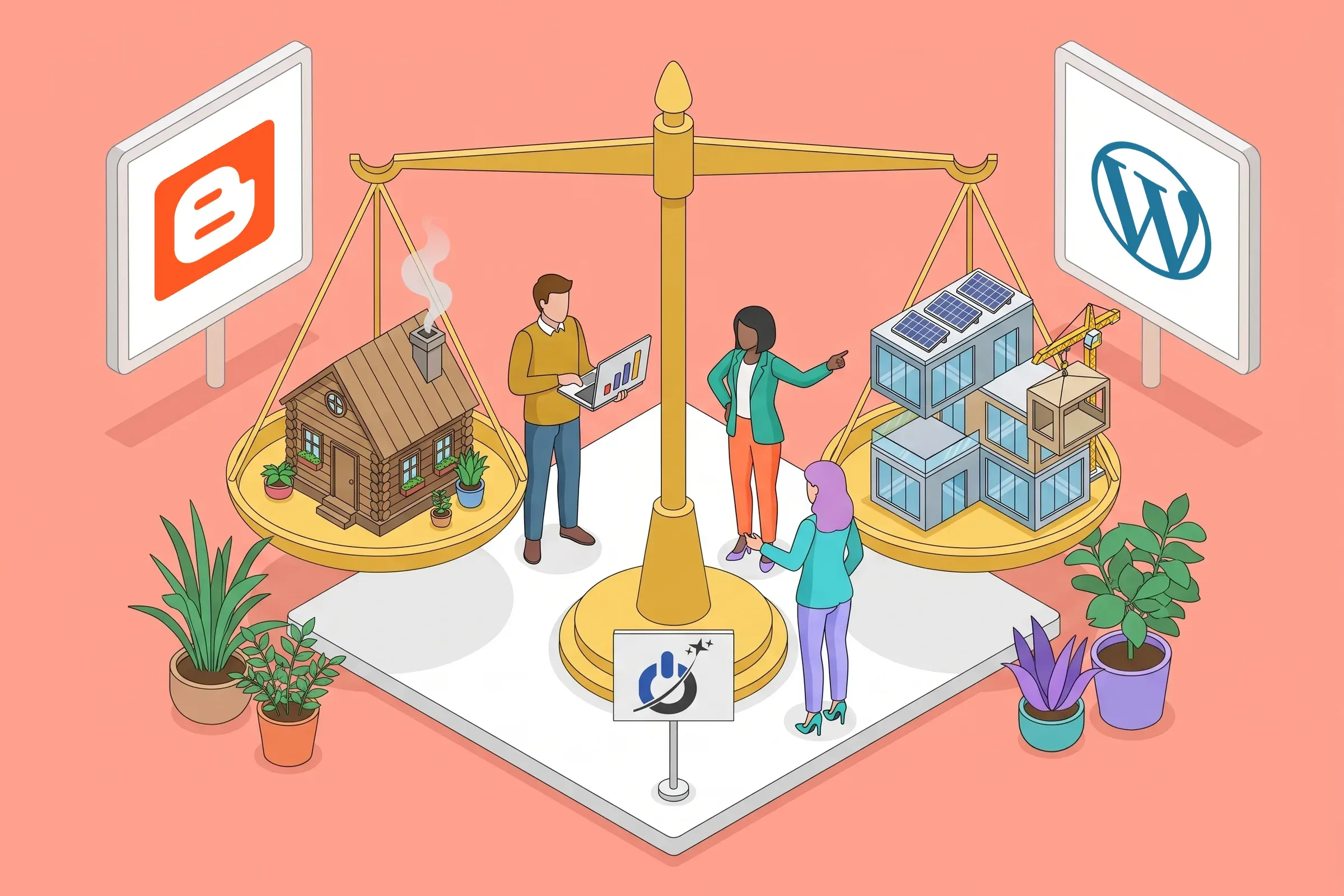
This WordPress vs Blogger comparison covers the criteria that really matter in 2026: content ownership, control, design, SEO, monetization, portability, security, support and the future of both platforms. A summary table, a decision tool and the method to move from Blogger to WordPress will help you choose between Blogger or WordPress.
At a glance
- WordPress vs Blogger: self-hosted WordPress offers ownership, freedom and room to grow; Blogger offers zero cost and simplicity.
- Blogger suits a personal or club blog with no commercial goal; WordPress suits any blog meant to last, rank and earn.
- On Blogger, your blog depends on Google’s rules and choices; on WordPress, you own your site and your data.
- SEO is possible on both, but WordPress gives far more levers (speed, structured data, SEO plugins).
- Moving from Blogger to WordPress is doable without losing traffic, as long as redirects are handled carefully.
WordPress or Blogger: what are we comparing?
Blogger is Google’s free blogging platform, launched in 1999 and bought by Google in 2003. Everything is hosted by Google: no server to manage, no updates, a .blogspot.com address or your own domain name.
WordPress means two things. WordPress.org is the free, open-source software you install on the host of your choice: it powers more than 40% of websites. WordPress.com is a hosted service, with a limited free plan and paid plans. In this comparison, “WordPress” means the self-hosted version, the only one truly comparable in freedom; the difference between the two is covered in the FAQ.
WordPress vs Blogger: comparison table
| Criterion | WordPress (self-hosted) | Blogger |
|---|---|---|
| Price | free software, paid hosting and domain | free (custom domain optional) |
| Ownership | full | Google’s platform |
| Customization | unlimited (themes, plugins) | limited |
| SEO | many levers, SEO plugins | basic settings |
| Monetization | ads, affiliate, store, memberships | mostly AdSense |
| Maintenance | updates to handle | none |
| Security | depends on upkeep | managed by Google |
| Development | very active | nearly stalled |
| Best for | business blog, company site, ecommerce | personal blog, club, school |
WordPress vs Blogger: ownership
On Blogger, your posts belong to you, but the platform does not: Google can change its terms, suspend a blog it deems non-compliant or change the service as it sees fit. With self-hosted WordPress, the site, database and files sit with your host, under your control. You can switch hosts at any time, take the whole site with you, and nobody can shut it down for you as long as you respect the law and your hosting contract.
Control
Blogger offers basic settings: theme, gadgets, pages, comments, domain. You cannot install a plugin, build an advanced form, a members area or a store. WordPress, with tens of thousands of plugins, can become a brochure site, a magazine, a multilingual site, a learning platform or an online store with WooCommerce. That freedom has a cost: you must handle updates and pick reliable plugins.
Design
Blogger offers a handful of themes, editable in HTML for the brave, whose look has barely changed. WordPress gives access to thousands of themes, the block-based site editor and page builders, or a fully custom design. For a brand, the difference in image is clear.
SEO
Both platforms can rank on Google: Blogger generates a sitemap, handles HTTPS and lets you customize titles and descriptions. But WordPress gives far more levers: SEO plugins (Rank Math, Yoast), structured data, control over URLs, speed and images, advanced internal linking, multilingual versions. Contrary to a common belief, being hosted by Google gives Blogger no ranking advantage. To go further, read our WordPress SEO guide.
Monetization
Blogger makes Google AdSense easy, and that is about it. WordPress supports advertising, affiliate marketing, selling physical or digital products, memberships, courses, appointment booking and lead generation for a business. If the blog is ever meant to contribute to revenue, WordPress is the logical choice.
Worried about handling WordPress updates? Our experts secure and back up your WordPress site for you
Portability
Blogger lets you export posts and comments as an XML file, but the layout, gadgets and sometimes images stay tied to the platform. WordPress can be exported and moved as a whole, from one host to another, with its files and database. If your strategy changes, WordPress portability saves you from starting over.
Security
On Blogger, security is Google’s job: infrastructure, patches, HTTPS. You have nothing to do, but nothing to configure either. On WordPress, security depends on you or your provider: core, theme and plugin updates, backups, strong passwords, quality hosting. Well maintained, a WordPress site is very safe; left unattended, it becomes a target.

Support
Blogger relies on a help center and a community forum; there is no one-to-one support. WordPress has the largest community on the web: documentation, forums, tutorials, and thousands of agencies and developers, on top of your host’s support. When something goes wrong, help for WordPress is much easier to find.
Cost
Blogger is completely free, apart from an optional custom domain (around $10 to $20 a year). WordPress is free as software, but you need hosting (from a few dollars to a few dozen dollars a month), the domain, possibly a premium theme or plugins, and the time or budget for maintenance. The gap is justified as soon as the blog has a business purpose.
The future
WordPress keeps evolving, with several major releases a year and a very active ecosystem. Blogger still works but has received few new features for years. A telling sign: in October 2026, Google moved the Android Developers Blog, hosted on Blogger since 2007, to its own developer site. Nothing points to Blogger shutting down soon, but for a long-term project, betting on a platform its own publisher is stepping away from is a risk to weigh.
Which one suits you? Take the test
Moving from Blogger to WordPress without losing traffic
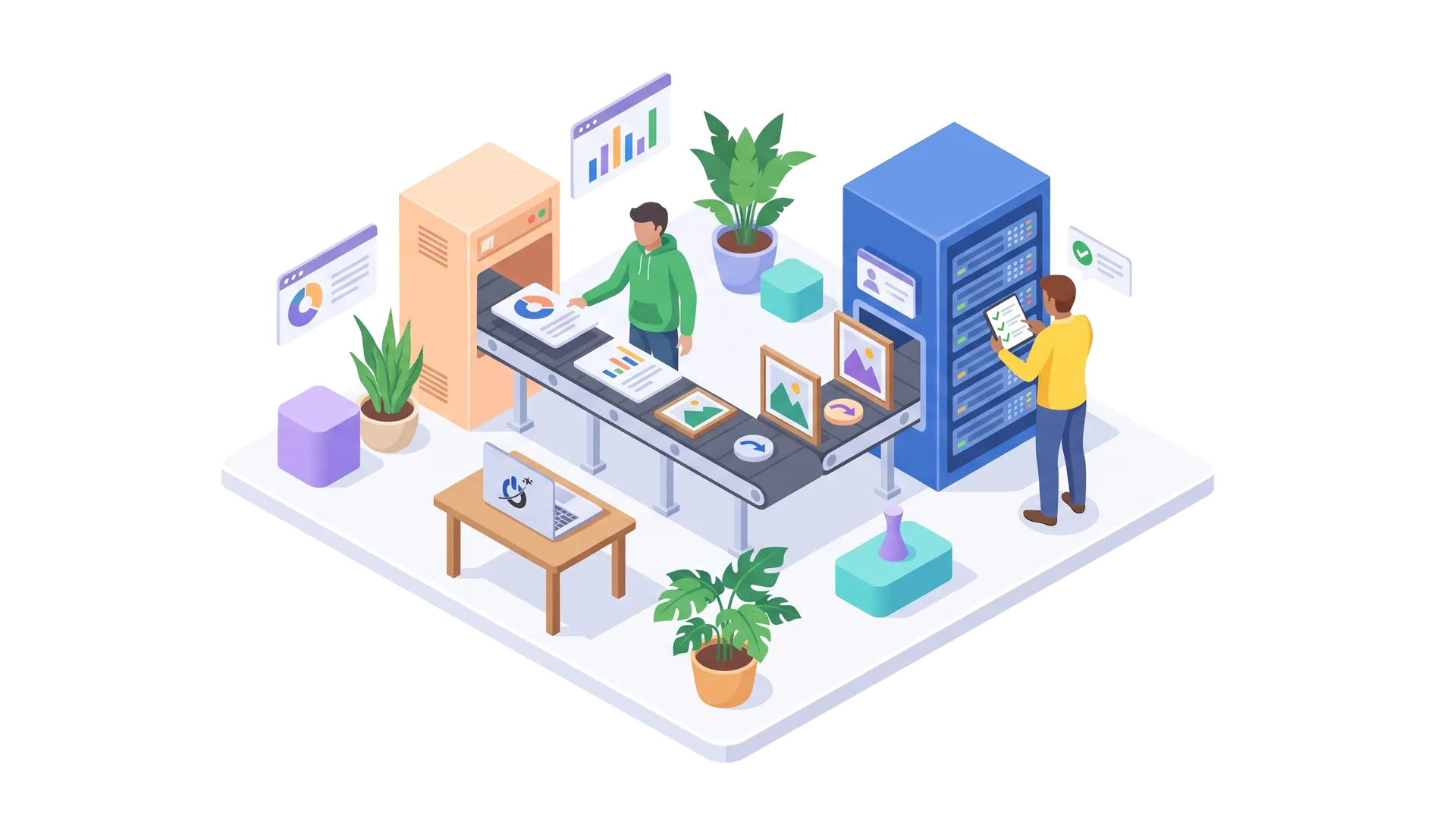
Redirects are the decisive step: without them, every link to your old posts leads to an empty page and your SEO is lost. If your Blogger blog already uses a custom domain, the switch is simpler: the domain points to the new host and only the URL structures need to be matched.
What about other options?
Blogger and WordPress are not alone. Wix or Squarespace appeal with their visual editors but lock the site in more tightly; Ghost or Substack suit paid newsletters; Medium offers an audience but no control. Whichever you pick, owning your domain name keeps your options open.
Wrapping up
Blogger remains an honest option for a personal blog, a travel diary, a club or a school: free, simple, maintenance-free. As soon as the blog carries a brand, needs to rank well, generate leads or revenue, or last for many years, WordPress wins on almost every criterion. Our advice: if in doubt, start on WordPress with your own domain name. Switching later always costs more than starting right.
Frequently asked questions about WordPress and Blogger
What is the difference between WordPress and Blogger?
Blogger is a free blogging service hosted by Google, simple but limited. WordPress is free software you install on the host of your choice, and it can grow a blog into a full website, a store or a members area. Blogger bets on simplicity, WordPress on freedom and ownership.
WordPress or Blogger: which is better for SEO?
WordPress, in most cases. Both can rank well, but WordPress offers many more levers: SEO plugins, structured data, control over URLs, speed and internal linking. Being hosted by Google gives a Blogger blog no ranking advantage.
Is Blogger still maintained by Google?
Yes, Blogger still works in 2026 and remains free, with HTTPS, custom domains and AdSense. It receives few new features, though, and in October 2026 Google itself moved one of its long-running Blogger-hosted blogs to its own site. Nothing announces a shutdown, but the platform changes very little.
Can you migrate a Blogger blog to WordPress?
Yes. You export the content from Blogger, import it into WordPress with the dedicated importer, then bring the images over and set up redirects from old addresses to new ones. Done carefully, the migration keeps most of your traffic and rankings.
What is the difference between WordPress.com and WordPress.org?
WordPress.org provides the free software to install on the host of your choice: you get full freedom but handle hosting and maintenance. WordPress.com is a service hosted by Automattic, with a limited free plan and paid plans that unlock plugins and a custom domain.
Is WordPress more secure than Blogger?
Not by default: on Blogger, Google handles all security, while on WordPress it depends on updates, the plugins you choose and your hosting. A well-maintained WordPress site is very safe; a neglected one becomes vulnerable. A maintenance plan solves this for businesses.