Product configurator: how to sell custom products online without complicating checkout

A product configurator changes that experience. It guides the buyer step by step, updates the price with every choice, blocks impossible combinations and shows the result. Done well, it lets you sell made-to-measure products online that once seemed limited to the showroom or the quote. Done badly, it becomes the page where customers give up.
This guide explains how to build an online product configurator that does not get in the way of the purchase: the types of configurators, the step-by-step flow, dynamic pricing, visual previews, compatibility rules, inventory and production, the technical options (Shopify, WooCommerce, BigCommerce, custom) and the metrics to track. A calculator estimates how complex your customizable product is and which solution fits.
At a glance
- A product configurator walks buyers through their choices one at a time instead of showing every option at once.
- The total price updates with every choice, including lead time and special shipping costs, so there are no surprises at checkout.
- A visual preview and compatibility rules prevent impossible combinations, production errors and returns.
- Shopify allows up to 2,048 variants but only 3 options per product; beyond that you need an app, a plugin or custom development.
- Saving a configuration and turning it into a quote request are essential for considered purchases and B2B.
What is a product configurator?
A product configurator is a tool built into a product page, or a dedicated page, that lets customers build their own item by choosing options (dimensions, materials, colors, accessories, personalization) and immediately see the price and, often, what it looks like. At the end, it adds to the cart a product whose specifications are all recorded, ready to be made or assembled.
This is also called mass customization: producing items tailored to each customer at scale. The configurator is the storefront for it, and also the translator that turns the customer’s choices into data the workshop, the warehouse or the sales team can use.
Do not confuse it with simple product variants (the size and color of a T-shirt). A configurator handles choices that depend on one another, calculated prices and often free-form input such as engraving text, a logo or custom dimensions.
The four types of online configurators
The right tool depends on your product. Before any development, figure out which family you belong to.
| Type | Examples | What the customer picks | Key point |
|---|---|---|---|
| Options and components | Bike, sofa, computer | Items from a fixed list | Stock and margin per component |
| Made to measure | Windows, blinds, countertops | Dimensions typed in, within limits | Price calculation and measuring help |
| Visual personalization | Engraving, embroidery, printing | Text, a photo, a logo | File quality and proof approval |
| Quote configurator | Industrial equipment, B2B projects | A full technical requirement | Summary sent to the sales team |
Options and components
This is the most common type. Customers assemble their product from a fixed list: the frame, wheels and saddle of a bike, the fabric and legs of a sofa, the processor and memory of a computer. Each component can have its own SKU, which keeps logistics simple: the order decrements the right stock and margin is calculated component by component.
Made to measure
Windows, blinds, countertops, rugs, panels: customers type exact dimensions and the tool calculates the price from the area, the perimeter or a tiered price table. You need to bound the values (minimum, maximum, increments) and explain how to measure, because one wrong measurement costs you an entire product.
Visual personalization
Engraving, embroidery, a printed logo or photo: customers add text or a file and the preview shows the result. The sensitive points are the quality of uploaded files, the available fonts, the print areas and the approval of a proof before production.
Quote configurators (B2B)
For industrial products or complex projects, the goal is not always immediate payment. The configurator guides the buyer through defining their requirements, then generates a summary or a quote request for the sales team. It qualifies leads and saves time on both sides.
Design a step-by-step flow that does not discourage buyers
The first flaw of most configurators is showing everything at once. A buyer facing fifteen options at the same time does not know where to start. A step-by-step flow lowers the mental load: one decision at a time, in a logical order.
Start with the structural choices
The order of steps follows the logic of the product: first what determines everything else (model, dimensions, material), then finishes, then accessories and personalization. A choice made in step 1 should automatically filter the options in later steps.
Offer a default configuration
A blank slate is intimidating. Offer a sensible starting configuration, your best seller or the one you recommend, that the customer only has to adjust. You can also offer two or three preset bundles (“Essential”, “Comfort”, “Premium”) as entry points.
Explain every option
Every choice should make sense without technical knowledge: a photo or swatch, one sentence on why the option matters, and its effect on price and lead time. Contextual help (“How do I measure my window?”) prevents mistakes and support calls.
Think mobile first
A large share of your visitors will configure on a phone. On a small screen, steps stack vertically, the preview stays visible or one tap away, and the total price is pinned to the bottom of the screen. Test the entire flow on a smartphone before launch.

Dynamic pricing: show the real price at every step
Nothing drives buyers away faster than a price revealed at the last step. In a configurator, the total should update with every click without reloading the page, and the upcharge for each option should be visible before it is selected (“+ $45”).
The most common pricing rules are a base price plus option upcharges, a price per square foot or linear foot with a minimum charge, tiered pricing by size, quantity discounts and, in B2B, customer-specific or group pricing.
Also show what changes with the configuration: production time, shipping for a bulky item, return conditions. Custom-made products are often final sale. In the United States there is no general legal right to return an online purchase, so returns depend on the policy you publish, and some states require that policy to be clearly disclosed. Say it plainly before payment. Fees discovered too late remain a leading cause of cart abandonment; our guide on how to increase online sales covers the other friction points.
Visual preview and compatibility rules
Show customers what they are buying
Customers need to see the result of their choices. There are three levels, from simplest to most ambitious: photos that change with each option, stacked image layers (one layer per element, recombined with every choice), and a 3D or augmented reality view the customer can rotate in the browser. 2D layers often offer the best balance between cost and impact; 3D makes sense for expensive products where appearance drives the decision.
Block impossible combinations
Compatibility rules are the technical heart of a configurator: this fabric does not come in large widths, this motor requires that frame, this engraving does not fit on the small size. The configurator should hide or gray out incompatible options and explain why, instead of letting the customer discover the problem after ordering.
| If the customer picks… | Then… | Message shown |
|---|---|---|
| Width over 72 in | The “fine linen” fabric is hidden | “This fabric is not available in large widths” |
| Metal legs | The “oiled oak” leg finish disappears | None: the option simply does not appear |
| Engraving over 20 characters | The “mini” size is grayed out | “Text too long for this size” |
| Motorization | The “light” model is unavailable | “Motorization requires the reinforced frame” |
These rules are rarely written down. They live in the heads of your production or sales team. Putting them in a table before development is the single step that saves the most time.
Estimate how complex your product is
The number of possible combinations grows very fast: four options with five values each already make 625 combinations. That number drives the technical choice. The calculator below estimates it and suggests the most suitable approach.
Which technical solution should you choose?
| Solution | Best for | Limits |
|---|---|---|
| Native variants (Shopify, WooCommerce, BigCommerce) | Few options, fixed prices, no free-form fields | Shopify: 3 options and 2,048 variants per product |
| Product options app or plugin | More options, free-form fields, simple upcharges | Subscription, sometimes limited rules, page weight |
| Configurator module with preview | Calculated prices, image layers, compatibility rules | Long setup, must be tested on mobile |
| Custom development | Many rules, 3D, link to ERP or production | Budget and timeline, code maintenance |
On Shopify, each product can have up to 2,048 variants but only three options (for example size, color and material). Beyond three options, or for calculated prices and free-form fields, you need a product options app or custom development. WooCommerce gives more freedom through plugins and custom code, since you own the code. For very complex products, a custom configurator connected to your ERP or production software remains the most robust solution.
Our advice: start with the simplest solution that covers your rules, measure, then extend it. Custom development is justified when your compatibility, pricing or production rules go beyond what off-the-shelf plugins can handle.
Does your product outgrow standard plugins? Explore our custom web application development
Inventory, production and orders: behind the configurator
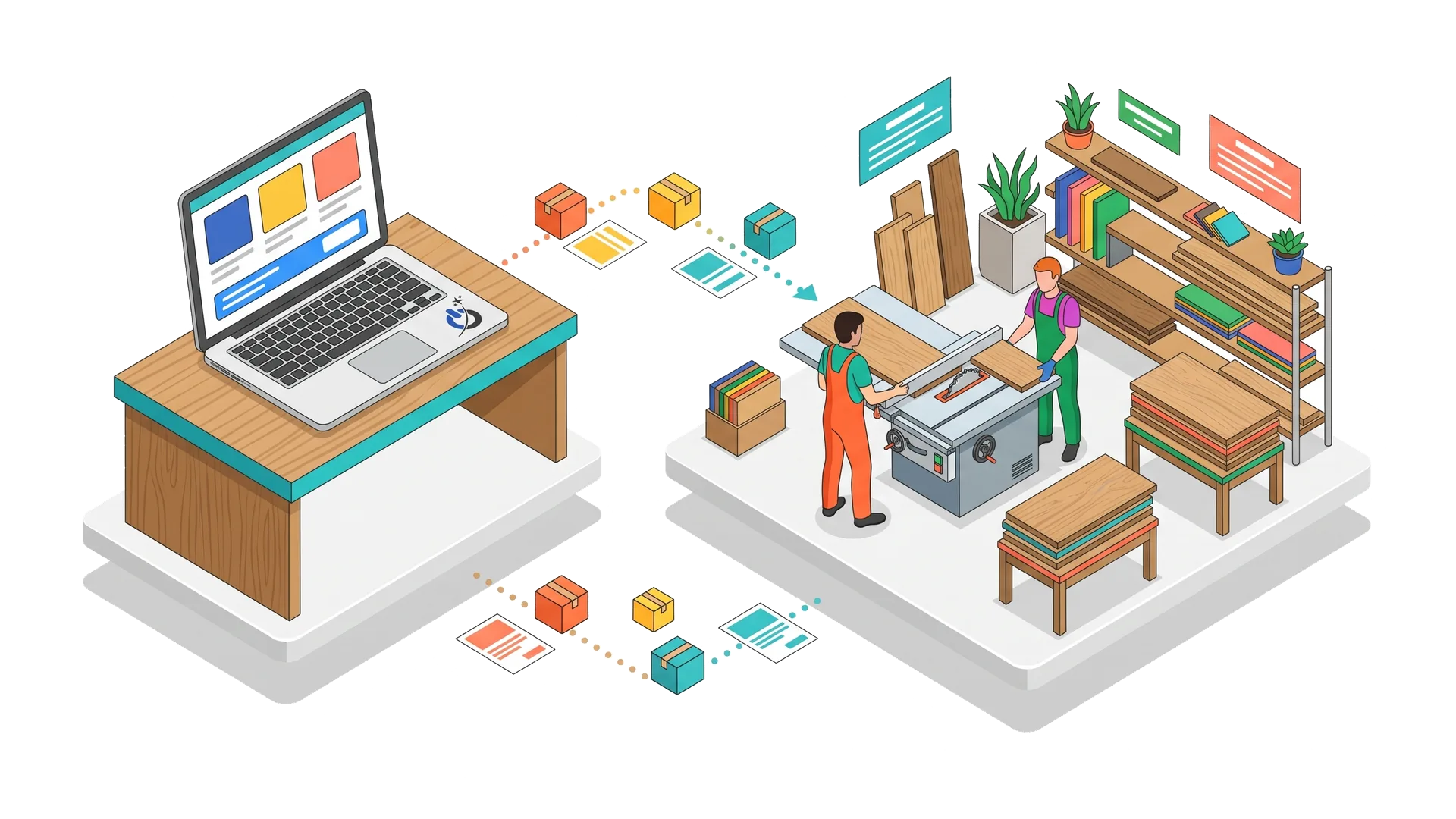
A configurator does not stop at the cart. Every order must pass on a complete, readable description of the configuration: to the workshop (build sheet, dimensions, files to print), to the warehouse (component SKUs), to accounting (breakdown of upcharges) and to the customer (summary in the order confirmation).
Plan three things from the start:
- Stock per component. If a finish is out of stock, it should disappear from the configurator or show a longer lead time.
- Calculated lead times. A made-to-order option adds time: show the estimated delivery date based on the configuration.
- Human approval. For visual personalization or non-standard dimensions, plan a proof or a check before production.
Save, share and request a quote
A configured product often costs more than a standard one, and buyers take time to decide. Let customers save their configuration (by link, customer account or email), share it with a partner or colleague, print it, and turn it into a quote request if they have a question. Every saved configuration is also a lead you can follow up with, with their consent.
In B2B, the quote is often the real conversion: the configurator prepares a complete, priced request that the sales rep only has to approve.
Measure and improve your configurator
Track each configurator step as an event in Google Analytics 4: configuration started, step completed, added to cart, quote requested. The resulting funnel shows exactly where customers drop off: a step that is too complicated, a poorly explained option, a price jump that scares them.
| Metric | What it reveals |
|---|---|
| Start rate | Share of product page visitors who start configuring |
| Drop-off by step | The step that blocks (unclear option, price, length) |
| Add-to-cart rate | Share of configurations that get finished |
| Saved configurations and quotes | Interest from buyers who are still deciding |
| Returns and production errors | Quality of rules and of the data passed on |
| Average order value of configured products | Effect of options on revenue |
Mistakes to avoid
- Showing everything at once. A wall of options discourages; steps reassure.
- A frozen price. Customers must see how each choice affects the total.
- Options with no explanation. “RAL 7016 finish” means nothing to most buyers: show the color and what it is for.
- Letting the impossible through. An unbuildable combination discovered after payment costs a refund and a customer.
- Forgetting production. A configuration passed on badly turns into manufacturing errors.
- A slow configurator. Heavy images or poorly optimized 3D slow the page down, especially on mobile.
- Neglecting SEO. The configurator does not replace a well-written product page: keep indexable descriptive text, photos and FAQs.
The bottom line
A good product configurator makes buying a custom product as easy as buying a standard one. It guides customers through steps, starts from a default configuration, explains every option, updates price and lead time with each choice, shows the result and blocks impossible combinations. Behind the scenes, it passes a complete configuration to production and tracks stock per component. Choose the technical solution based on the number of combinations and the complexity of your rules, and measure every step to simplify whatever blocks buyers.
Frequently asked questions about product configurators
What is an online product configurator?
An online product configurator is a tool built into a store that lets customers build their own item by choosing options such as dimensions, materials, colors or personalization. It shows a price that updates with each choice, often a visual preview, and blocks impossible combinations. The order then passes every specification on to production.
How much does a product configurator cost?
The cost depends mainly on the number of options, the complexity of the rules and the type of preview. A product options app or plugin costs a monthly subscription or a license, plus setup time. A custom configurator with price calculation, compatibility rules and layered previews is quoted per project; 3D and a connection to production software increase the budget.
Can you build a product configurator on Shopify?
Yes, within limits. Shopify allows up to 2,048 variants per product but only three options. For more than three options, free-form fields (text, file uploads), calculated prices or compatibility rules, you need a product options app from the Shopify App Store or custom development. WooCommerce offers more freedom through plugins and open code.
How do you show dynamic pricing in a configurator?
Dynamic pricing is recalculated with every choice from rules: a base price, upcharges per option, price per square foot, tiered pricing or quantity discounts. The total should update without reloading the page and stay visible, including on mobile. You should also show how options affect lead time and shipping so there are no surprises at checkout.
Can customers return a customized product?
In the United States, there is no general federal right to return an online purchase, so returns depend on the policy the seller publishes. Many stores make personalized items final sale, and some states require the return policy to be clearly disclosed. Warranties against defects still apply. State this policy before checkout and in your terms of sale.
How do I know if my configurator is losing sales?
Track each step as an event in Google Analytics 4: start, steps completed, add to cart and quote request. The funnel shows at which step visitors leave. A sharp drop usually points to a poorly explained option, a large price increase or a step that is too long on mobile. Session recordings round out the analysis.