Google Ads vs SEO: Where Should a Small Business Start?
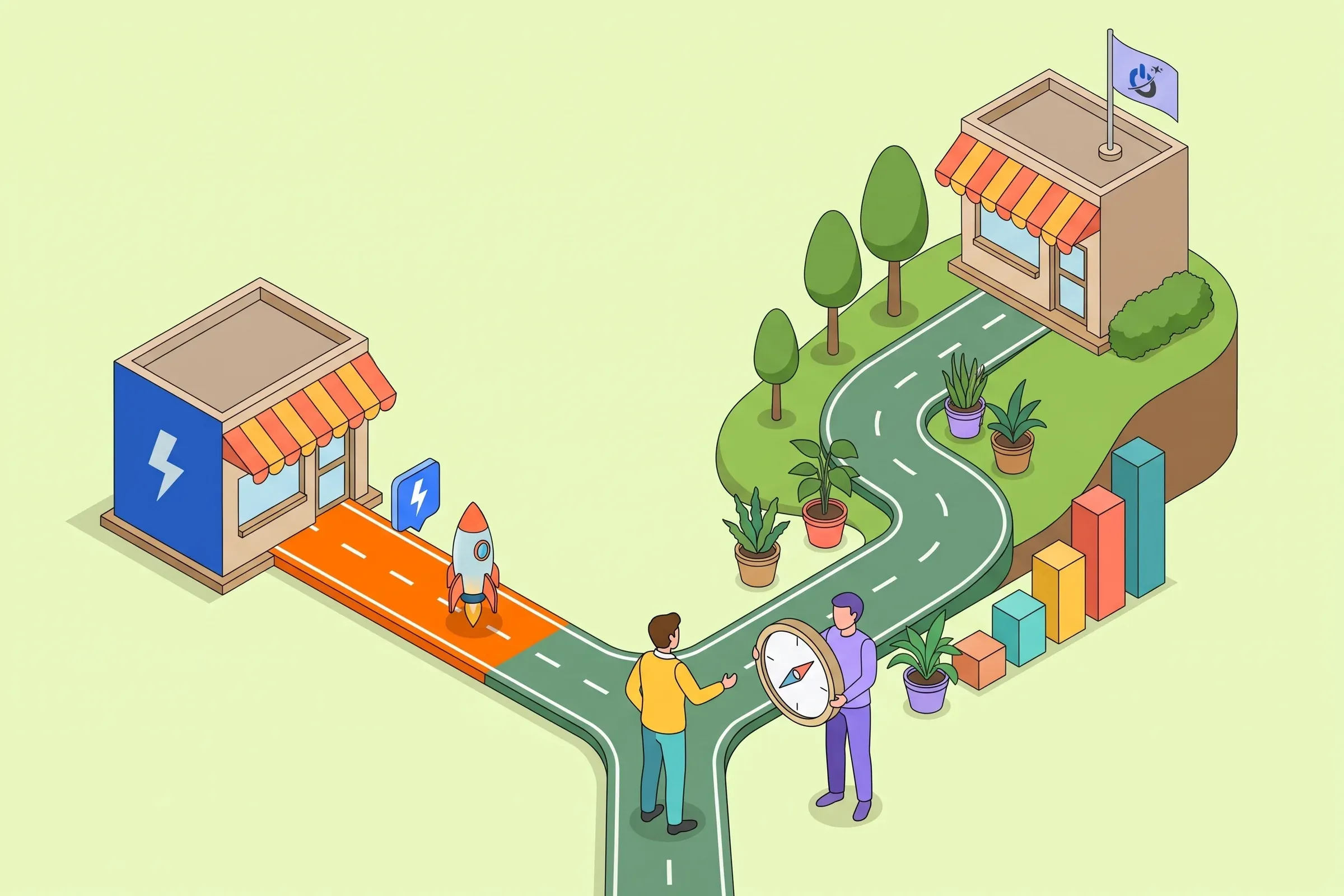
The Google Ads vs SEO question comes up in almost every small business, and it is often framed the wrong way. The two levers do different jobs: pay-per-click advertising buys visibility right now, while SEO builds it for the years ahead. The real question is order and balance.
This guide helps you decide where to start for your situation, build a small business SEO strategy that uses your Google Ads data, split the budget and know when to scale ads back. A simulator lets you check whether a campaign can pay off before you spend the first dollar.
At a glance
- Google Ads vs SEO: for most small businesses, Google Ads delivers results and data fast, while SEO gradually reduces dependence on advertising.
- Google Ads brings visits within days; SEO usually needs 4 to 12 months to pay off.
- The queries that convert in Google Ads show which pages to prioritize for organic search.
- Before investing in either, you need a fast, clear website and reliable conversion tracking.
- The ad budget is rebalanced as your pages gain rankings in Google.
Google Ads vs SEO: the short answer
For a small business that needs customers soon, the safest sequence is: launch Google Ads on searches that show buying intent, lay the SEO groundwork at the same time, then use campaign data to decide which pages to optimize. Once organic search brings in steady leads, part of the ad budget can be reduced or moved elsewhere.
There are exceptions. A business on a very tight budget, or whose customers take months to decide, often does better starting with SEO. A repair service or a store launching a seasonal offer, on the other hand, cannot wait six months. The table below covers the most common cases.
SEO and Google Ads: definitions and differences
PPC (pay-per-click) or SEA refers to advertising on search engines, and SEO (search engine optimization) to organic rankings. On Google, both appear on the same results page: ads, labeled “Sponsored”, and organic results below them.
Paid search with Google Ads
With Google Ads, you choose the keywords your ad can show for, the locations, the schedule and the budget. You pay for each click, at a price set by an auction that accounts for competition and ad quality. Traffic starts within days, and it stops as soon as the budget is cut.
Search engine optimization (SEO)
SEO means improving your site so it ranks in the free results: useful content, clear structure, clean technical setup, speed and links from other sites. No click is billed, but the work takes time and rankings are never guaranteed. Google itself has said that SEO usually needs four months to a year to show results.
| Criterion | Google Ads (PPC) | SEO (organic search) |
|---|---|---|
| Time to first results | A few days after launch | Usually 4 to 12 months |
| Cost | You pay for every click; traffic stops with the budget | Time, content and technical work; traffic continues without paying per click |
| Control | Keywords, locations, schedule, ads and budget are yours to set | Rankings are never guaranteed and depend on Google and competitors |
| How long it lasts | Immediate but temporary | Slow to build, lasting and cumulative |
| Measurement | Very precise cost per click, per lead and per sale | More diffuse: impressions, rankings, assisted conversions |
| Best for | Testing an offer, a season, a launch, buying-intent searches | Building a stable presence, answering questions, reducing ad dependency |
Where to start: Google Ads or SEO?
The right starting point depends less on company size than on three questions. Do you need leads in the coming weeks? Can your budget pay for clicks while you test? Is your website ready to turn a visitor into a customer?
| Your situation | Start with | Why |
|---|---|---|
| New website or new offer to test | Google Ads first | SEO will take months to bring traffic; ads validate demand within weeks |
| Seasonal business or limited-time promotion | Google Ads first | You need visibility at the right moment, not six months later |
| Emergency services (repairs, locksmith, plumber) | Google Ads + Business Profile | Customers click the top results and call right away |
| Very tight ad budget | SEO first | A small Ads budget runs out fast on competitive searches |
| Research-heavy topic, long buying cycle | SEO first | Prospects read, compare and come back: content works for you |
| Slow or unclear site, no conversion tracking | Fix the site first | Paying for clicks to a page that does not convert wastes the budget |
| Established site with organic traffic | Both, as complements | Ads covers the searches where you do not rank well yet |
When Google Ads should come first
Ads win whenever time matters: a new site or business, an offer to validate, strong seasonality, emergency services. They have another, lesser-known benefit: they generate data fast. Within a few weeks, the search terms report shows the exact words customers use, the ads that get the most clicks and the pages that produce quote requests.
When SEO should come first
SEO takes priority when the ad budget would be too small to last, when clicks are very expensive in your industry, or when your customers research before they buy. A consultancy, a software vendor or an industrial company often gains more from solid service pages, guides and comparisons than from paying for every visit.
When to start with neither
A slow, confusing site with no visible phone number or simple form converts poorly, whether visitors come from an ad or from organic search. In that case every ad dollar is wasted and SEO will not do better. Start with the landing page and with tracking.
Small business SEO strategy: why Google Ads and SEO reinforce each other
Pitting the two channels against each other means giving up an advantage. A Google study of incremental clicks, run across hundreds of campaigns, found that most ad clicks would not have been replaced by organic clicks if the ads had been paused. Google sells advertising, so the result is worth checking against your own data, but it is a reminder that the two channels often reach different visitors.
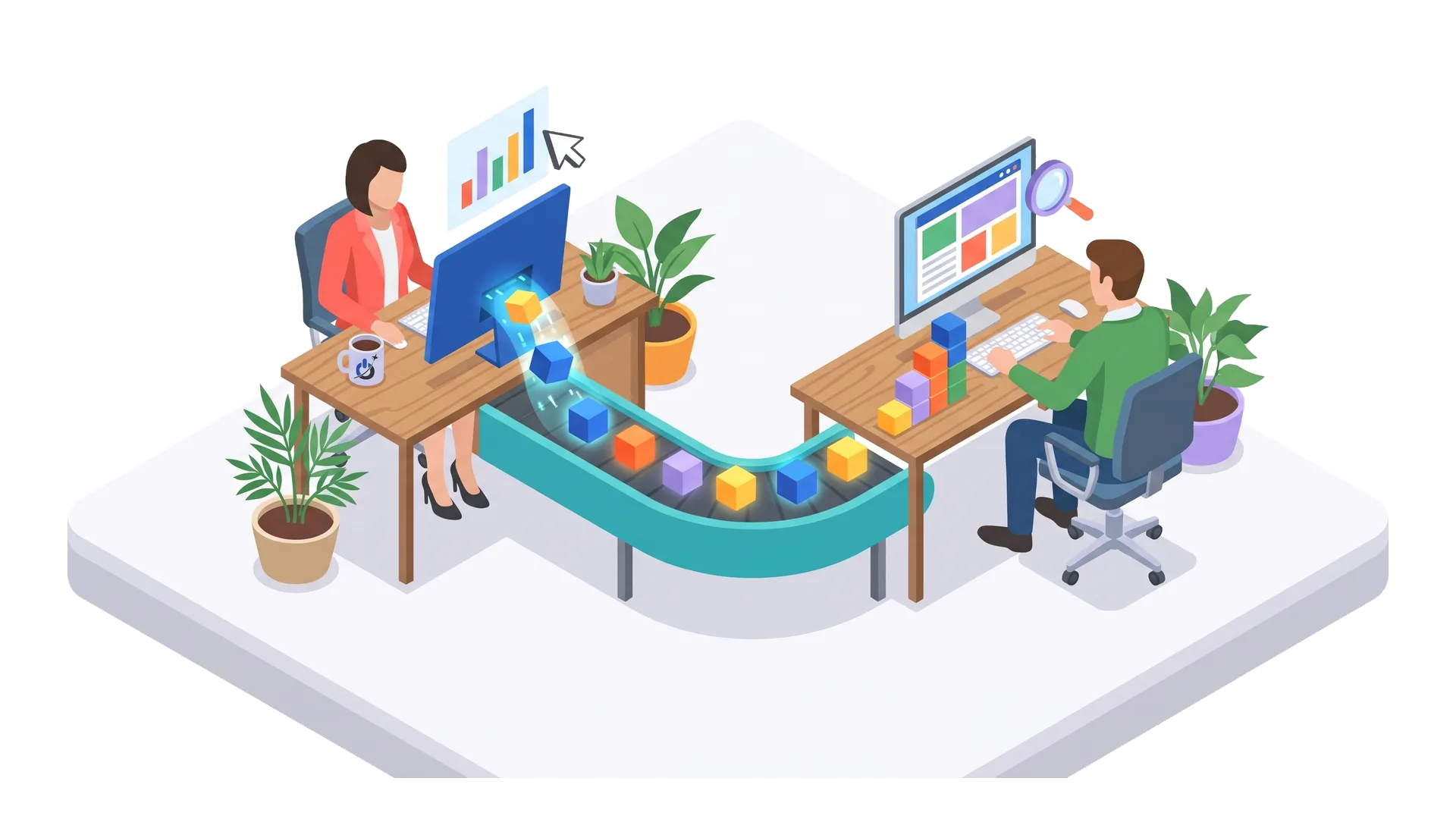
The most useful link for a small business lies elsewhere: Google Ads gives SEO information it would take months to gather on its own.
- Keywords that convert: the search terms report shows which queries produce leads. These are the first ones to work on in SEO.
- Messages that get clicks: the ad headlines with the best click-through rate inspire page titles and meta descriptions.
- Customer objections: searches containing “price”, “reviews”, “how long” or “warranty” point to the questions your pages and FAQ should answer.
- Profitable areas and hours: useful for prioritizing local pages and your Google Business Profile.
It works the other way too. A fast, clear page that matches the query raises your Quality Score in Google Ads, which can lower your cost per click. Content work pays off on both channels.
The 90-day Google Ads and SEO sequence
Here is the method we recommend to a small business starting with both levers. The timings are indicative: a very competitive market or a site that needs rebuilding takes longer.
Simple Google Ads campaigns to start
A small business does not need a complex account at first. One Search campaign per main service line, tight ad groups built around one intent, exact and phrase match keywords, and a list of negative keywords (“free”, “jobs”, “training”, depending on your business) are enough to collect clean data. Automated campaigns such as Performance Max come later, once conversion tracking is reliable.
The first SEO actions to run in parallel
While the ads run, prepare your rankings: one page per main service, titles and H1s that use the keywords people actually search for, logical internal links, fast mobile pages and a complete Google Business Profile for local businesses. A complete SEO audit helps you list and prioritize these fixes, and if your site runs on WordPress, our guide to WordPress SEO covers the settings that matter.
Want your first leads without waiting for SEO to kick in? See our Google Ads management services
Budget: how much to invest in Google Ads and in SEO?
There is no universal split. Your Google Ads budget mainly depends on the cost per click in your industry and on the number of leads you need; your SEO budget depends on how many pages you need to create or improve and on the competition.
According to the annual WordStream and LocaliQ benchmark, based on more than 16,000 US search campaigns, the average Google Ads cost per click reached $5.26 in 2025, with an average conversion rate of 7.52% and an average cost per lead of about $70. Industries vary widely: legal services are among the most expensive. The logic holds everywhere: a small budget on expensive keywords buys very few clicks.
Run the numbers before you launch
The math is simple. Budget divided by cost per click gives the number of visits; multiplied by the page’s conversion rate, the number of leads; multiplied by the share of leads who sign, the number of customers. Then compare the margin you earn with the budget you spent. The simulator below does the math for you. The default values are examples: replace them with your own figures, or with the cost-per-click estimate from the Google Ads Keyword Planner.
A split that changes over time
At the start, ads often take the largest share because they must produce leads right away. SEO calls for steady effort rather than one large expense. As pages reach the top results for queries you were paying for, you can lower bids on those keywords and reinvest in new offers or new areas. Our advice: make these calls every quarter, based on each channel’s cost per lead, not on gut feeling.
When to scale back Google Ads thanks to SEO
Cutting ads as soon as your site reaches page one is a common mistake. An ad and an organic result side by side take up more space, and a competitor who takes over the ad slot can capture part of the clicks. Before you cut, look at three signals.
- Organic position: has the page held a top-three organic spot for several weeks?
- Competing ads on the same query: if nobody else bids, your ad adds less value.
- A test: lower the bid or pause an ad group in one area or period, and compare total leads, paid and organic, before and after.
Ads on your own brand name deserve separate thought. If competitors bid on your name, keeping them protects your leads; if nobody does, they often cost little but bring few extra customers. A short test settles it.
Google Ads, SEO and AI: what is changing
AI Overviews at the top of many searches are shifting the balance. An Ahrefs study published in 2026, covering 300,000 keywords, estimates that an AI Overview cuts the click-through rate of the top organic result by about 58%. Informational queries are hit hardest; searches that show buying or local intent much less so.
For a small business, this has three practical consequences:
- service pages and local pages, which answer buying intent, remain the core of SEO;
- informational content should aim to be cited in AI answers, not only to earn a click: clear definitions, short answers, verifiable data (this is what generative engine optimization, or GEO, covers);
- Google Ads keeps an important role on commercial queries, where ads stay visible at the top of the page.
Local businesses: local SEO, Google Business Profile and Google Ads
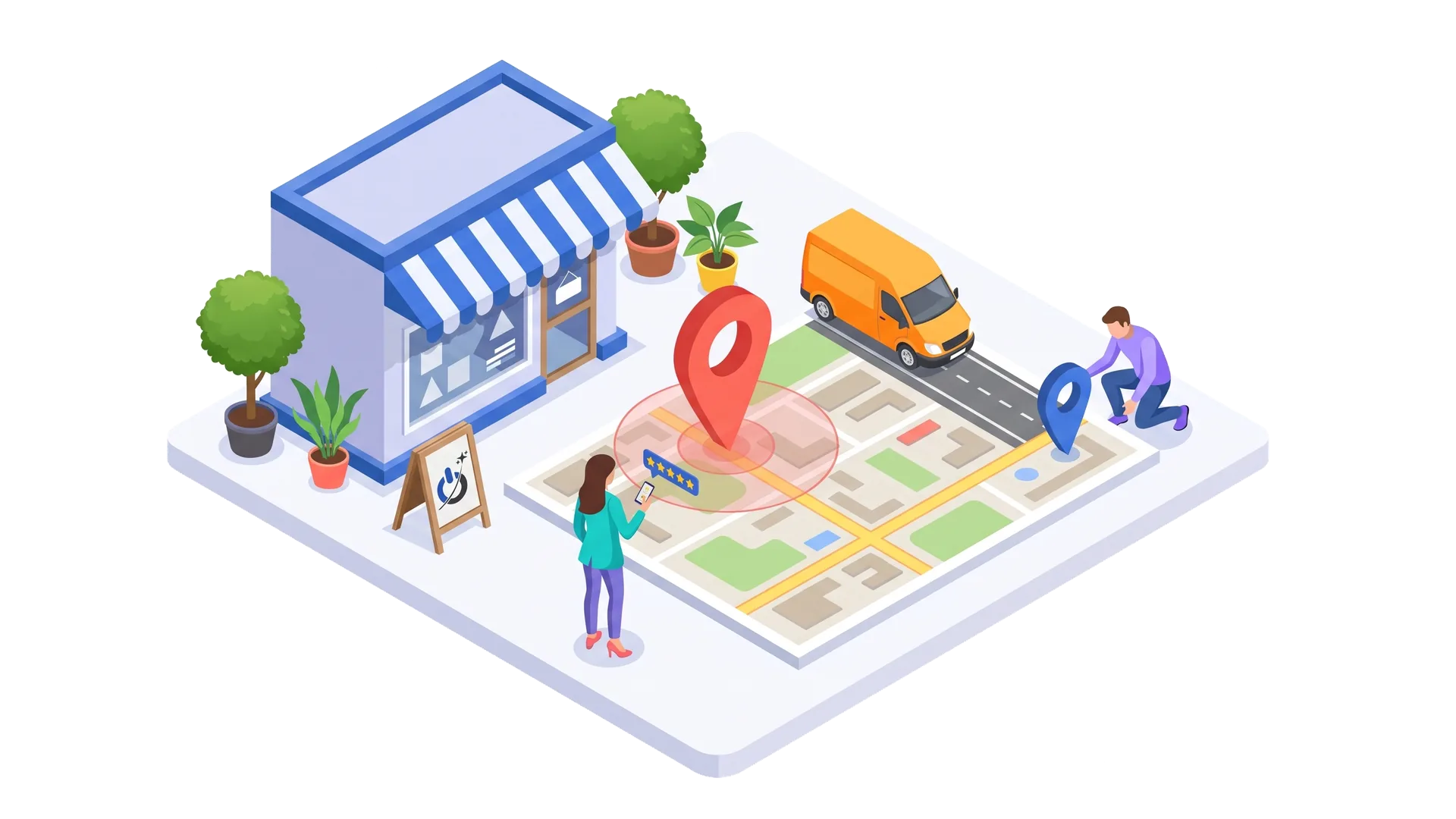
For a contractor, a shop or a practice serving a specific area, the winning trio combines a Google Business Profile, local SEO and Google Ads campaigns targeted at a radius around the business. Searches such as “service + city” or “near me” show ads, a map with three businesses and organic results at the same time.
The Business Profile is free and often the first contact with a customer: hours, photos, reviews, the right category. It improves with regular reviews and up-to-date information. Google Ads extends your reach to areas where you do not appear in the map yet, or for your most profitable services.
Metrics to track across both channels
Without shared measurement, you cannot make trade-offs. At a minimum, track the same conversions (forms, calls, quote requests, sales) in Google Analytics 4 and Google Ads, and record what each channel brings in, every month, in a single sheet.
- For Google Ads: cost per click, conversion rate, cost per lead, cost per customer and impression share on your main keywords.
- For SEO: impressions and clicks in Google Search Console, average positions for strategic queries, leads from organic traffic.
- Overall: total leads, overall acquisition cost and revenue per channel, when your CRM lets you trace leads to sales.
Keep in mind that last-click attribution often undervalues SEO: a customer reads a guide found on Google, comes back a week later through an ad and signs. The conversion paths report in GA4 helps you see these journeys.
Common mistakes small businesses make with Google Ads and SEO
- Sending Google Ads traffic to the home page instead of a page dedicated to the service people searched for.
- Keeping the default settings: Display Network and search partners switched on, broad match keywords with no negative keywords.
- Not tracking conversions, or counting a simple page view as a conversion.
- Stopping SEO after three months for lack of results, when the effects often arrive later.
- Publishing content unrelated to what customers search for, instead of starting from the real queries in Google Ads and Search Console.
- Cutting ads all at once after the first rankings, with no test and no tracking of total leads.
Conclusion: our advice for small businesses
Google Ads vs SEO? For most small businesses, the best answer is “Google Ads to get started, SEO to last”, with one precondition: a site ready to convert and reliable tracking. Ads bring leads and data quickly; SEO uses that data to build rankings that gradually lower your acquisition cost. There are exceptions, a very tight budget or a long sales cycle first among them, and the decision table above helps you spot them.
We advise against picking a channel on principle. Set a lead target, measure the cost of each channel and adjust every quarter.
Frequently asked questions about Google Ads and SEO for small businesses
Should I start with Google Ads or SEO?
It depends on urgency and budget. If you need leads in the coming weeks and can fund clicks, start with Google Ads while laying the SEO groundwork. If your ad budget is very small or your customers take months to decide, SEO is often the better first investment. In every case, the website must be able to convert first.
What is the difference between SEO and Google Ads?
Google Ads is advertising: you pay for each click and your ad shows as soon as the campaign is live. SEO targets the free, organic results: it takes time and work on content and technical setup, but the traffic it brings is not paid per click. Both appear on the same Google results page.
Does Google Ads improve SEO?
Not directly: paying for ads does not lift a site in the organic results. However, Google Ads data (keywords that convert, messages that get clicks, customer objections) helps you choose which pages and content to work on for SEO. And an optimized page improves your ads’ Quality Score.
How long does SEO take to show results?
Usually four months to a year, depending on the age of the site, the competition and the scope of the improvements. Well-optimized pages targeting less competitive queries, especially local ones, can move faster. Google notes that some improvements take effect within days, while others take several months.
How much should a small business budget for Google Ads?
The budget must buy enough clicks to draw conclusions. Work it out from the estimated cost per click in your industry and the number of leads you want: with a $2.50 cost per click and a 5% conversion rate, you need about $50 of clicks per lead. Too small a budget on expensive keywords produces too little data to decide.
Is SEO still worth it with AI answers in Google?
Yes. AI Overviews reduce clicks on informational questions, but searches showing buying or local intent still get plenty of clicks. And well-structured content with clear, verifiable answers is more likely to be cited in those AI answers. SEO is evolving toward visibility in both search engines and AI assistants.
Our sources
- Google Research, Incremental Clicks: The Impact of Search Advertising
- WordStream and LocaliQ, Google Ads Benchmarks 2025
- Search Engine Roundtable, Google: Give SEOs 4-12 Months To See Positive Ranking Benefits
- Ahrefs, AI Overviews Reduce Clicks by 58% (2026)
- Google Search Central, Google Search’s core updates and your website