How to Increase Website Traffic: 12 SEO Tips to Attract More Visitors
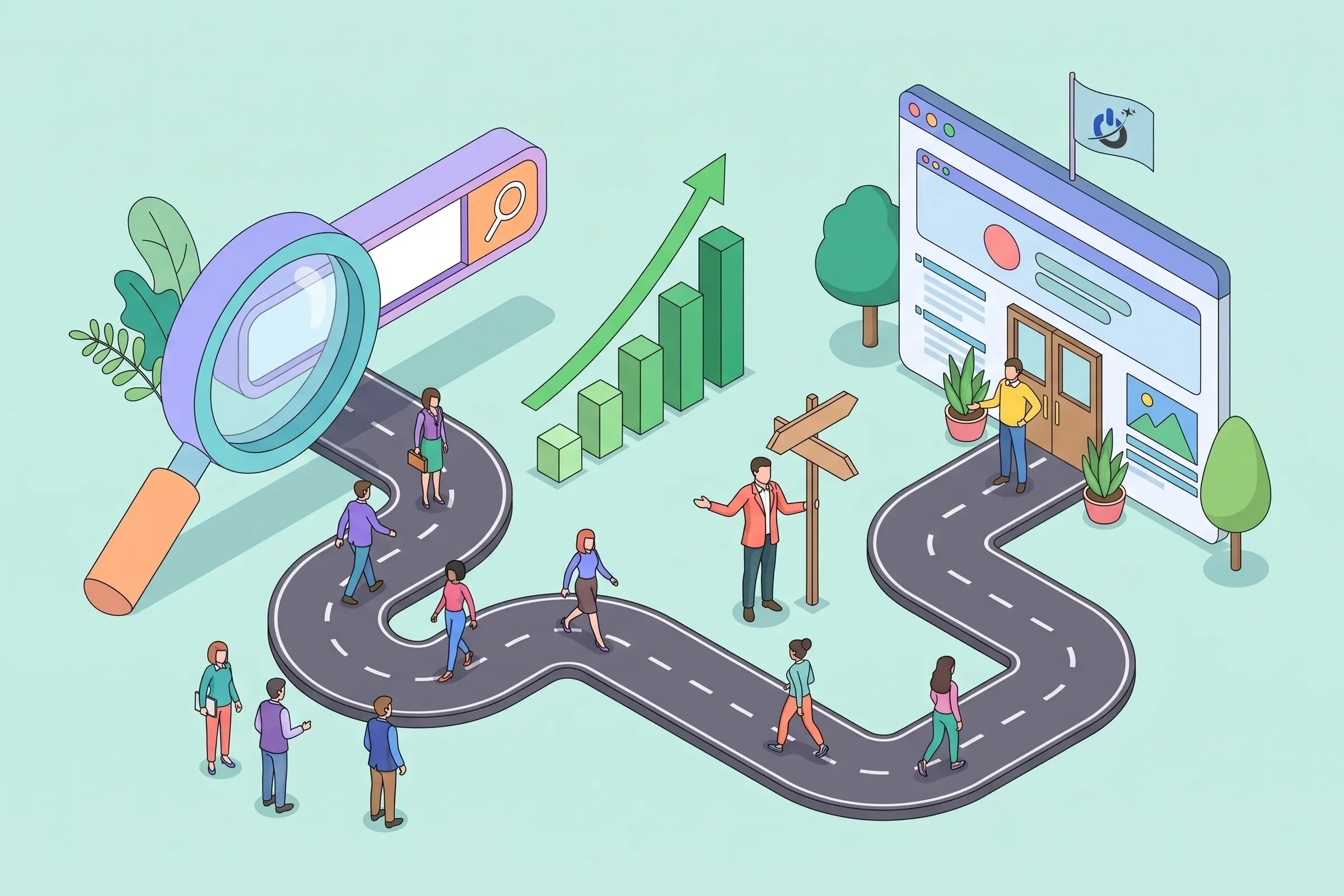
Here are 12 SEO tips, updated for 2026, to attract more visitors through organic search: one clear topic per page, well-placed keywords, internal links, clean URLs, a fast site, optimized images, links to reliable sources, up-to-date content, controlled indexing, backlinks, a stable domain and human writing. These tips apply to a brochure site as well as a store or a blog. An interactive checklist helps you spot your priorities.
At a glance
- To increase website traffic, each page should target a specific topic and search intent.
- Place keywords where they matter: title, H1, first paragraph, subheadings, URL and alt text.
- A fast, well-indexed site with logical internal links is better understood by Google.
- Up-to-date, useful content written for humans earns links and gets cited by AI.
- SEO takes time: measure progress in Search Console over several months.
How to increase website traffic with SEO
Organic search remains the most lasting traffic source for most sites: once a page ranks well, it keeps bringing visitors with no cost per click. In 2026, you also need to account for Google’s AI-generated overviews and conversational assistants, which cite the clearest and most reliable sources. The principles that work for Google work for them too: useful, well-structured, fast and credible pages.
SEO is not the only way to attract visitors: social media, email, partnerships and advertising complete the strategy.
1. Dedicate each page to a single topic
A page about everything ranks for nothing. Dedicate each page to a specific topic and search intent: one page per service, one page per product category, one article per question. If two pages target the same query, they compete with each other (keyword cannibalization): merge them or differentiate their angles.
2. Put keywords where they matter most
Identify the phrases your customers actually type (with Search Console, a tool such as Semrush or simply the questions people ask you), then place the main keyword in the title, H1, first paragraph, at least one subheading and an image’s alt text. Add variants and synonyms naturally. There is no need to overuse the keyword: Google understands meaning very well.
3. Link to internal pages of your site
Internal links guide visitors and pass authority from one page to another. From each article, link to your service pages and related articles, with descriptive anchors (“technical SEO audit” rather than “click here”). A page with no internal links pointing to it is hard to find, for visitors and for Google.
4. Use short URLs that include keywords
A readable URL such as /brochure-website-design/ reassures users and gives Google a clue. Avoid IDs, unnecessary dates and overly long URLs. Above all, never change a URL that ranks without setting up a 301 redirect.
5. Remove everything that slows your site down
Speed affects rankings (through Core Web Vitals) and visitor behavior: a slow page drives people away before they read it. Lighten images, limit third-party scripts, enable caching and a CDN, and choose suitable hosting. Measure with PageSpeed Insights and the Core Web Vitals report in Search Console.
6. Use keywords in your images
Give images a descriptive file name and alt text that truly describes what they show, including the keyword when it fits naturally. Optimized images also bring traffic from Google Images.
7. Link to other sites with relevant content
Citing a study, an official source or an expert strengthens your content’s credibility, for readers and search engines alike. Outbound links to reliable sites do not “leak” your rankings: they show your content is based on facts. Open them in a new tab if you want to keep your visitors.
8. Update your site frequently
A site that evolves sends a positive signal. Publish useful content regularly, but above all update what already exists: figures, screenshots, links, new customer questions. Rewriting an old article ranking on page two is often more profitable than creating a new one.
9. Make sure your site is indexed by search engines
A page that is not indexed does not exist for Google. Add your site to Search Console, submit your XML sitemap, check that no important page is blocked by robots.txt or a noindex tag, and use the URL Inspection tool to request indexing of a new page. Remember Bing Webmaster Tools too, which feeds several AI assistants.
10. Earn links from other sites
Backlinks remain a strong trust signal. The best come naturally from useful content: studies, guides, tools, expert commentary. Partners, suppliers, serious business directories, local press and industry associations are also good sources. Avoid bulk link buying and artificial site networks, which Google penalizes.
11. Stop changing your domain name
Every domain change carries risk: lost links, poorly configured redirects, a temporary traffic drop. Keep your domain for the long run. If a change is unavoidable (merger, rebrand), plan a migration with a complete redirect map and monitoring in Search Console.
12. Write like a human
Write for your readers before writing for search engines: clear sentences, concrete examples, your experience, direct answers to questions. Google values experience, expertise, authoritativeness and trustworthiness (E-E-A-T), and AI assistants readily cite content that clearly answers a question. AI can help with drafting, but generic content with no added value does not rank for long.
Is your website too slow to keep visitors? Our experts optimize its loading speed
SEO tips: what each one brings, and how fast
| Tip | Main effect | Time to effect |
|---|---|---|
| 1. One topic per page | more relevant pages, less cannibalization | a few weeks |
| 2. Well-placed keywords | better understanding by Google | a few weeks |
| 3. Internal links | pages found and strengthened | fast |
| 4. Clean URLs | clicks and readability | at creation |
| 5. Speed | rankings and visitor retention | fast |
| 6. Optimized images | Google Images traffic, speed | a few weeks |
| 7. Reliable outbound links | content credibility | gradual |
| 8. Updated content | freshness, new queries | a few weeks |
| 9. Controlled indexing | pages visible in Google | fast |
| 10. Backlinks | domain authority | several months |
| 11. Stable domain | authority preserved | long term |
| 12. Human writing | engagement, AI citations | gradual |
Checklist: where to start to increase website traffic
Tick what is already in place. The most important items weigh more.
Measuring progress
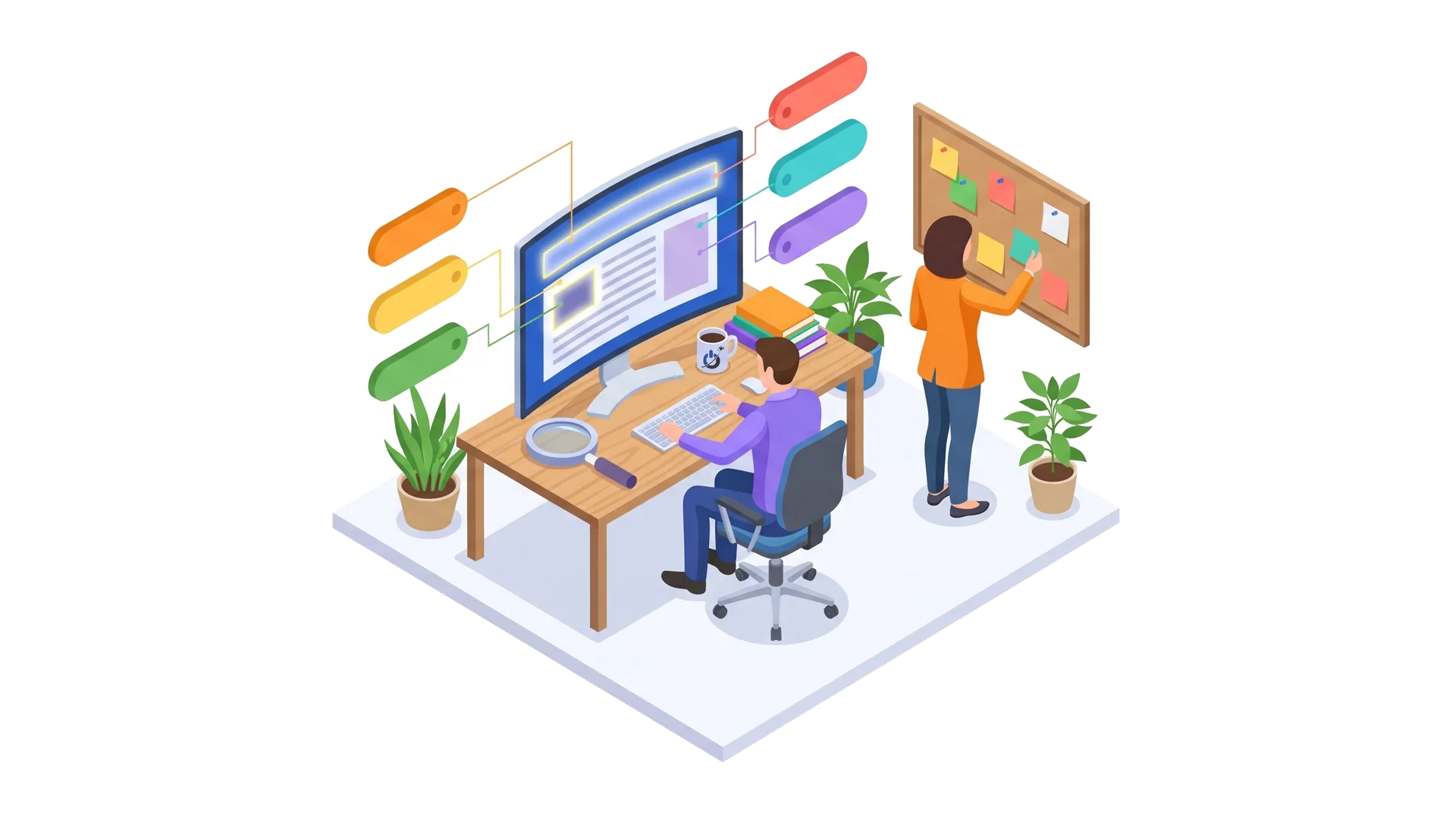
To know whether your efforts pay off, track impressions, clicks, average position and queries for each page in Search Console, and organic visits and conversions in your analytics tool. Compare over 28-day or 3-month periods, not day to day: SEO is judged over time.
Final thoughts
To increase website traffic, apply simple steps consistently: one topic per page, well-placed keywords, a fast and well-indexed site, quality internal and external links, and up-to-date content written for humans. No single tip works miracles, but together they move the site forward week after week. Start with pages that already get impressions: they are the ones that will improve fastest. Our guide to ecommerce SEO applies these principles to online stores.
Frequently asked questions about increasing website traffic
How can I increase website traffic for free?
Organic search is the most lasting free lever: optimize your pages for specific queries, improve speed, publish and update useful content, and take care of internal links. Add a Google Business Profile, social media and a newsletter, which only cost time.
How long does SEO take to show results?
The first effects often appear within a few weeks on pages already indexed, but clear progress usually takes 3 to 6 months, longer in a competitive market or for a new site. SEO is a medium-term investment.
Do I need to publish many articles to attract visitors?
Quality matters more than quantity. One useful, precise, updated article attracts more visitors than ten generic ones. Updating existing content that already ranks is often more profitable than creating new content.
Are backlinks still important in 2026?
Yes, they remain an important trust signal for Google. Favor links earned naturally through useful content, partnerships and expert commentary, and avoid bulk link buying, which goes against Google’s guidelines.
How do I know if my site is properly indexed by Google?
Use Search Console: the Pages report shows indexed pages and the reasons for exclusions, and the URL Inspection tool gives the status of a specific page. A “site:yourdomain.com” search also gives a quick overview.
Does SEO work for AI search engines?
Largely, yes. AI assistants and Google’s AI overviews rely on pages that are well indexed, clear and reliable. Direct answers to questions, structured data and cited sources increase your chances of being cited.