How to sell digital products: delivery, licenses, sales tax and platforms
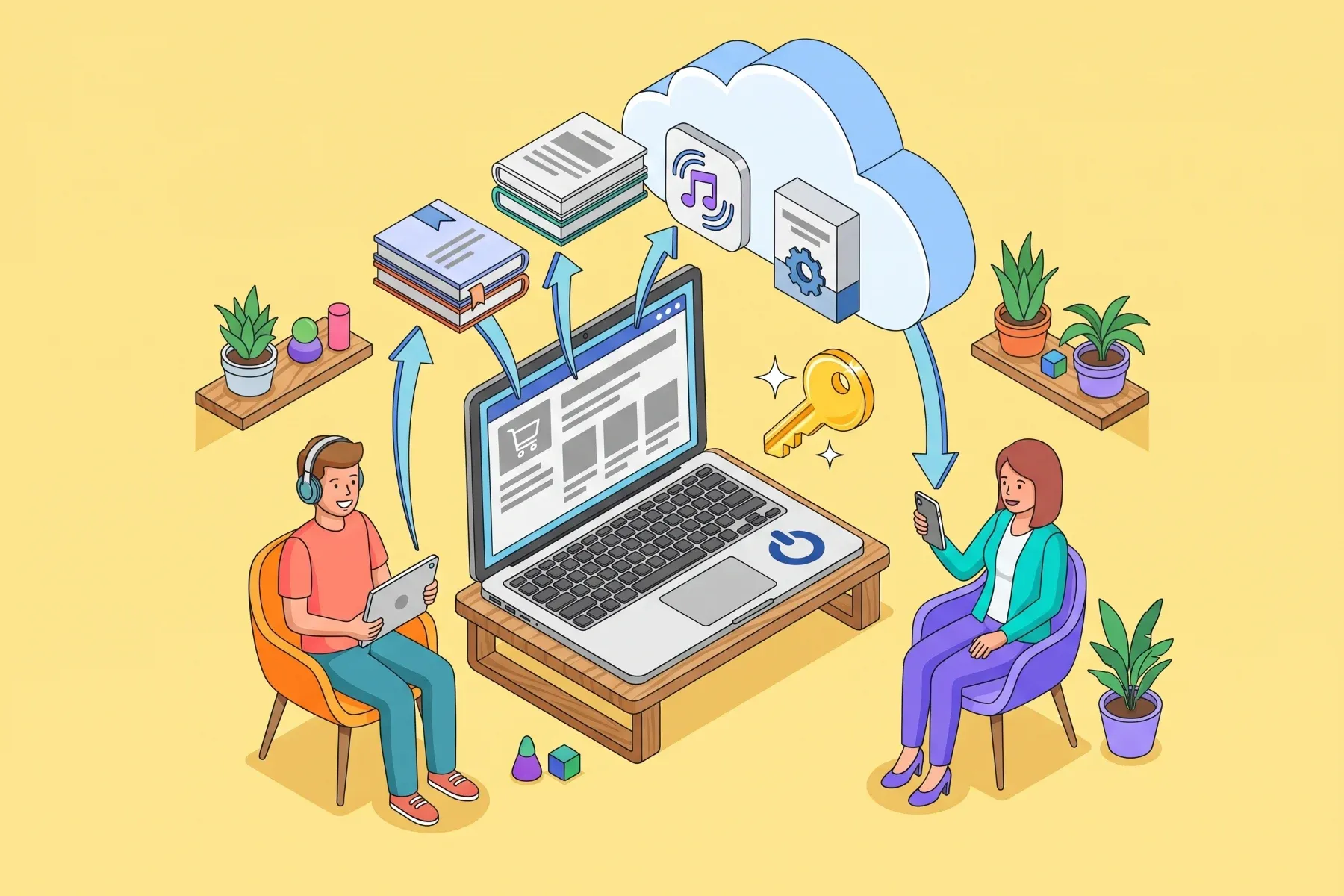
When you sell digital products (software, online courses, ebooks, templates, graphics packs, music, photos), you get healthy margins and no inventory. To make it last, though, you need automated delivery, file protection, license keys, customer accounts, a clear refund policy and a plan for sales tax, which depends on where your buyers are.
This guide covers everything to set up before you open a digital products store: the purchase flow and delivery, secure downloads, licenses, customer accounts, US sales tax and international VAT, the legal pages you need, choosing a platform and the mistakes to avoid. A calculator tells you whether you have reached a state’s sales tax threshold.
At a glance
- Selling digital products takes a fully automated flow: payment confirmed, instant access, a confirmation email and a customer account.
- Expiring, limited download links and a unique license key per customer protect files and software from casual sharing.
- In the US, you must collect sales tax in a state once you reach its economic nexus threshold (most often $100,000 in sales) and if that state taxes your type of digital product.
- Selling to Europe brings EU VAT on digital services from the first sale for non-EU sellers, which is why many creators use a merchant of record.
- The right platform (WooCommerce, Shopify, a course platform) depends on what you sell: files, software licenses, courses or subscriptions.
What counts as a digital product?
A digital product is an intangible item delivered electronically, with no physical shipment. There are three families, and they do not have the same technical needs:
- Downloadable files: ebooks, document templates, graphics packs, photos, music, fonts, plans.
- Software and licenses: apps, WordPress plugins, themes, games, activated by a key or an account.
- Online access: video courses, members-only content, online tools (SaaS), paid communities.
Tax authorities do not always treat these the same way. A downloaded ebook, streaming access and a SaaS subscription can fall into different categories depending on the state or country, so classify your product before you set up tax collection.
| Family | Examples | Delivery | Protection |
|---|---|---|---|
| Files | Ebooks, templates, graphics packs, photos, music | Download link | Expiring link, file watermark |
| Software and licenses | Apps, plugins, themes, games | Download and activation key | Unique key, activation limit |
| Online access | Video courses, members-only content, SaaS | Account access | Login, secure streaming |
The purchase flow: from order to instant access
People who buy a digital product expect to use it right away. Delivery cannot wait for a manual check: as soon as the processor (Stripe, PayPal, Square…) confirms the payment, your store must generate access and send it.
The confirmation email is the key moment. It should contain the link or access, the license key if any, the receipt, and where to find the product later. If it lands in spam, the customer assumes nothing arrived and contacts support, or their bank. Check your transactional email setup (SPF, DKIM, DMARC) before launch.
A customer account is essential
For a digital product, a customer account is a service, not a hurdle. It gathers purchases and receipts, lets customers re-download a lost file, retrieve a license key, get updates and manage a subscription. Create it automatically at checkout, with a sign-in link sent by email, rather than adding yet another form.

Protect your files without punishing customers
No protection stops file sharing completely, but a few simple measures greatly limit abuse without bothering honest buyers.
- Expiring links. The download link expires after a few days and works a limited number of times. Customers can always generate a new one from their account.
- Files outside the public folder. Files are stored where no web address can reach them directly, and served only after the purchase is verified.
- Subtle watermarking. The buyer’s name or email stamped on the pages of a PDF discourages redistribution.
- Streaming for video. A video course is delivered through a platform or secure player rather than as downloadable files.
- Suitable storage. Large files (videos, graphics packs) belong on object storage or a dedicated service, so they do not overload your web hosting.
Heavy DRM systems often bother customers more than pirates. For most products, expiring links, watermarking and good customer service are enough.
License keys: selling software or a plugin
For software, a plugin or a theme, the license key is the centerpiece. Generated automatically at purchase and unique to each customer, it activates the product, limits the number of sites or devices, and controls access to updates and support.
Decide from the start: how many activations each license allows, how long it lasts (lifetime, or yearly with renewal), what happens at expiration (the product keeps working without updates, or stops), and where customers can see and manage their activations. WooCommerce plugins and specialized services handle these rules and push updates automatically.
Sales tax on digital products: what US sellers need to know
Tax is what surprises digital sellers the most, because what you owe depends on where your buyers are, not just where you are. What follows covers the general principles; have your situation reviewed by your accountant.
Economic nexus, state by state
Since the Supreme Court’s 2018 South Dakota v. Wayfair decision, every state with a sales tax can require out-of-state sellers to collect it once they cross an economic threshold. The most common threshold is $100,000 in sales into the state over the current or previous year. Some states are higher (California and Texas use $500,000), New York combines $500,000 with more than 100 transactions, and several states, including Illinois from January 2026, have dropped the 200-transaction test.
Reaching nexus is only half the question. You then collect tax only if that state taxes your type of product. Some states tax digital downloads, some tax SaaS, some tax neither (Florida, for example, generally exempts digital goods), and the rules keep changing. Sales tax software or a merchant of record that handles it for you saves a lot of time once you sell across many states.
The calculator below checks whether you have likely reached nexus in a given state.
Selling to Europe, the UK and Canada
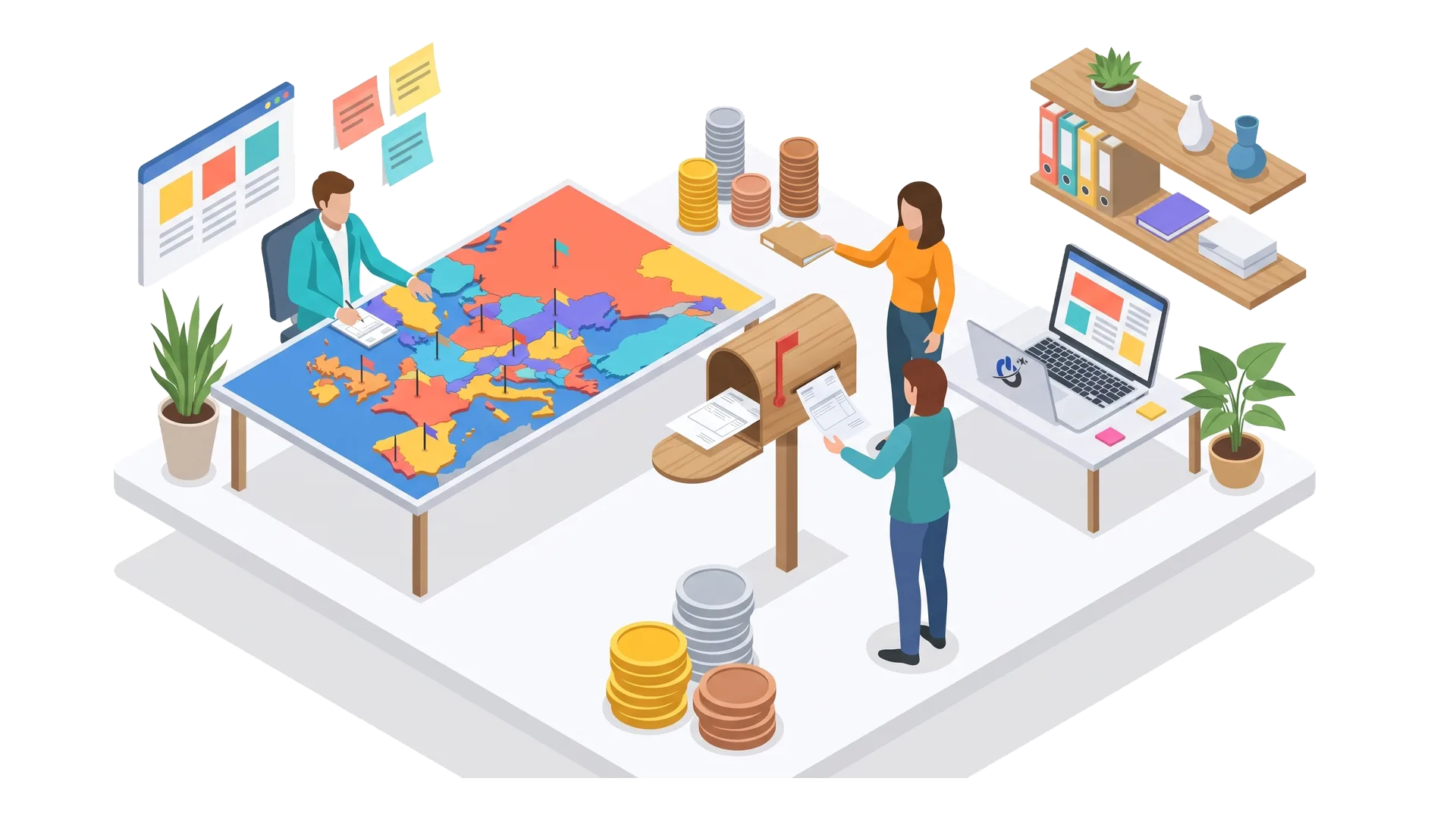
Foreign sellers of digital services to consumers in the European Union generally owe EU VAT from the first sale, at the buyer’s country rate, and can declare it in one place through the EU’s non-Union One Stop Shop. The UK, Switzerland and Canada have their own registration rules for foreign digital sellers. If a meaningful share of your buyers is abroad, a platform acting as merchant of record (it becomes the legal seller and handles taxes) can remove most of that burden.
The legal pages you need
Refunds and digital content
In the United States, there is no general federal right to cancel an online purchase, so your refund policy is what governs. Make it clear and visible before payment: are refunds possible, within how long, and under what conditions? Selling to European consumers is different: they have a 14-day withdrawal right, which only ends for immediately delivered digital content if they expressly agree to that at checkout.
Subscriptions and automatic renewal
If you sell a membership or a subscription, federal law (the Restore Online Shoppers’ Confidence Act) requires clear disclosure of the terms, the customer’s express consent and a simple way to cancel. Several states, including California, add their own automatic renewal rules on reminders and online cancellation.
License terms and terms of sale
Spell out what the customer is buying: a right to use, not ownership of the content. For a template, a photo or a font, say whether commercial use is allowed, on how many projects, and that resale is prohibited. For software, specify the number of installations, how long updates last and what support is included.
Receipts and personal data
Every sale should produce a receipt showing any tax charged. Customer data (email, location, purchase history) falls under state privacy laws such as California’s CCPA: describe what you collect in your privacy policy and collect only what you need.
Planning a store for your digital products? Explore our WordPress development services
Which platform should you use to sell digital products?
| Solution | Strengths | Limits |
|---|---|---|
| WooCommerce | Full freedom, licenses and subscriptions through plugins, SEO under your control | Hosting and maintenance are on you |
| Shopify | Simple, digital downloads app, mixed catalog | Licenses and subscriptions through paid apps |
| Online course platform | Video player, progress tracking, certificates | Fees or subscription, less customizable site |
| Merchant of record or marketplace | Audience, sales tax and VAT often handled for you | Higher fees, little control over the customer relationship |
Our advice: if you mostly sell files and licenses and want to keep control of your site and your SEO, WooCommerce offers the most freedom. Shopify works well for mixed catalogs (physical and digital products) thanks to its digital downloads app. For an online course, a course platform brings the video player, progress tracking and certificates. Merchants of record and marketplaces that handle taxes for you charge higher fees, but they remove much of the administrative load. Once the store is live, our guide on how to increase online sales covers the next levers.
Hosting, performance and support
A digital products store mostly consumes bandwidth and storage. Multiply the size of your files by the number of downloads you expect, and choose storage that can handle a successful launch: the day a campaign takes off, hundreds of customers download at the same time.
Customer support is the hidden cost of digital products: lost links, activation problems, installation questions. A clear help page, an FAQ and a complete customer account cut requests dramatically.
Mistakes to avoid
- Permanent links. A download link that never expires always ends up circulating.
- Ignoring sales tax. Crossing a state’s nexus threshold without registering builds up tax you will owe out of your own pocket.
- A vague refund policy. Unclear terms lead to disputes and chargebacks.
- Hosting videos on your web server. The site slows down, or goes down, at the first download spike.
- Delivery emails in spam. Customers think nothing arrived and dispute the payment.
- A fuzzy license. Customers do not know what they are allowed to do, and neither do you when there is a dispute.
The bottom line
Selling digital products takes less logistics than physical goods, but it needs solid organization: automatic delivery on payment, a customer account, expiring download links, a unique license key for software, and delivery emails that actually arrive. On the legal side, publish a clear refund policy, explicit license terms and subscription terms that meet auto-renewal rules, and track sales tax nexus state by state. Your platform choice depends on what you sell: files, licenses, courses or subscriptions.
Frequently asked questions about selling digital products
How do I sell digital products on my own website?
You need a store that delivers automatically after payment: WooCommerce, Shopify with its digital downloads app, or a dedicated solution. You set up a payment processor, expiring download links or license keys, a confirmation email with access, a customer account and the right legal pages, including your refund policy and sales tax settings for the states where you have nexus.
Do I have to charge sales tax on digital products?
It depends on the state. You must collect sales tax in a state once you have nexus there, physical presence or economic nexus (most often $100,000 in sales into the state), and only if that state taxes your type of digital product. Some states tax digital downloads or SaaS, others exempt them. Sales tax software or a merchant of record can handle the calculation for you.
Can customers get a refund on a digital product?
In the United States, there is no general legal right to a refund on an online purchase, so your published refund policy applies. Many sellers offer a short money-back guarantee to build trust, or no refunds once a file is downloaded. Whatever you choose, show it clearly before checkout. Buyers in the European Union have a 14-day withdrawal right unless they expressly waive it for immediate delivery.
How can I stop people from sharing my digital files?
You cannot stop it entirely, but you can limit it: download links that expire and work a limited number of times, files stored outside the public folder, PDFs watermarked with the buyer’s name, secure streaming for videos and unique license keys for software. These measures discourage sharing without bothering honest customers.
How do I generate license keys for software?
License management plugins for WooCommerce and specialized services generate a unique key with every purchase, send it in the order email and display it in the customer account. They manage activation limits, validity periods, renewals and access to updates. The software checks the key with a license server when it is activated.
Should I sell on my own site or on a marketplace?
A marketplace or a merchant of record brings an audience and often handles taxes, in exchange for higher fees and less control. Your own ecommerce site costs more to set up but gives you control over pricing, customer data, your brand and your SEO. Many sellers combine both.