Website Design Steps: The 9-Step Process Explained Like Building a House
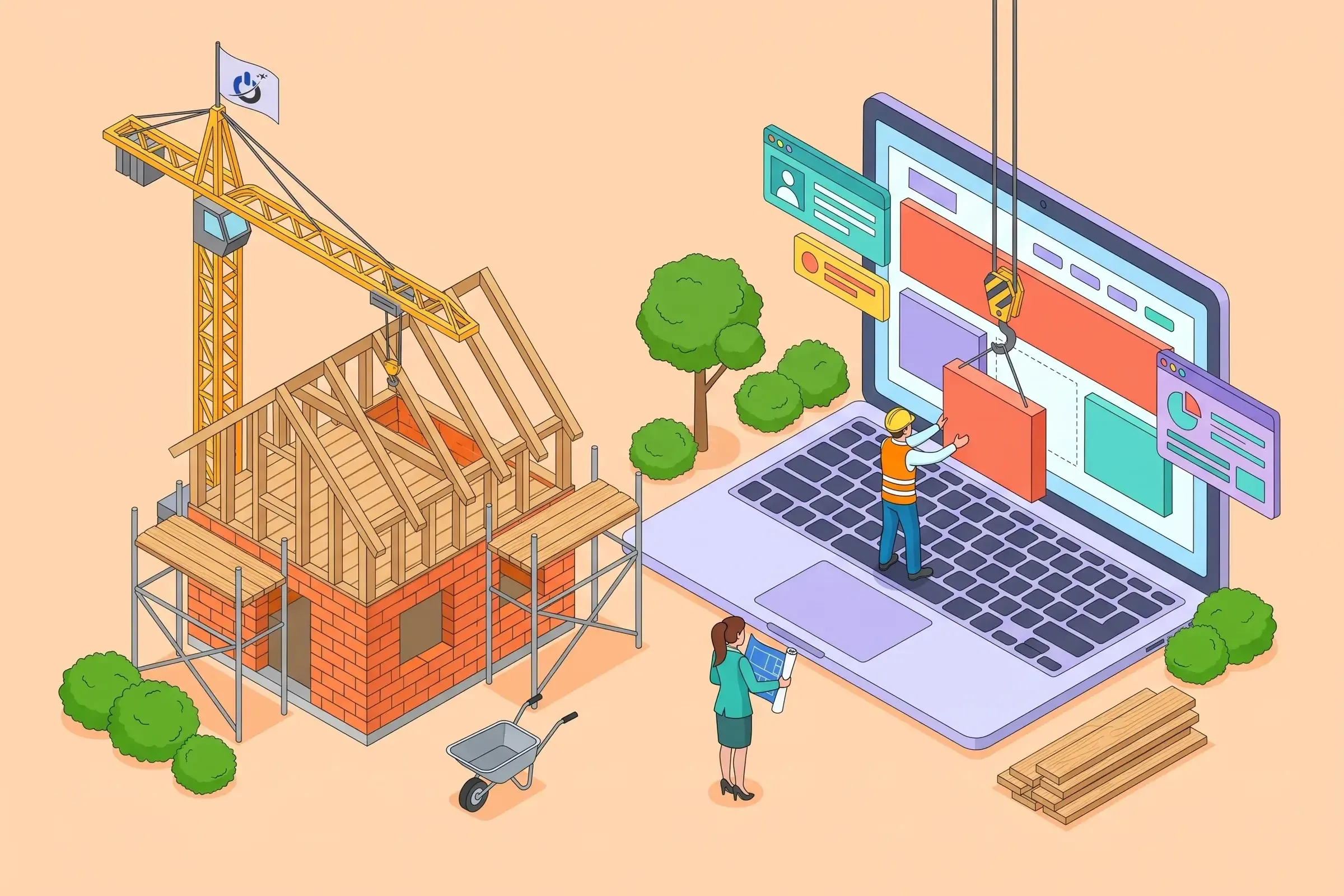
This guide walks through the website design steps by comparing each one with building a house. The image helps show what the website design process really involves: the land (hosting), the address (the domain name), the foundations (the CMS), the plans (wireframes), the structural work (development), the interior design (visual design), access for everyone (responsive design), moving in (content migration) and upkeep. For each step, you will know who is involved, what needs deciding and which mistakes to avoid.
At a glance
- Website design follows steps as ordered as building a house, and each step has its equivalent.
- Hosting is the land, the domain name the address, the CMS the foundations and wireframes the architect’s plans.
- Development is the structural work, visual design the interior decoration and responsive design a house open to everyone.
- Content migration is moving in, and maintenance is the upkeep that makes the house last.
- Skipping a step, especially the plans, almost always costs more later.
Website design steps: why compare them with a house?
The work behind a website is often underestimated. From the outside, it looks like “putting pages online”. In reality, a professional site involves several trades (project manager, designer, developer, copywriter, SEO specialist), in a precise order, with decisions that shape everything after. That is exactly how a building site works: you do not choose the foundations after the walls are up.
The analogy has another benefit: it makes visible the website design steps nobody sees, yet which make the whole thing solid.
| Building a house | Designing a website | What to decide |
|---|---|---|
| The land | web hosting | reliability, security, data location, backups |
| The street address | the domain name | a short name, the right extension, registered in your name |
| The foundations | the CMS or framework | what the site will need to support in three years |
| The architect’s plans | site structure and wireframes | pages, their content and user journeys |
| The structural work | development | features, security, performance, SEO basics |
| Interior design | visual design | brand identity, readability, trust |
| Access for everyone | responsive design and accessibility | every screen, every visitor |
| Moving in | content migration and redirects | lose nothing, neither content nor rankings |
| Upkeep | maintenance | updates, backups, monitoring |
Step 1: hosting is the land
Before building, you need land. You look at the price, but above all at how solid it is: flood-prone or unstable ground dooms even the finest house. Hosting plays that role for your site. An unreliable host means outages, slowness and security holes, however much care goes into the rest.
Criteria to check: server performance, data location (important under GDPR, Swiss data protection law or Quebec’s Law 25), automatic backups, HTTPS certificate, responsive support and room to scale.
Step 2: the domain name is your street address
Your address lets visitors and couriers find you. The domain name does the same on the web. A short address that is easy to remember and spell gets passed on without mistakes; a long one with hyphens and numbers gets lost.
Ideally, choose your company name, an extension that fits your market (.com, .ca, .fr, .ch or .be), and register it in your own name, not your provider’s.
Step 3: the CMS is the foundations
Foundations determine what the house can carry. If you plan to add two floors in five years, you had better know before pouring the concrete. The site’s platform, usually a CMS, is that foundation: everything else rests on it.
WordPress remains by far the most used CMS: according to W3Techs (November 2026), it powers nearly 58% of websites with a known CMS. Other choices make sense depending on the project: PrestaShop, WooCommerce or Shopify for a store, Drupal for a complex institutional site, a framework like Symfony or Laravel for a custom application. The right question is not “what is the best CMS?” but “what will my site need in three years?”
Step 4: wireframes are the architect’s plans
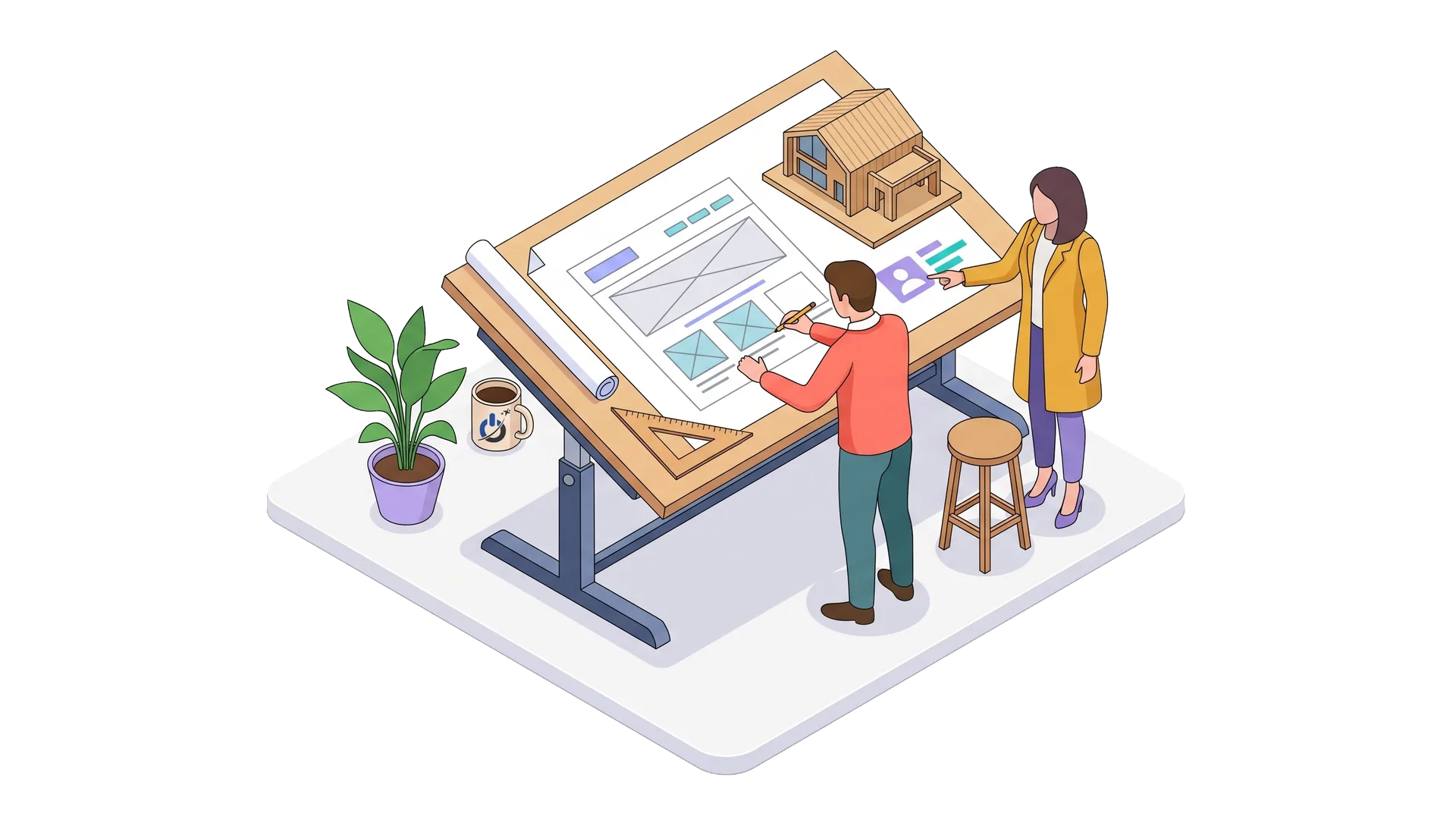
Nobody builds without plans. Where does the kitchen go? How many bedrooms? Do we need a hallway? These questions are settled on paper, when a change costs only an eraser.
A wireframe is the site’s plan: a simple mockup with no colors or images that places the blocks of each page (menu, headings, text, buttons, forms) and organizes the site structure. The client approves it early, before any development. It is the most neglected of the website design steps, and the one that prevents the most bad surprises: moving a block on a wireframe takes minutes, doing it on a built site takes days.
Step 5: development is the structural work
This is the visible part of the building site, and often the only one people picture. It is also where bad deals happen: you can get a presentable facade on a fragile structure, or a solid structure that is impossible to live in.
Development covers installing the CMS, building the mockups, features (forms, booking, payment, customer accounts), security, performance and SEO basics (tags, URL structure, speed). A good provider follows a process, tests at every step and shows you progress on a staging site.
Step 6: visual design is the interior decoration
A house can be sturdy and still unpleasant to live in. Colors, materials, light, furniture: decoration is what makes it feel right. The site’s design plays that role. It expresses your identity (colors, fonts, images), guides the eye toward what matters and builds trust.
Good design is not the most spectacular one, it is the one that serves visitors: readable text, sufficient contrast, obvious buttons, airy pages.
Step 7: responsive design is a house open to everyone
A well-designed house welcomes everyone: an access ramp, wide enough doors, good lighting. A responsive site adapts the same way to every screen, from a large monitor to a small smartphone, and follows accessibility rules for people with disabilities.
It is no longer optional: most visits happen on mobile, and Google primarily evaluates the mobile version of pages. Our article on responsive vs adaptive design explains both approaches.
Step 8: content migration is moving in
Once the house is finished, the furniture has to go in without breaking or losing anything. In a redesign, that means migrating the old site’s content: text, images, products, articles, customer accounts. And, for SEO, redirecting every old address to the new one, or the site loses its Google rankings.
It is a project in its own right, to be planned from the start. If you are weighing a redesign, read when to redesign your website.
A website project to build on solid foundations? Let us design your website
Step 9: maintenance is the upkeep that makes it last
A house that is not maintained deteriorates: roof, boiler, paint. So does a website. Updates to the CMS, plugins and server fix security holes; backups let you recover after an incident; monitoring spots an outage before your customers do. A site left untouched for two years becomes slow, vulnerable and expensive to restore.
Include maintenance in the initial budget, just as you would plan for a house’s upkeep. Our website maintenance services page explains what it covers.
How long does website design take?
As with a house, it depends on the size and complexity of the project. As a rough guide, a brochure site of a few pages usually takes a few weeks, a richer site or an online store several months. What stretches timelines most is not development but decisions that drag: missing content, postponed approvals, changes of direction after development.
Mistakes that derail a web project
- Starting with visual design before the site structure and wireframes are approved.
- Picking a CMS at random, without thinking about future needs.
- Choosing the cheapest hosting and paying for it later in outages.
- Forgetting content: a finished site with no text or photos cannot go live.
- Neglecting redirects during a redesign.
- Planning nothing for afterward: no maintenance, no backups, no monitoring.

Checklist: is your website project well prepared?
Key takeaways
Website design is like building a house: reliable land (hosting), a clear address (the domain name), suitable foundations (the CMS), approved plans (wireframes), solid structural work (development), decoration that serves its occupants (visual design), a house open to everyone (responsive design), a careful move (content migration and redirects) and regular upkeep (maintenance). Following these website design steps in order is the best guarantee of a site delivered on time, on budget and built to last.
Frequently asked questions about website design
What are the steps of website design?
The main website design steps are choosing hosting and a domain name, choosing the CMS, the site structure and wireframes, visual design, development, content migration, testing and launch. Maintenance then keeps the site healthy. Each step should be approved before moving to the next.
What is the difference between a domain name and web hosting?
The domain name is the site’s address, the one people type into the browser. Hosting is the space on a server where the site’s files and database are stored. In the house analogy, the domain is the street address and hosting is the land.
What is a wireframe in a website project?
A wireframe is a simple mockup, with no colors or images, showing where each page’s elements go: menu, headings, text, buttons, forms. It serves as the architect’s plan and is approved before design and development. Changing a wireframe is quick; changing a built site costs far more.
Which CMS should I choose to build a website?
WordPress suits most brochure sites and blogs and remains the most used CMS in the world. For a store, look at PrestaShop, WooCommerce or Shopify; for a complex institutional site, Drupal; for a business application, a custom framework. The right choice depends on your current and future needs.
Why does a website need to be responsive?
Because most visits happen on smartphones and Google evaluates the mobile version of pages first. A site that displays poorly on mobile loses visitors, leads and rankings. Responsive design automatically adapts the layout to every screen size.
How long does it take to design a website?
A brochure site of a few pages usually takes a few weeks, a richer site or an online store several months. Timelines depend mostly on how quickly approvals come and whether content is ready. A shared schedule from the start avoids most delays.