When to Redesign Your Website: Warning Signs and 25 Questions to Ask First
This guide first answers the question of when to redesign your website: the warning signs, the difference between a redesign and a simple update, the right time of year and a quick test to help you decide. It then lists the 25 website redesign questions to ask the agency or freelancer you are talking to, with what each answer should tell you.
At a glance
- When to redesign your website: usually every 3 to 5 years, and sooner if the site holds back your sales, your image or your security.
- Key signals: fewer inquiries, a slow or poor mobile site, unmaintained technology, an offer that has changed.
- If the technical base is sound, a progressive improvement can replace a full redesign.
- Plan 3 to 6 months ahead and avoid launching during your peak season.
- Before signing, ask the provider the 25 questions in this guide: timeline, SEO, team, CMS, maintenance.
When to redesign your website: the short answer
When to redesign your website? There is no expiry date, but there is a rule of thumb: most business websites are rebuilt every 3 to 5 years. Beyond that, technology, mobile usage, Google’s expectations and brand image have usually moved on too much. The real rule is simpler, though: it is time to redo your site when it costs you more than it brings in, through lost leads, a weaker image or time spent working around it.
The signals that it is time to redesign your website
When to redesign your website for business reasons
- Contact or quote requests are falling while business is holding steady.
- Your offer, audiences or markets have changed, and the site still tells the old story.
- Your sales team avoids sending the website link to prospects.
- Competitors rank above you on Google for your key services.
When to redesign your website for technical reasons
- The site is slow, especially on mobile, and its Core Web Vitals are red in Search Console.
- The CMS, theme or plugins are no longer updated, which exposes you to vulnerabilities.
- Every change requires a developer, or breaks something else.
- Essential features are missing: booking, payment, multilingual content, client area.
Brand and compliance signals
- The design looks dated next to competitors or no longer matches your visual identity.
- Cookie consent, legal notices or accessibility are no longer compliant.
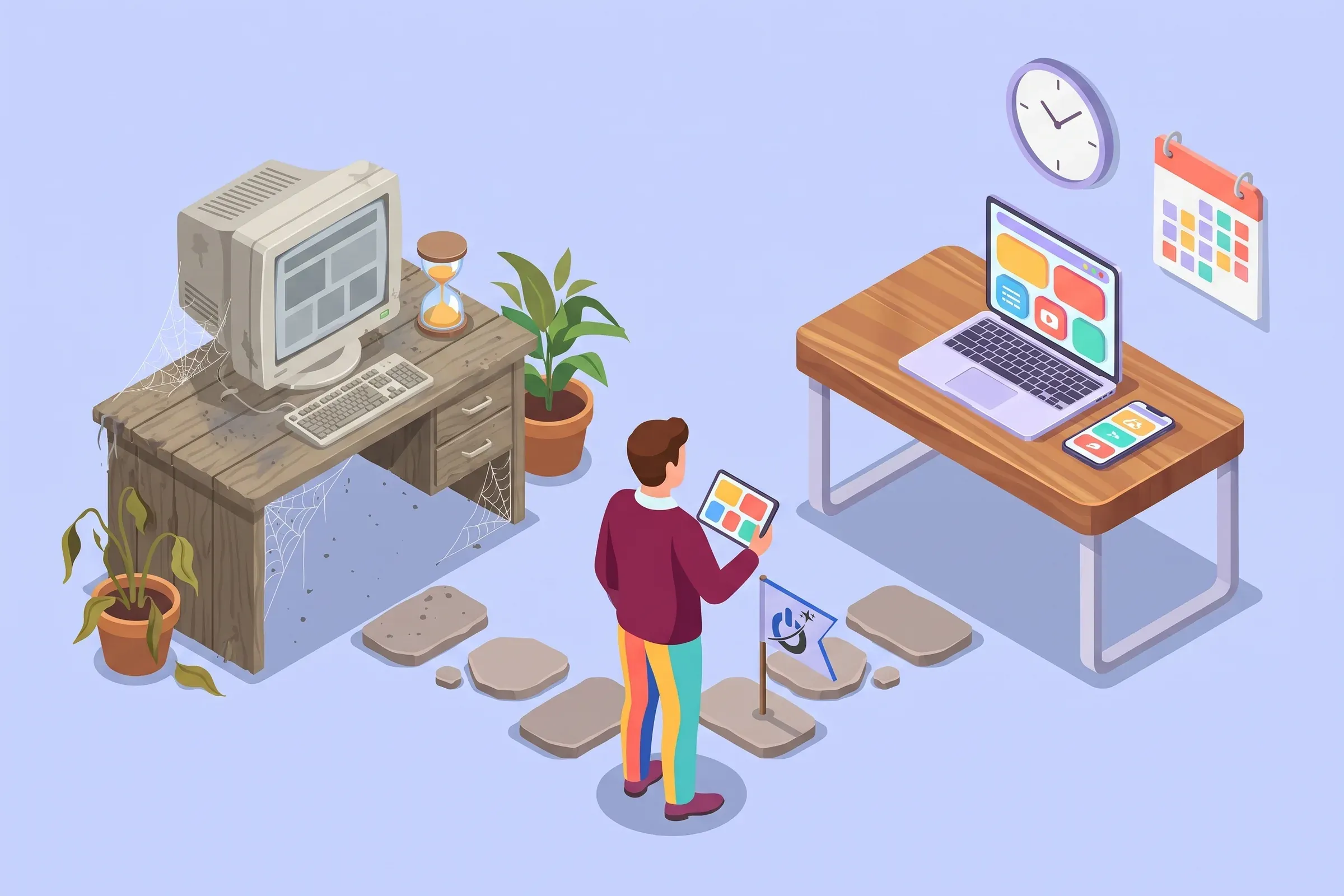
Redesign or simple update: how to decide?
Asking when to redesign your website also means asking whether you really need to rebuild everything. The table below helps you pick the right answer for each symptom.
| Symptom | An update is enough | A redesign is needed |
|---|---|---|
| Slow site | images, caching, fewer plugins | heavy theme, outdated hosting or technology |
| Dated content | rewrite key pages | offer and audience completely changed |
| Aging design | visual tweaks, new imagery | new brand identity |
| Few leads | calls to action, forms, proof | journeys and structure to rethink |
| Unmaintained CMS | upgrade if compatible | migration to a maintained platform |
| New feature | plugin or module | core feature impossible to add |
Should you redesign your website now? Take the test
Answer these five questions for a first indication.

When to redesign your website during the year
A brochure website redesign usually takes 2 to 4 months, longer for an ecommerce or multilingual site. Count back from the date the new site must be ready, and avoid launching during your peak season: a retailer that makes a large share of its revenue in December does not switch websites in November. Quieter periods are ideal for testing and for the SEO monitoring that follows launch. Our brochure website redesign checklist includes a 30-day plan to get started.
Before deciding, take stock of what your website already brings in. Start with an SEO audit
25 website redesign questions to ask before you start
Once you know when to redesign your website, choosing the provider is crucial. As in a job interview, these questions help you check that you speak the same language. We have grouped them by theme.
Timeline, method and project follow-up
1. What is the timeline?
Ask for a schedule by phase (scoping, mockups, copywriting, development, testing, launch) rather than a single end date. A very short timeline often hides a barely customized template; a vague one signals delays.
2. Which analytics tools will come with my new website?
The site should at least measure visits, traffic sources and conversions (forms, calls, bookings), with Google Analytics 4 or a consent-friendly equivalent, and be connected to Search Console.
3. How quickly can I expect answers from you?
A clear response time (for example within 24 or 48 business hours) and a defined channel (email, ticketing tool) prevent a lot of frustration during the project.
4. Will I have a dedicated project manager throughout?
A single point of contact who knows your project saves a great deal of time and ensures your requests do not get lost between several people.
5. What do you need from me to get started?
The answer shows how serious the method is: access to the site and tools, goals, audiences, existing content, brand guidelines, examples of sites you like. A provider who asks for nothing will improvise.
6. Can you explain your website testing process?
Insist on a QA phase: tests on several browsers and devices, forms, performance, links and redirects. A shared test plan is a good sign.
Team and references
7. Can I see examples of your work?
Look at live sites comparable to yours and, if possible, ask to speak with a client. Recent work is worth more than an old portfolio.
8. Who will work on my website?
Designer, developer, copywriter, SEO specialist: know who does what and how experienced they are.
9. Will you outsource any part of the project?
Outsourcing is not a problem in itself, as long as it is transparent and your provider still guarantees quality and confidentiality.
10. Which other services could meet my needs?
SEO, online advertising, maintenance, copywriting: knowing what the agency offers helps you plan ahead and avoid juggling multiple vendors.
11. Why hire you rather than build my site with an online website builder?
Online builders suit simple needs. The answer should show what you gain: strategy, SEO, performance, scalability and support.
Design, content and brand
12. Do you design custom websites or use templates?
Both can work. A well-chosen theme lowers the budget; a custom design sets you apart more. What matters is knowing what you are buying.
13. How involved will I be in the design?
Workshops, approvals, content delivery: knowing how much time to set aside on your side keeps the project from stalling.
14. What happens if I do not like the first mockup?
Ask how many revision rounds are included and how feedback is handled.
15. Can you create or refresh a logo and provide unique images?
Visual identity, photos, illustrations, copywriting: clarify who provides what and within which budget.
Technology, security and SEO
16. What will you do to make sure my current traffic is not affected?
This is the most important question. A good answer covers a URL inventory, 301 redirects, keeping the content that ranks and monitoring Search Console after launch.
17. What will you do to make my site appealing to search engines?
Structure, tags, speed, structured data, useful content and internal linking. Also ask how the site will be readable by the AI assistants that summarize pages.
18. Will my site be mobile-friendly?
The answer must be an unhesitating yes: Google indexes the mobile version of sites first, and in many industries most visits come from smartphones.
19. Will my site have an SSL certificate?
HTTPS is essential for security and trust. Also ask how updates and backups will be handled.
20. Which content management system do you use?
WordPress, Drupal, Shopify, PrestaShop or custom development: the choice should depend on your needs, not on the provider’s habits.
21. Will I be able to update my website myself?
Back-office training and a publishing guide should be included so that you stay independent for day-to-day content.
22. Will the site meet accessibility standards?
Contrast, keyboard navigation, alt text, readable forms: accessibility concerns every visitor, and it is becoming a legal requirement for many digital services in Europe.
Hosting, maintenance and what comes next
23. Do you offer hosting?
If so, ask where data is hosted, which backups are planned and what uptime guarantees apply. If not, get advice on choosing the right host.
24. After launch, do you offer maintenance?
Updates, security and small improvements: a maintenance plan keeps the new site from aging as fast as the old one.
25. If we stop working together, what happens?
Make sure the domain name, access, code and content belong to you, and that no hidden fee applies to get your site back.
Conclusion
Knowing when to redesign your website is mostly about looking at what it costs you today: lost leads, a weaker image, security risks and time spent working around it. If several signals are red, a redesign becomes an investment rather than an expense. Once the decision is made, the 25 questions in this guide help you choose a provider who protects your SEO and leaves you with a lasting website.
Frequently asked questions: when to redesign your website
When should you consider redesigning a website?
Consider a redesign when the site no longer does its job: fewer leads or sales, slowness, a poor mobile experience, technology that is no longer maintained, a dated design or an offer that has changed. On average, companies redo their site every 3 to 5 years, but these signals matter more than the site’s age.
What is the difference between a redesign and a simple website update?
An update fixes or enriches the existing site without changing its structure: content, plugins, small design improvements. A redesign rethinks the structure, design, content and often the technology. If the technical base is sound, a progressive improvement can avoid a full redesign.
How do you write a brief for a website redesign?
Describe the context and goals, audiences, what works and what does not on the current site, the planned structure, features, technical constraints, SEO, performance, accessibility and compliance requirements, budget and timeline. The more precise it is, the easier quotes are to compare.
Which audit should you run before redoing your website?
A four-part audit: analytics (traffic, conversions, journeys), SEO (ranking pages, backlinks, technical issues), user experience and accessibility, compliance and security. It shows what to keep, fix and rebuild, and serves as the basis for the redirect plan.
Should a website redesign include digital accessibility?
Yes. Designing an accessible site during the redesign costs far less than fixing it afterwards. Accessibility improves the experience of all visitors, and it has become mandatory for many digital services in Europe under the European Accessibility Act.
How do you measure the success of a website redesign?
Compare before and after over the same periods: inquiries or sales, conversion rate, organic traffic on important queries, Google rankings, Core Web Vitals and engagement rate. Track these indicators for at least three months after launch.