Website Hacked? What to Do Now: 10 Urgent Steps and a Full Cleanup

Finding out your website was hacked is always a shock. The temptation is to delete everything, restore the first backup you can find, or click the link in a helpful-looking email. Those are exactly the moves that make things worse. A hack can be handled, as long as you act fast and in the right order.
This guide answers “my website has been hacked, what do I do?” step by step: confirming it really is a hacked website, the 10 actions for the first hours, cleaning a hacked WordPress site, removing Google’s warnings, reporting a possible data breach, and making sure it does not happen again. A quick check tool helps you gauge how urgent your situation is.
At a glance
- A hacked website shows itself through redirects, unknown pages in Google, a “dangerous site” warning, or admin accounts you never created.
- In the first hours: put the site in maintenance mode, alert your host, back up the current state as evidence, then change every password.
- Restoring a clean backup or cleaning the site is not enough: you must find and fix the hole, or the attacker comes back.
- Once the site is clean, request a review in the Search Console Security Issues report to lift Google’s warnings.
- If personal data was exposed, you may be legally required to notify regulators and the people affected.
What is a hacked website?
A hacked website is a site that an unauthorized person has taken control of, fully or partly. They can change its files, its database or its accounts and use it for their own purposes: showing spam, redirecting visitors, stealing data, hosting a phishing page, or simply leaving a door open to come back later.
A website hack is almost never personal. In the vast majority of cases, bots crawl the web around the clock looking for sites running a vulnerable plugin, a weak password or a badly configured server. Your site was not chosen. It was found.
That is also why a hacked site often goes unnoticed for weeks. The attacker has no interest in being spotted: the longer their code stays in place, the more it earns them.
How do you know if your website is hacked (or just broken)?
Check before you act: is your website hacked, or just broken? A site that shows a blank page after an update is not necessarily hacked, and a site that looks perfect on your computer may well be. Attackers often filter who sees the malicious behavior: only visitors coming from Google, only mobile users, or only people who are not logged in to the admin.
| Sign | What it usually means | How to check |
|---|---|---|
| “This site may be hacked” in Google results | Injected content (spam, hacked pages) | Search Console, Security Issues report |
| “Dangerous site” page in the browser | Malware or phishing flagged by Safe Browsing | Search Console, Google Safe Browsing |
| Redirects to other sites, especially on mobile | Injected redirect code | Test in a private window, on mobile, from Google |
| Unknown pages in Japanese, pharma or casino in Google | SEO spam injection | Search for site:yourdomain.com |
| Homepage replaced | Defacement | Visible to everyone |
| Unknown admins, passwords rejected | Stolen access | Your CMS user list |
| Emails bounced or flagged as spam | Server used to send spam | Hosting provider, blocklists |
| Very slow site, host suspends the account | Malicious script, mining, outbound attacks | Host logs and alerts |
Check for redirects to other sites
Malicious redirects are among the most common signs. To catch them, open your site in a private window, on a phone using mobile data rather than your Wi-Fi, and by clicking a Google result instead of typing the address. If any of those visits sends you elsewhere, there is no more doubt.
Look at Google and browser warnings
Google sometimes shows “This site may be hacked” under a search result, or a red “Dangerous site” page before your site opens. The reliable place to check is the Security Issues report in Google Search Console: it tells you whether Google detected hacked content, malware or social engineering, with sample affected URLs. Free tools such as Google Safe Browsing and Sucuri SiteCheck give a first outside opinion.
Our advice: turn on Search Console email notifications today. Google will warn you when it finds a security issue, often before your customers do.
Look for pages you never created
Search Google for site:yourdomain.com. If pages in Japanese, pharma offers, casino or counterfeit products appear, your site was hit by SEO spam injection. Those pages usually do not show up in your menus: they exist only for Google.
Spot unusual changes
A homepage replaced with a political or boastful message (defacement) is obvious. Other clues are quieter: an unknown administrator in your user list, a password that suddenly stops working, recent oddly named files on the server, a sharp drop in traffic, emails from your domain bouncing as spam, or a host suspending your account for “malicious activity”.
Did you get an email saying your site was hacked?
Be careful. An email claiming your site is compromised and asking for payment, or inviting you to click a link to “fix” it, is very often extortion or phishing. Do not click anything, do not pay, and check the site yourself with the steps above. Change your passwords as a precaution.
Tick what you are seeing in the quick check below to find out how urgent things are.
How do websites get hacked?
Understanding how the attacker got in is not idle curiosity: it is the only way to keep them from coming back. The entry points are nearly always the same.
Vulnerable plugins and themes lead by far. According to Patchstack’s State of WordPress Security report published in February 2026, 11,334 new vulnerabilities were recorded in the WordPress ecosystem in 2025, 42% more than in 2024. 91% were in plugins, 9% in themes, and WordPress core had only a handful, all low risk. The same report notes that 46% of vulnerabilities had no patch when they were disclosed, and that mass exploitation starts within hours.
Weak or stolen credentials come next: a password reused on another service that leaked, a former contractor’s account nobody deleted, brute force attacks on the login page, or an administrator’s infected computer sending their passwords to the attacker.
Hosting matters too: an unsupported PHP version, a poorly isolated shared server, unencrypted FTP, overly permissive file permissions. The 2026 PHP2Shell flaw was a reminder: if your server ran a vulnerable version, read our guide to the PHP2Shell vulnerability and PHP update to look for signs of intrusion.
Hacked website: the main types of attacks
Not every hack is equally serious. The type of attack determines how urgent it is, who you need to notify, and how to clean it up.
| Attack type | What visitors see | Severity |
|---|---|---|
| SEO spam injection (Japanese, pharma pages) | Often nothing: only Google sees the pages | High for SEO |
| Malicious redirect | Sent to a scam, sometimes only on mobile | High |
| Malware or fake download | Red browser warning | Very high |
| Card skimming at checkout | Nothing visible | Critical |
| Hosted phishing page | Nothing on your usual pages | High |
| Defacement | Homepage replaced | High for reputation |
| Backdoor only | Nothing, the attacker comes back later | High |
Card skimming on the checkout page deserves a special mention. The shopper sees nothing, the order goes through normally, but the card details go straight to the attacker. If you run an online store and customers report card fraud after buying from you, treat it as a critical hack.
Website hacked: what to do in the first hours
Here are the 10 actions to take, in this order. Order matters: changing passwords before you back up the current state can erase useful traces, and cleaning before you cut off access lets the attacker reinfect the site while you work.
The next three sections go through these actions in detail: contain the attack, take back access, then repair.
Steps 1 to 4: contain the attack
1. Stay calm and write everything down
As soon as you suspect your website hacked, note when you found the problem, what you saw and on which device, and take screenshots of redirects, warnings and unknown pages. You will need them for the diagnosis, for your host, for your insurer and, if needed, for a police report or a data breach notification.
2. Put the site in maintenance mode
A hacked site can infect your visitors, steal their data or take orders on a compromised system. Show a maintenance page while you work. On WordPress, a maintenance plugin does the job if the admin is still clean; otherwise, ask your host to take the site offline or restrict access to your own IP address.
Maintenance mode should return an HTTP 503 status (service temporarily unavailable). Google then understands the downtime is temporary and does not drop your pages from its index over a few hours offline.
3. Alert your hosting provider
Your host has information you do not: access logs, FTP and SSH connections, server-side backups, alerts from its own malware scanner. It can isolate your account, block IP addresses, or tell you whether other sites on the same server are affected. Ask explicitly for the logs from the past few days.
4. Back up the site’s current state
It sounds backwards, but it matters: before any repair, take a full copy of the site as it is now, files and database, and store it separately, clearly labeled as infected. If a cleanup breaks the site, you can return to that starting point. More importantly, this copy holds the traces of the intrusion, which show how the attacker got in. Never restore it as is on the live site.
Steps 5 to 7: take back control of access
5. Log out every session
With a website hacked, the attacker may still be logged in to your admin, and you need to kick them out. On WordPress, replacing the security keys and salts in wp-config.php instantly invalidates every login cookie: everyone is logged out, attacker included. WordPress.org provides a generator for new keys.
6. Change every password, no exceptions
Change each access, one by one, from a clean computer:
- CMS administrator accounts;
- FTP, SFTP and SSH access;
- database user and password (then update the configuration file);
- hosting and domain registrar accounts (DNS);
- email accounts tied to the site, especially the one used for password resets;
- API keys for connected services (payments, email delivery, CRM).
Use long, unique passwords from a password manager, and turn on two-factor authentication wherever it exists. If you suspect your own computer is infected, have it checked before typing new passwords, or they will be stolen too.
7. Remove unknown accounts and access
Go through the user list: any administrator you do not recognize should be removed, after you note it down for the investigation. Also check former contractors’ accounts, authorized SSH keys on the server, scheduled tasks (cron jobs) and email forwarding rules. Attackers like to leave themselves more than one way back in.
Steps 8 to 10: diagnose and repair the hacked website
8. Scan the site to locate the infection
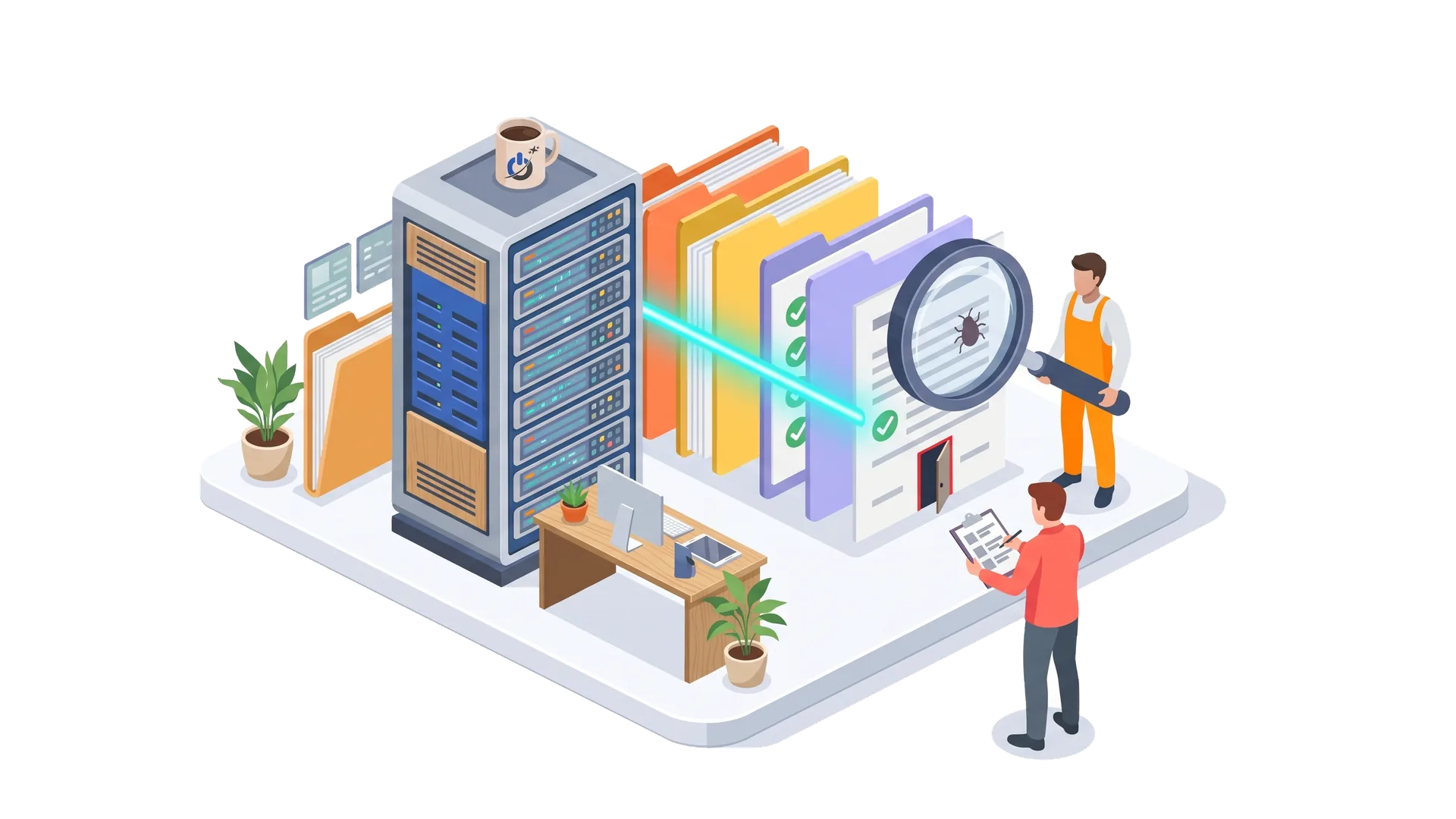
The goal is to find everything the attacker added or changed. On WordPress, plugins such as Wordfence or Sucuri compare core, theme and plugin files against the official versions and flag suspicious code. A scanner will not find everything, so also look for:
- recently modified PHP files, especially in folders that should only hold images;
- code added at the top or bottom of theme files, often encoded to be unreadable;
- plugins you never installed, or files in the must-use plugins folder;
- scripts or iframes injected into the database (posts, widgets, options);
- a modified .htaccess file that redirects visitors coming from Google or from mobile devices.
9. Restore a clean backup or clean the site
You have two options. The choice mostly depends on when the infection started and how good your backups are.
| Restore a backup | Clean the site | |
|---|---|---|
| When? | A recent clean backup exists | No reliable backup, or an old infection |
| Speed | Fast | Slower |
| Losses | Content and orders since the backup | None if cleanup is complete |
| Risk | Restoring the hole along with the backup | Missing a backdoor |
| Required either way | Fix the hole and change every password | Fix the hole and change every password |
Watch out for the restore trap: if the infection is several weeks old, your recent backups are probably infected too. And even a perfectly clean backup still contains the hole that let the attacker in. Restoring without fixing it simply reopens the door to the same attacker.
10. Fix the hole, then bring the site back online
To keep a website hacked once from being hacked twice, update the CMS, themes and every plugin. Delete what you do not use, including inactive themes. Replace any plugin its developer has abandoned. Check your PHP version with your host. Scan the site again, test the main pages, the contact form and the checkout, and only then turn off maintenance mode.
Going back online is not the end: watch the site closely for at least two weeks. A reinfection within days almost always means a backdoor or the original hole is still there.
Is your website hacked right now? Our experts can step in quickly. Get my site cleaned up
What to do if your WordPress site was hacked
WordPress runs a large share of the web, so it is the most frequent target without being less secure by nature. The 10 steps above apply, plus a few WordPress-specific moves.
- Reinstall WordPress core from the official files, without touching the wp-content folder or wp-config.php. From the command line, WP-CLI can verify core and plugin integrity against the official checksums.
- Reinstall every plugin and theme from its official source rather than trying to clean their files one by one.
- Inspect the uploads folder: it should only hold media. A PHP file there is almost always malicious.
- Check the database: site URL in the options table, administrators, posts and widgets containing scripts.
- Check wp-config.php and .htaccess, two files attackers love to modify to stay in or to redirect traffic.
- Renew the security keys and salts, then require two-factor authentication for every administrator.
If you would rather hand it over, our WordPress security services cover malware cleanup, hardening and follow-up with Google.
What if your site was hacked at your hosting provider?
There are two situations. If your own site was hacked, the host is usually not responsible: most hosting contracts leave application security (CMS, plugins, passwords) to the customer. The host is still your best ally for logs, a server-side backup and a fast shutdown.
If the host itself was breached, or several sites on the same shared server are affected, things change. Ask for written information about the incident, the data involved and the measures taken. Change all your access, check your files, and consider moving to better isolated hosting.
Either way, do not wait in silence: if the host suspended your account, it usually expects proof that the site is clean before reactivating it.
Remove Google’s warnings and repair your SEO
A hacked site can lose a large share of its traffic: a red warning that scares visitors away, spam pages diluting the site, a “This site may be hacked” label that crushes click-through rates. The good news is that Google restores the site once the problem is fixed.
Request a review in Search Console
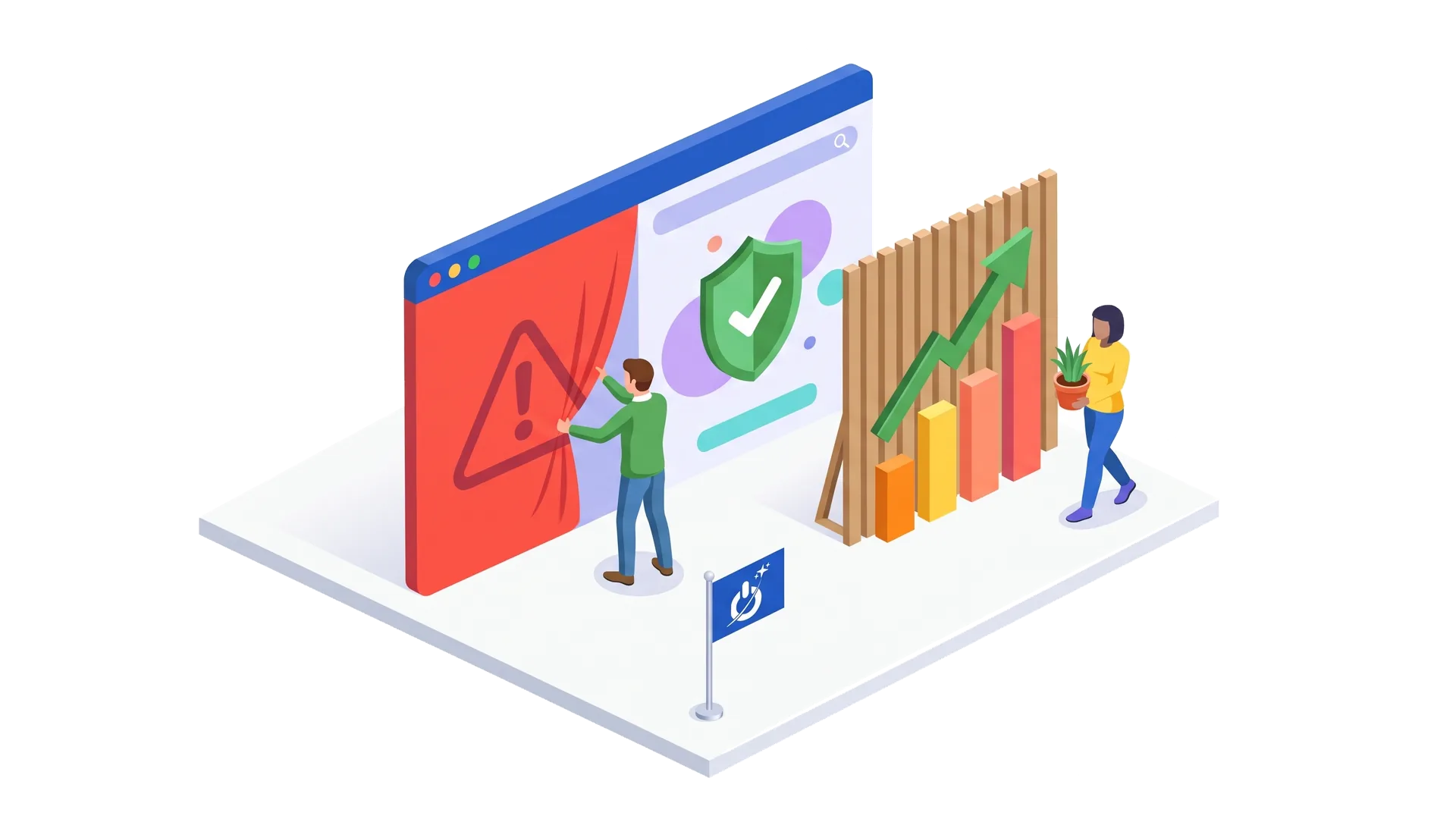
Open the Security Issues report in Google Search Console. Once every listed issue is fixed on every page, select “Request review” and describe your fixes precisely: hole patched, files removed, access changed. Google says the review can take from a few days to a few weeks; phishing reviews are often handled in about a day. If Google decides the problem persists, the report shows more sample infected URLs. Be careful: Google can flag a site as a repeat offender if it keeps getting reinfected, which makes later reviews slower.
Get rid of spam pages
Pages created by the attacker should return a 404 or 410 status once deleted, and Google will drop them from its index. To clean up the most visible results faster, the Search Console removals tool temporarily hides a URL. Check your sitemap too: attackers sometimes add their pages to it. Do not redirect those pages to your homepage, it only adds confusion.
Clear other blocklists
Some antivirus vendors and filtering services keep their own lists of dangerous sites. If one of them still blocks your site after the cleanup, most offer a review form. Also make sure your emails are no longer flagged as spam.
Data breach: do you have to report the hack?
If, with your website hacked, the attacker could access personal information (customer accounts, orders, form submissions, email addresses), reporting may be mandatory. In the United States, every state has its own breach notification law, with different definitions, thresholds and deadlines. If you serve customers in the European Union, the GDPR requires notifying the supervisory authority within 72 hours when there is a risk to the people concerned.
| Where | When to report | To whom | Where to get help |
|---|---|---|---|
| United States | State breach laws apply when personal information is exposed; deadlines and thresholds vary by state | Affected individuals, and sometimes the state attorney general | FBI IC3, CISA |
| California | Notify residents when unencrypted personal information is acquired (Civil Code 1798.82); attorney general if more than 500 residents | Residents and attorney general | California AG guidance |
| Card payments | Report to your payment processor if card data may be exposed (PCI DSS) | Payment processor, acquiring bank | Your processor’s incident team |
| Customers in the EU | Within 72 hours if personal data is affected and there is a risk (GDPR) | Lead supervisory authority | Your legal counsel |
Even when no report is required, keep a written record of the incident and what you did about it. You can report the crime to the FBI’s Internet Crime Complaint Center (IC3), which insurers often ask for. These are general pointers, not legal advice: for any significant breach, talk to a lawyer.
Hacked website repair: do it yourself or hire an expert?
A website hacked in a simple way, caught early, on a site with clean backups, can be handled by someone comfortable with their hosting and CMS. Restore, update everything, change all access, request a review: the method in this guide is often enough.
We do recommend calling in an expert in four cases: the site was reinfected after a first cleanup, it is an online store or customer data is involved, you have no reliable backup, or you cannot read PHP code. An incomplete cleanup costs more than a thorough one, because every reinfection extends Google’s warnings and the lost revenue.
A good provider does more than delete malicious code. They find the original hole, fix it, give you a report of what they found, and follow up with Google. Be wary of offers to “fix” your site without any analysis, and of rescuers who contact you out of the blue right after a hack.
Timelines range from a few hours for a shallow infection to several days for a deep compromise with multiple backdoors and a modified database.
After the hack: keep it from happening again
A website hacked once stays a target: the bots that found it will come back to test the same doors. These practices cut the risk sharply.
- Fast updates for the CMS, themes and plugins, ideally within hours of a security fix.
- A web application firewall (WAF), at the host, through an upstream service, or as a plugin. Since nearly half of vulnerabilities have no patch when they go public, updates alone are no longer enough.
- Fewer plugins: every unused plugin is one more door. Remove plugins their developers have abandoned.
- Two-factor authentication for every administrator, and named accounts with only the rights they need.
- Automatic, tested backups, stored off the server and kept in several versions, so you can go back to before an old infection began.
- Monitoring: alerts on file changes, new administrators and downtime, plus Search Console notifications turned on.
Our website security monitoring handles this watch for you. To find out where your site stands today, start with our website security analysis guide, and for ongoing updates and backups, see our website maintenance services.
Mistakes to avoid with a hacked website
- Deleting and reinstalling everything in a rush: you lose the traces of the intrusion and often recent content.
- Restoring a backup without fixing the hole: the site gets reinfected, sometimes within hours.
- Changing passwords from an infected computer: the new ones get stolen too.
- Leaving the site online during the cleanup, exposing visitors and taking compromised orders.
- Paying an attacker or answering an extortion email: nothing guarantees they will keep their word, and you mark yourself as a target that pays.
- Requesting a Google review too early: a rejected review delays the return to normal.
- Forgetting about personal data and the reporting deadline that starts when you discover the breach.
Conclusion: a hacked website can be fixed, an open hole keeps costing you
With a website hacked, speed matters, but order matters even more. Contain first (maintenance mode, your host, a backup of the current state), take back access next, then repair by fixing the original hole. Google lifts its warnings once the site is clean, and search traffic comes back in most cases.
The real work starts afterwards: regular updates, a firewall, tested backups and monitoring. That is the difference between a bad memory and a hack that returns every three months.
Frequently asked questions about hacked websites
What should I do after getting an email saying my website was hacked?
Do not click any link, do not open attachments and do not pay anything: these messages are very often extortion or phishing. Check the site yourself: redirects in a private window and on mobile, a site:yourdomain.com search in Google, your administrator list, and the Search Console Security Issues report. If you find no sign of a hack, change your passwords as a precaution and stay alert.
How long does it take to fix a hacked website?
Anywhere from a few hours for a shallow infection with a clean backup to several days for a deep compromise with backdoors and a modified database. Then add the time Google needs to review the site and lift its warnings, from a few days to a few weeks depending on the issue. The faster you react, the more limited the damage.
How do I clean a hacked WordPress site?
Back up the current state first, then change all access and renew the security keys in wp-config.php. Reinstall WordPress core, themes and plugins from their official sources, delete any PHP file from the uploads folder and check the database. Update everything, fix the original hole, scan again, then request a review from Google if a warning was shown.
How do I know if Google has detected that my site was hacked?
Open Google Search Console and check the Security Issues report: it shows whether Google found hacked content, malware or social engineering, with sample URLs. A “This site may be hacked” label under your search results, or a red page before your site opens, are other signs. Turn on email notifications to be warned right away.
Do I have to report a website hack?
It depends on what was exposed and where your customers live. If personal information such as names with account credentials or payment details was accessed, US state breach laws may require you to notify affected residents, and sometimes the state attorney general. If card data may be involved, tell your payment processor right away. Customers in the EU bring GDPR’s 72-hour rule into play. When in doubt, ask a lawyer.
Can I report a website hack to the police?
Yes. Unauthorized access to a computer system is a crime, and in the United States you can file a complaint with the FBI’s Internet Crime Complaint Center (IC3) or contact local law enforcement. Keep the evidence: a backup of the infected site, server logs, screenshots and any emails you received. Insurers often ask for a report, even though the attacker is rarely identified.