Description
Show specific products only to selected customers
Reseller pricing, early access collections, private sales, or professional catalogs… Putting your entire store in private mode would drive away your regular customers, and creating a separate store is expensive. It is much easier to password protect PrestaShop pages for specific items.
Password protect PrestaShop pages that matter most
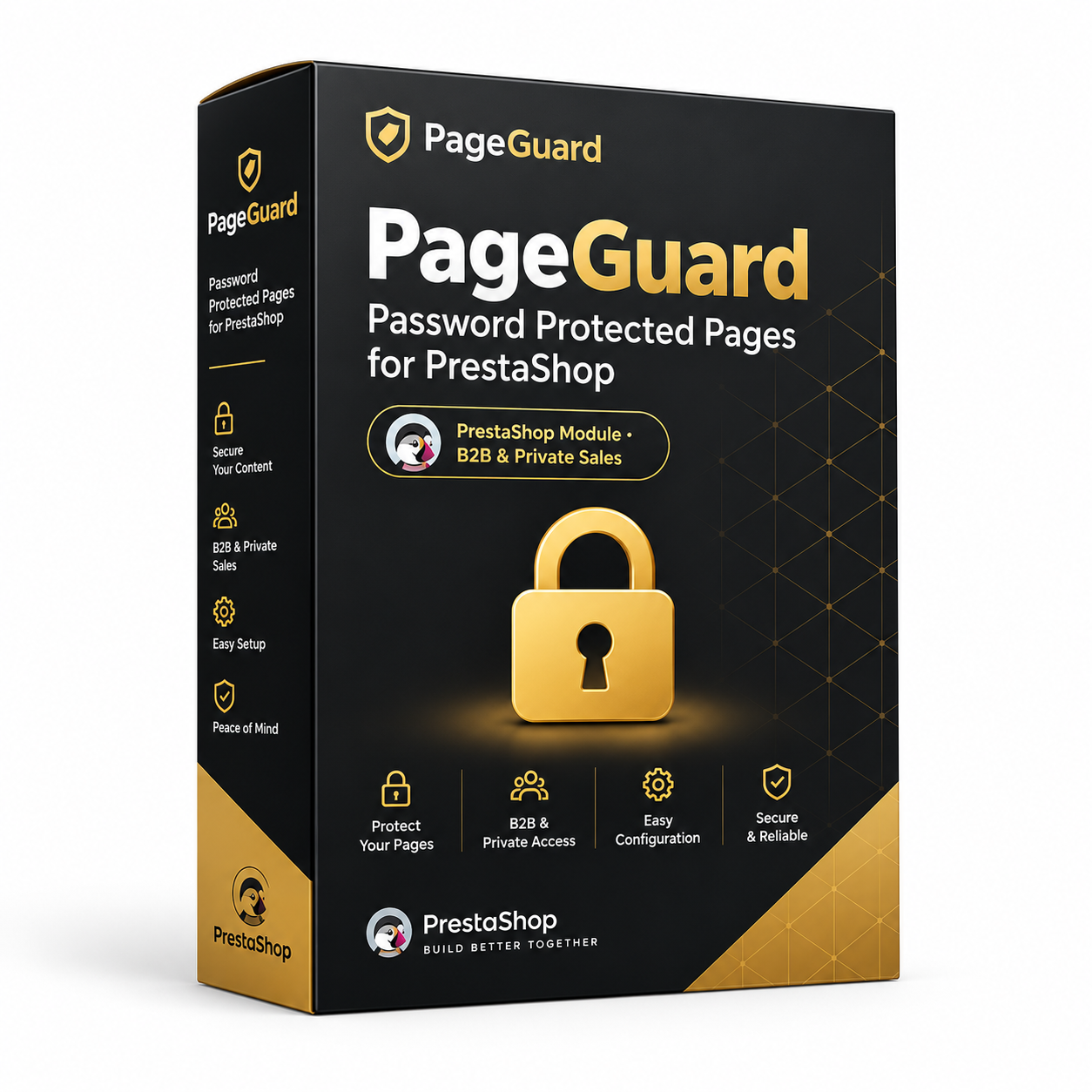
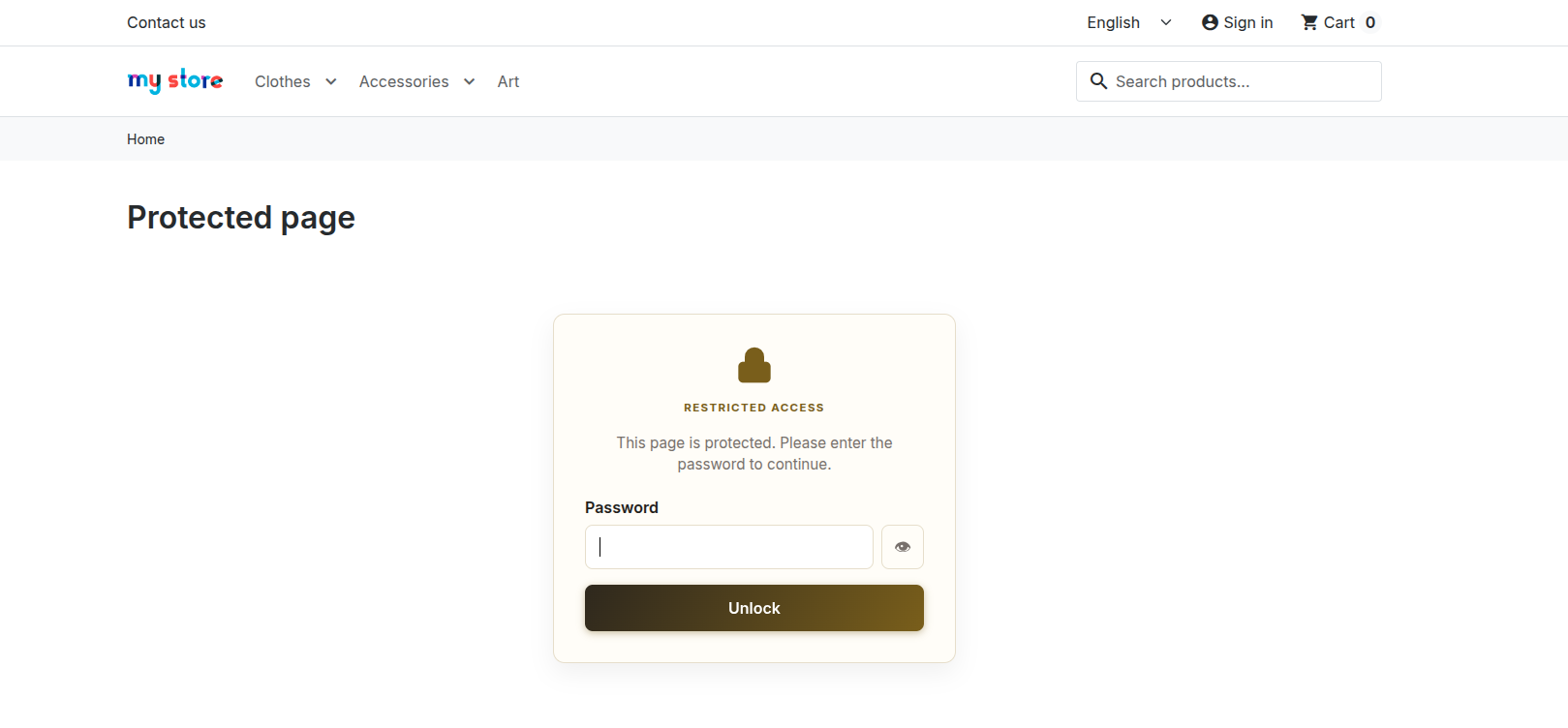
PageGuard places your chosen products and categories behind an elegant password screen. You select the pages, set the password, and only your guests get access. The rest of your store remains unchanged.
Without vs. With PageGuard
| Without the module | With PageGuard |
|---|---|
| The entire store is private, or nothing | Only selected pages are locked |
| A separate store to create and manage for pros | A private space on the same site |
| No idea who views your pricing | A log of access and failed attempts |
Who is it for?
B2B wholesalers and distributors
Reseller pricing visible only to your partners.
Brands and private sales
Exclusive offers reserved for your best customers or community.
Early access launches
A new collection shown to a few guests before the official opening.
What you gain
- A public store and a private space: on the same site, without double management.
- A polished experience: a lock screen matching your brand colors, requiring only one entry per session.
- Total visibility: you know who accessed your protected pages and when.
Everything you need to know about PageGuard
Features
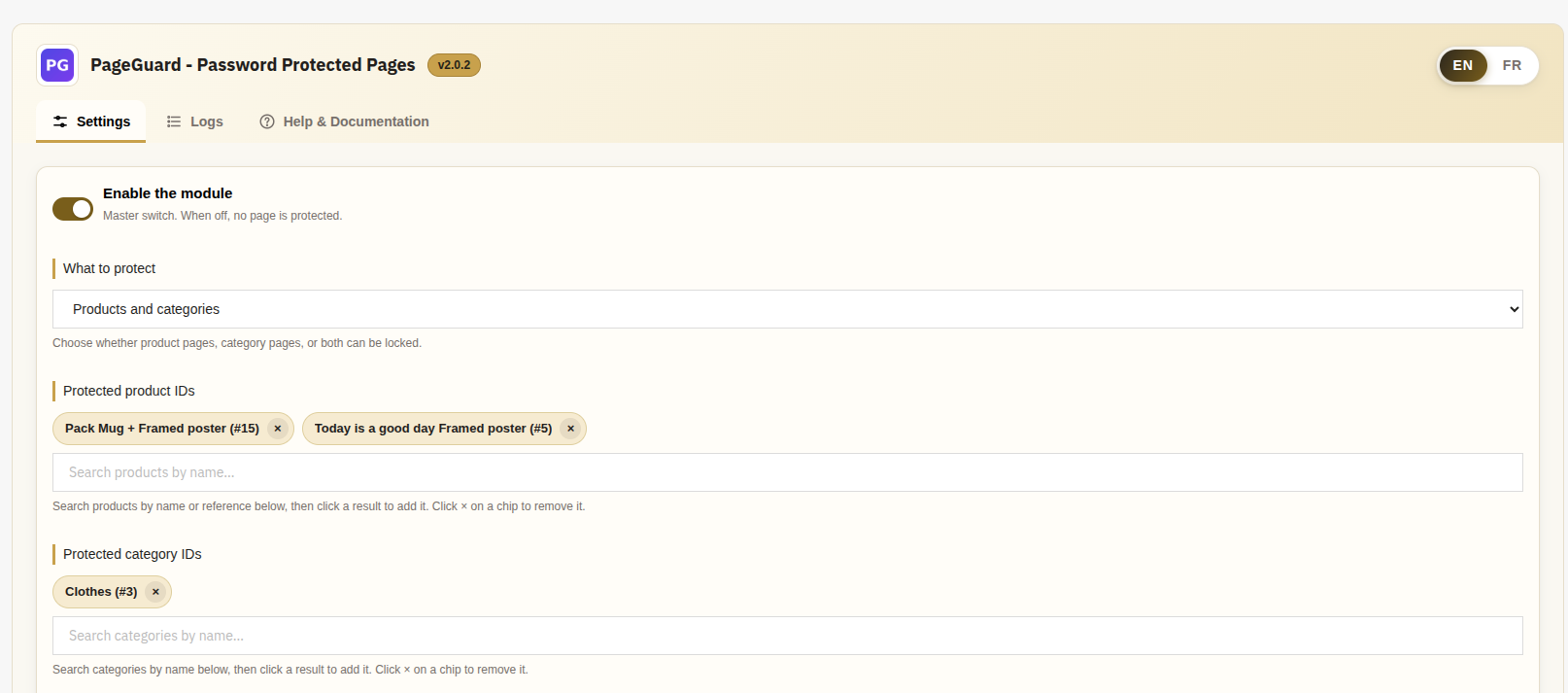
- Choose your protection: products, categories, or both, with one-click search selection
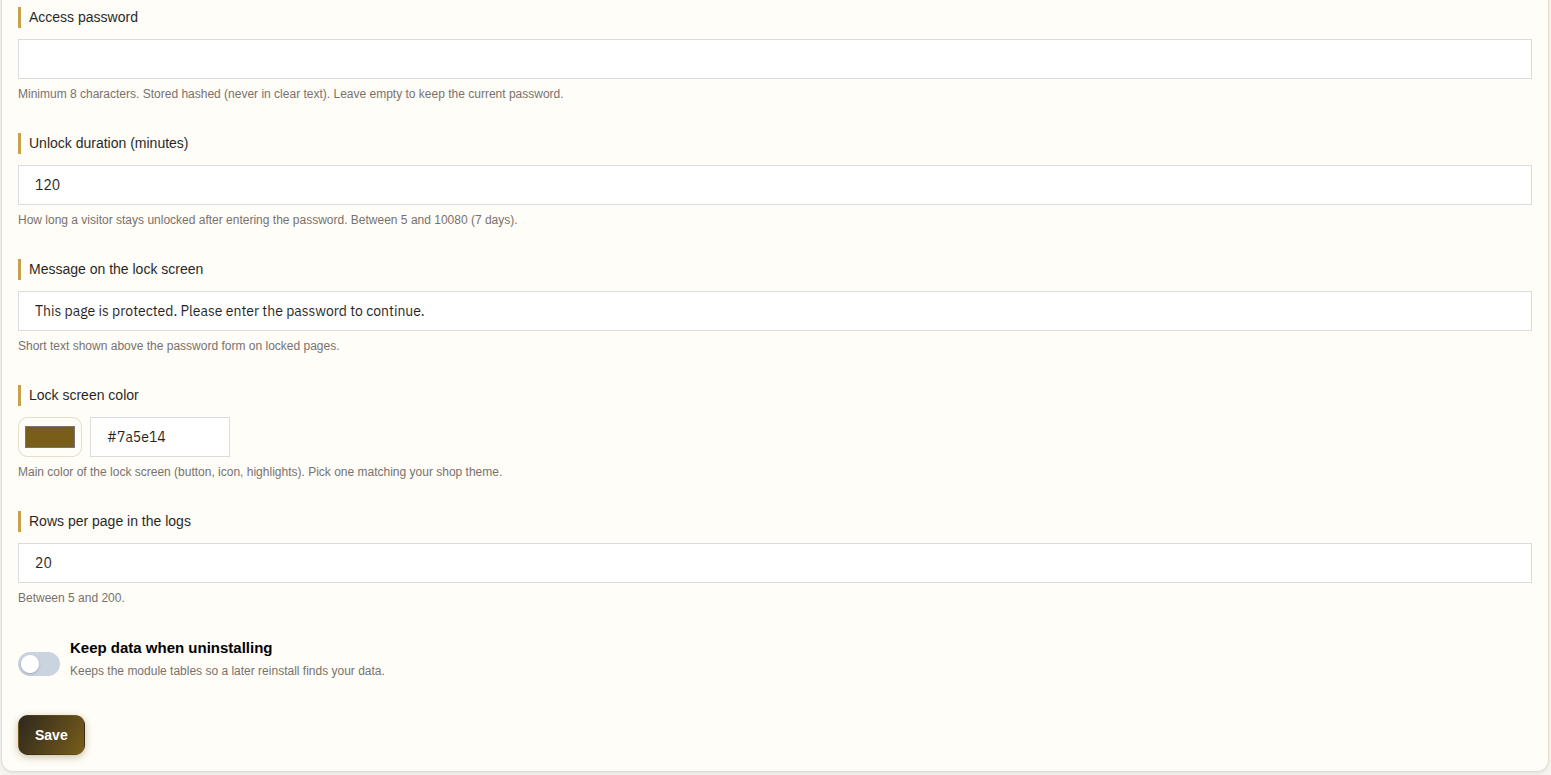
- A single guest password, stored securely (never in plain text)
- Adjustable access duration from 5 minutes to 7 days, with no re-entry during the session
- Customizable lock screen: choose a color, and everything adapts
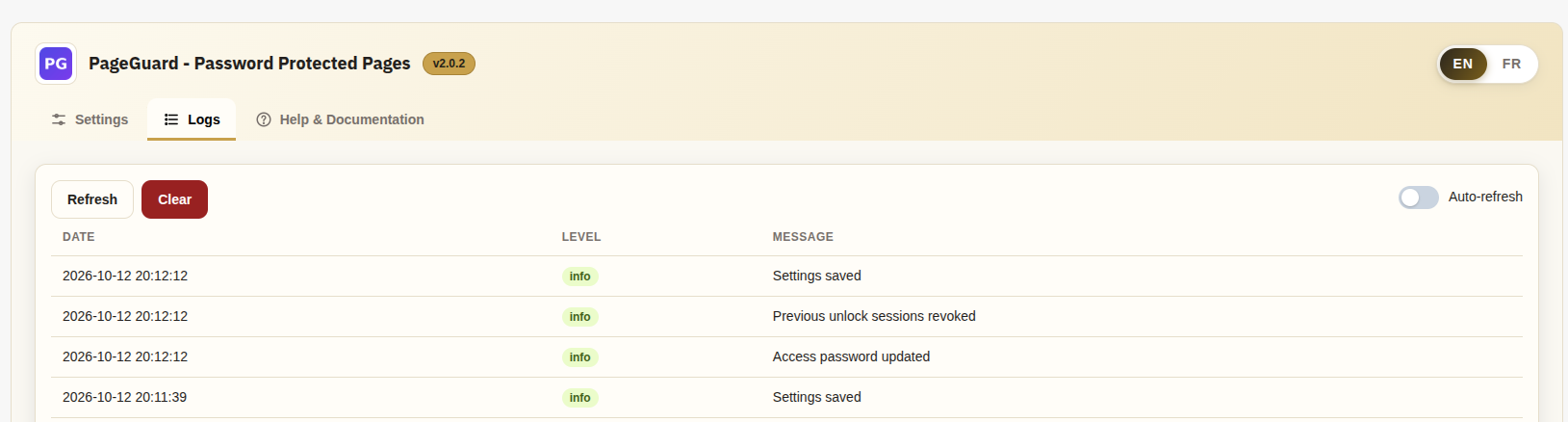
- Activity log: successful access and failed attempts, with automatic refresh
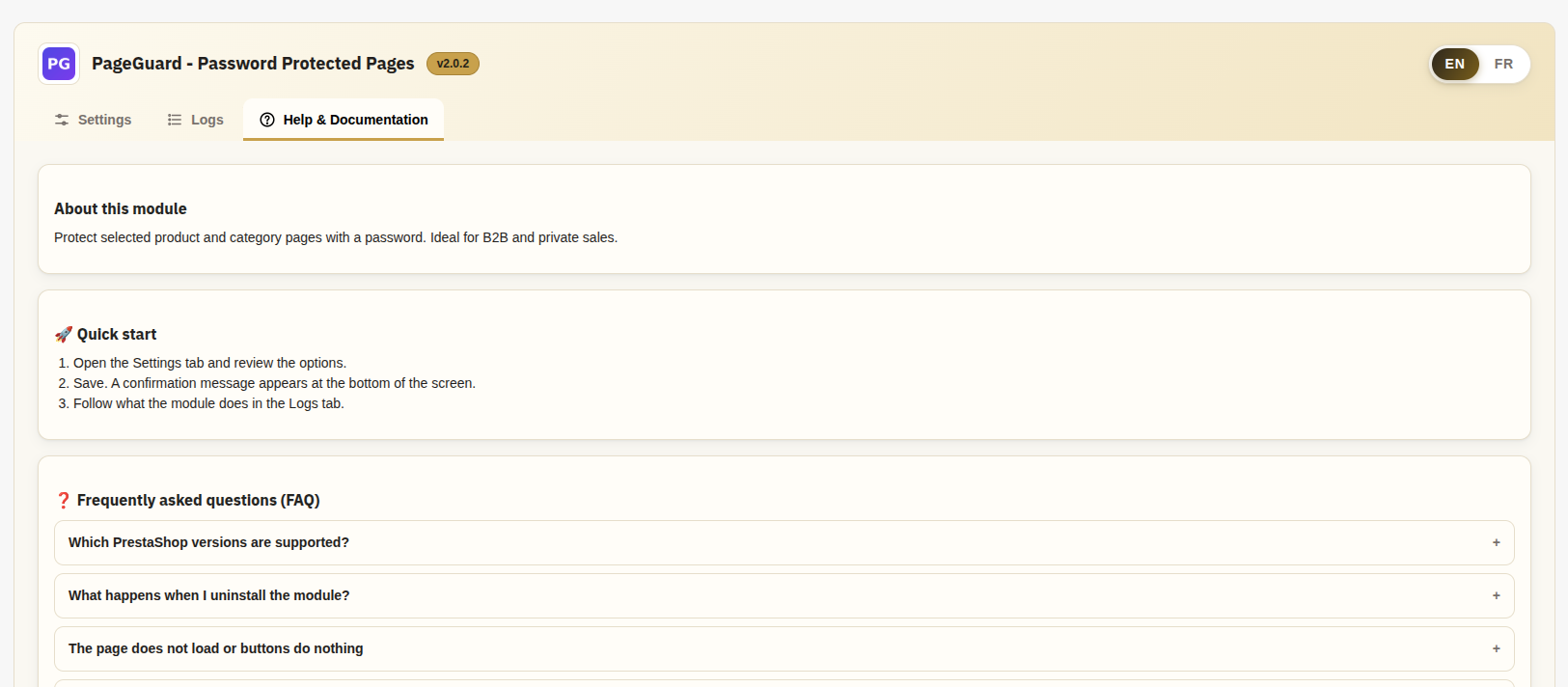
- 3-tab back office: Settings, Logs, Help & Documentation (with one-click system diagnostic)
Compatibility
- PrestaShop 1.6.x, 1.7.x, 8.x and 9.x
- PHP 5.6 and higher, JSON extension
Installation
- Upload the
aurone_pageguardfolder to/modules/and install PageGuard - Open the module and set your access password
- Select the products or categories to protect and save: it is online in 5 minutes
What’s included
- License for 1 PrestaShop store
- 12 months of updates
- 12 months of support in English, French, Spanish, German, Italian and Arabic
- Documentation and diagnostics integrated into the back office
- Immediate download after payment
“Module + installation” option (+$10): our experts install the module on your store and do the basic configuration. You have nothing to do.
Frequently asked questions
Do unprotected pages change?
No. Only the selected pages display the lock screen, the rest of the store remains unchanged.
Does the visitor have to retype the password on every page?
No. After a correct entry, it remains unlocked for the duration you set.
What if I change the password?
All existing sessions are automatically revoked.
How does my guest receive the password?
You provide it to them (via email, quote, customer account…), and you can change it at any time.
Does the module slow down my store?
No. The verification only runs on the specific items you choose when you password protect PrestaShop pages.
What happens upon uninstallation?
Your pages become public again. An option allows you to keep your settings for later.
What does the “Module + installation” option include?
Our experts install the module on your PrestaShop store and do the basic configuration. After your order, we will contact you to arrange access to your store.
Can I use the module on multiple stores?
The license is valid for one store. For another store, simply order an additional license.
In which languages is support provided?
Our team answers you in English, French, Spanish, German, Italian, and Arabic.
What happens after 12 months?
The module continues to work on your store. Only updates and support expire.


Reviews
There are no reviews yet.