Website Maintenance: What It Involves, Tasks and Schedule
That is what website maintenance is about. A website is not a document you publish once and forget; it is software that ages, gets exposed to security holes and depends on a host, a CMS and dozens of plugins. Website maintenance covers everything that keeps it secure, fast, up to date and working.
This guide explains what website maintenance involves: the four types of maintenance, the tasks to do every week, month and year, the risks of a neglected site, WordPress-specific maintenance and who should handle it. A 10-point self-check helps you gauge how well your site is maintained.
At a glance
- Website maintenance covers the updates, backups, monitoring, fixes and improvements that keep a site secure and working.
- There are four types of maintenance: preventive, corrective, evolutive and adaptive.
- Updates happen weekly, performance and backup checks monthly, and a full audit once a year.
- On WordPress, the vast majority of vulnerabilities come from plugins, so updating them fast is the first line of defense.
- Maintenance can be done in-house, by a freelancer or by an agency under a maintenance agreement.
What is website maintenance?
Website maintenance is the set of regular tasks that keep a site available, secure, fast and up to date after launch. It covers the technical side (CMS, plugin and server updates), security (backups, monitoring, patches), bug fixes and improvements to the site.
You will also hear website upkeep, web maintenance or application maintenance for more complex sites. The idea is the same as with a car: regular servicing is cheap, a breakdown on the highway is not.
Why a website needs maintenance
A site relies on many building blocks that change without you: the CMS ships security releases, plugins fix vulnerabilities, the host upgrades PHP, browsers change their rules, Google updates its criteria. A site that does not keep up eventually breaks or gets hacked.
The WordPress ecosystem shows this well: according to Patchstack’s State of WordPress Security 2026 report, 11,334 new vulnerabilities were recorded in 2025, 91% of them in plugins. Every plugin you do not update is a door that may be open.
The 4 types of website maintenance
| Type of maintenance | Goal | Examples |
|---|---|---|
| Preventive | Stop outages and security holes before they happen | Updates, backups, monitoring, SSL certificate renewal |
| Corrective | Fix what no longer works | A form that stopped sending, a page error, a bug after an update |
| Evolutive | Grow the site with the business | A new page, a new feature, a new tool integration |
| Adaptive | Keep up with the environment | A new PHP version, a hosting change, a new legal requirement |
Preventive maintenance
This is the core of good upkeep. It means acting before the problem: applying updates, checking backups, monitoring uptime, renewing certificates, removing unused plugins. Done well, it is barely visible, and that is the point.
Corrective maintenance
It steps in when something stops working: a page error, a failed payment, a layout broken on mobile after an update. What matters here is response time. A bug in a store’s checkout costs sales every hour.
Evolutive maintenance
Your business changes, and so does your site: a new service, a new page, a new module, a CRM or booking tool integration. Evolutive maintenance grows the site without rebuilding it.
Adaptive maintenance
It follows outside changes: end of support for a PHP version, a hosting move, a new legal requirement, a plugin abandoned by its developer. These changes often get postponed until they become urgent.
Website maintenance tasks by frequency
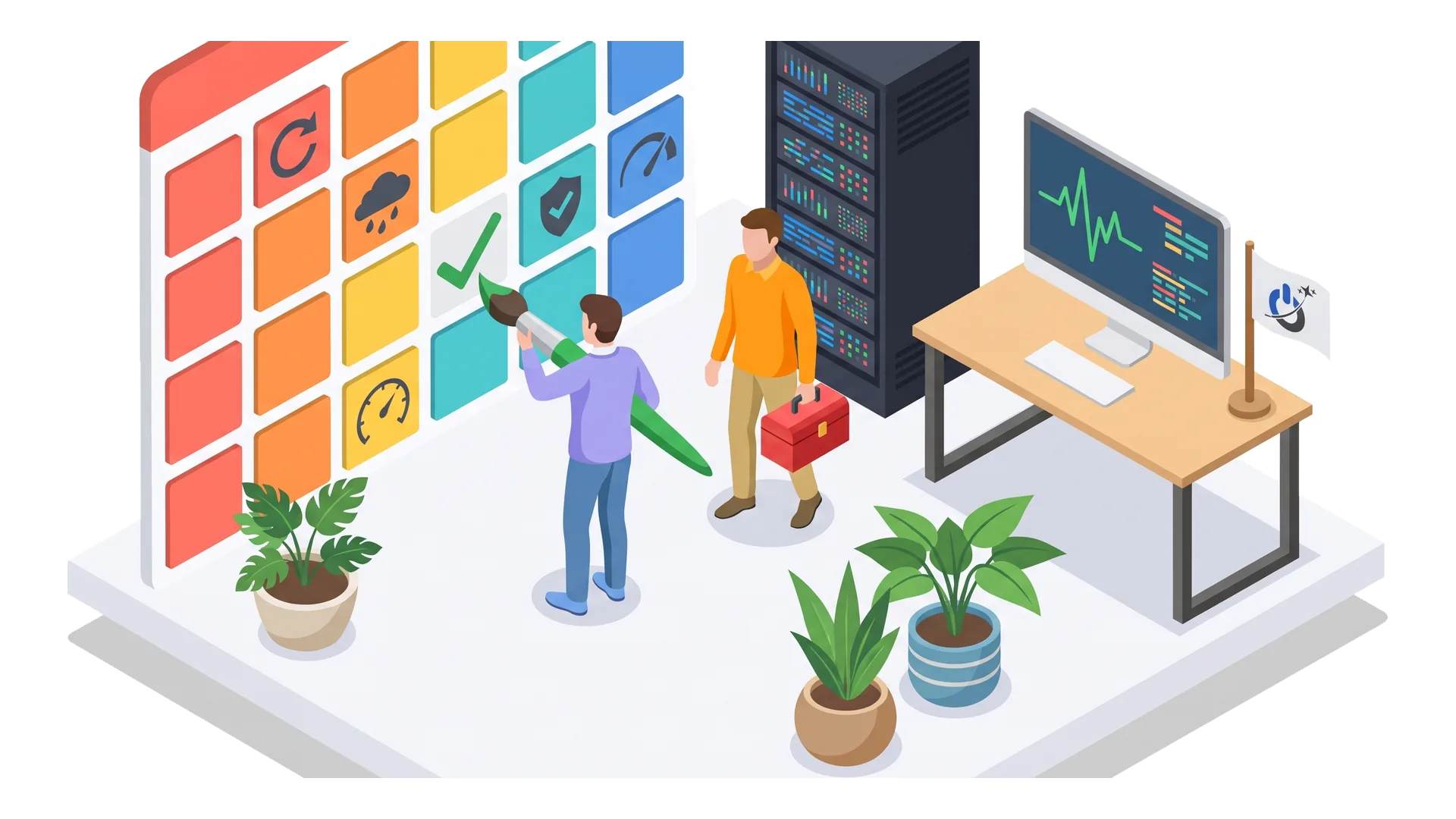
Website maintenance is not a one-off job but a rhythm. Here is the schedule we recommend for a small business site or a small online store.
| Frequency | Maintenance tasks |
|---|---|
| Continuously | Uptime monitoring, security alerts, automatic backups |
| Weekly | CMS, plugin and theme updates (after testing), form checks, reviewing alerts |
| Monthly | Backup checks, performance (Core Web Vitals), broken links, Search Console, removing unused accounts and plugins |
| Quarterly | Test restore from a backup, security review, update key content |
| Yearly | Full audit (technical, SEO, security), PHP version, renewals (domain, licenses), legal pages |
Updates: CMS, plugins, theme and PHP
Updates fix security holes, bugs and incompatibilities. They are essential, but not risk-free: an update can break a feature. Good practice is to back up first, test major updates on a copy of the site (a staging environment), then check key pages afterwards. For the server side, see our guide to the PHP2Shell vulnerability and PHP updates.
Backups and test restores
A backup is only worth something if you can restore the site from it. It should be automatic, regular (daily for a site that changes often), kept in several versions and stored off the server. The 3-2-1 rule is still a good reference: three copies, on two different media, one of them off-site. And above all, test a restore from time to time.
Monitoring
A monitoring service checks your site at regular intervals and alerts you if it stops responding, slows down, if the SSL certificate is about to expire or if files change. It lets you know the site is down before your customers do. Our website security monitoring service handles this for you.
Security
Beyond updates, security maintenance includes a web application firewall, two-factor authentication for administrators, a review of user accounts, login attempt limits and regular file scans. If the worst happens, our guide website hacked: what to do walks through the emergency steps.
Performance
A site slows down over time: images added without optimization, plugins piling up, a growing database. A monthly check of mobile Core Web Vitals in Search Console or PageSpeed Insights lets you correct the drift before it hurts rankings.
Content and SEO
Updating practical information (hours, prices, contact details), fixing broken links, refreshing aging content and watching crawl errors in Search Console are also part of website maintenance.
Self-check: is your website well maintained?
Check the statements that are true for your site. The score is only indicative, but it quickly shows where the gaps are.
The risks of a site without maintenance
An unmaintained site often keeps displaying normally for months. Problems build up silently until something breaks.
| Without maintenance | Possible consequence |
|---|---|
| Outdated plugins | Hacked through a known vulnerability |
| No off-site backup | Content and orders lost for good |
| Outdated PHP | Site breaks when the host forces an upgrade, unpatched holes |
| Broken form | Quote requests lost without anyone noticing |
| Slow site | Visitors leave, Google rankings drop |
| Expired SSL certificate | A “Not secure” warning that drives visitors away |
The most expensive problem is not always the visible outage. It is the form that stopped sending, the payment that fails one time in ten, the page that slides in Google because it got slow.
Would you rather have a team take care of all this for you? See our website maintenance services
How to maintain a website yourself
For a small site, basic maintenance can be handled in-house with a bit of method.
- Take inventory: CMS and version, theme, plugin list, host, PHP version, logins (admin, FTP, hosting, domain).
- Set up automatic backups stored off the server, and test a restore.
- Turn on uptime monitoring with email or text alerts.
- Block a weekly slot for updates, with a backup before and a check of key pages after.
- Do a monthly review: Search Console, speed, forms, broken links, user accounts.
- Log everything: date, task, issue found. When something breaks, it saves a lot of time.
The limits show up fast: no time, an update that breaks the site with no way to roll back, a hack to clean up, a PHP upgrade. That is usually when the question of a provider comes up.
Maintaining a small business site vs an online store
Maintaining a small business site is fairly light: a few pages, few plugins, a contact form. The essentials are updates, backups, testing the form and keeping practical information current. The main risk is not noticing that quote requests stopped arriving.
An online store is another level. The catalog, orders and customer accounts change every day, which calls for daily backups or more. Checkout, payment methods, shipping rates and transactional emails must be tested after every update. Store plugins are more numerous and more sensitive. And a store holds personal data, which makes security and compliance even more important.
In both cases, upkeep should match what the site earns: the more revenue it brings in, the tighter monitoring and response times need to be.
Putting a website in maintenance mode
“Site under maintenance” also means something else: the temporary page a site shows during heavy work (a major update, a migration, a cleanup after a hack). Done right, it protects visitors without hurting SEO.
- Return an HTTP 503 status (service temporarily unavailable): Google understands the downtime is temporary and does not drop your pages from its index over a few hours offline.
- Keep it short: a maintenance page that stays up for days ends up costing rankings.
- Explain and reassure: a short message, an expected return time, a way to get in touch.
- Keep access for your team: admins should still be able to work on and test the site.
- Schedule it off-peak: check your analytics for the time with the fewest visits.
WordPress maintenance
WordPress powers a large share of all websites, and therefore attracts a large share of attacks. Its maintenance follows the principles above, with a few specifics:
- Plugins are the most sensitive point: install as few as possible, choose actively maintained ones, delete (not just deactivate) the ones you no longer use.
- Automatic core updates for minor releases are useful; for critical plugins (page builder, store), test first.
- Premium themes and plugins need an active license to keep receiving security fixes.
- The database benefits from regular cleanup (revisions, temporary data, leftovers from deleted plugins).
Our WordPress security services cover hardening and cleanup for WordPress sites.
Who should maintain your website?
| In-house | Freelancer | Agency (maintenance plan) | |
|---|---|---|---|
| Direct cost | Low | Varies | Subscription |
| Emergency availability | Depends on the person | Depends on the freelancer | Response time set in the contract |
| Skills covered | Often limited | Good within a scope | Technical, security, SEO, hosting |
| Continuity | Risky if the person leaves | Risky if the freelancer is unavailable | A team and documentation |
| Best for | Small site, technical team in place | Simple site, occasional needs | A site that brings in leads or sales |
The right choice depends on what the site earns. If your site brings in leads or sales, every day of downtime has a direct cost, and a written commitment on response time matters more than the price of the plan.
What makes outsourced maintenance good is not the task list but what is guaranteed: response time, backup frequency and retention, maintenance reports, and hours included for small changes. These points are covered in our article on the website maintenance agreement.
Common website maintenance mistakes
- Updating everything at once without a backup: if something breaks, you cannot tell which update caused it or roll back.
- Keeping backups on the same server: if the server fails or gets hacked, the backups go with it.
- Deactivating a plugin instead of deleting it: its files stay on the server, vulnerabilities included.
- Losing track of logins: a site whose hosting or domain credentials nobody knows is a site at risk.
- Never testing forms: often the most expensive and least visible failure.
- Putting off the PHP upgrade: the host eventually forces it, at the worst time.
Conclusion: maintenance is what makes a website last
Website maintenance is nothing spectacular. It is a rhythm: tested updates every week, verified backups every month, constant monitoring and a yearly audit. That quiet work protects the investment your site represents and spares you bad surprises.
Whether you do it yourself or hand it to a provider, what matters is that one person is clearly responsible, with a schedule and a record of every task.
Frequently asked questions about website maintenance
What is website maintenance?
Website maintenance is the set of regular tasks that keep a site available, secure, fast and up to date after launch: CMS and plugin updates, backups, monitoring, bug fixes and small improvements. It is usually split into preventive, corrective, evolutive and adaptive maintenance.
What is the difference between corrective and evolutive maintenance?
Corrective maintenance fixes what no longer works, such as a page error or a broken form. Evolutive maintenance grows the site with the business: a new page, a new feature, a new integration. The first reacts to a problem; the second supports a need.
How do you maintain a website?
Take inventory of the site and its logins, set up automatic backups stored off the server, turn on uptime monitoring, apply updates weekly after a backup, and review Search Console, speed and forms every month. Keep a log of every task.
How often should you update a WordPress site?
Check for updates at least once a week and apply security fixes right away. Plugin vulnerabilities are often exploited within hours of being disclosed. Always back up first, and test major updates to the theme, page builder or store plugin on a copy of the site.
How often should you back up a website?
A site that changes often, such as a store or a site with forms, should be backed up daily. A stable small business site can make do with a weekly backup plus one before every update. Keep several versions off the server, and test a restore at least once a quarter.
Should you hire an agency for website maintenance?
It is a good idea as soon as the site brings in leads or sales, or when nobody in-house has the time or skills to handle updates, security and emergencies. A maintenance agreement sets response times, backup frequency and included tasks, which prevents bad surprises.