Website Security: How to Secure Your Website
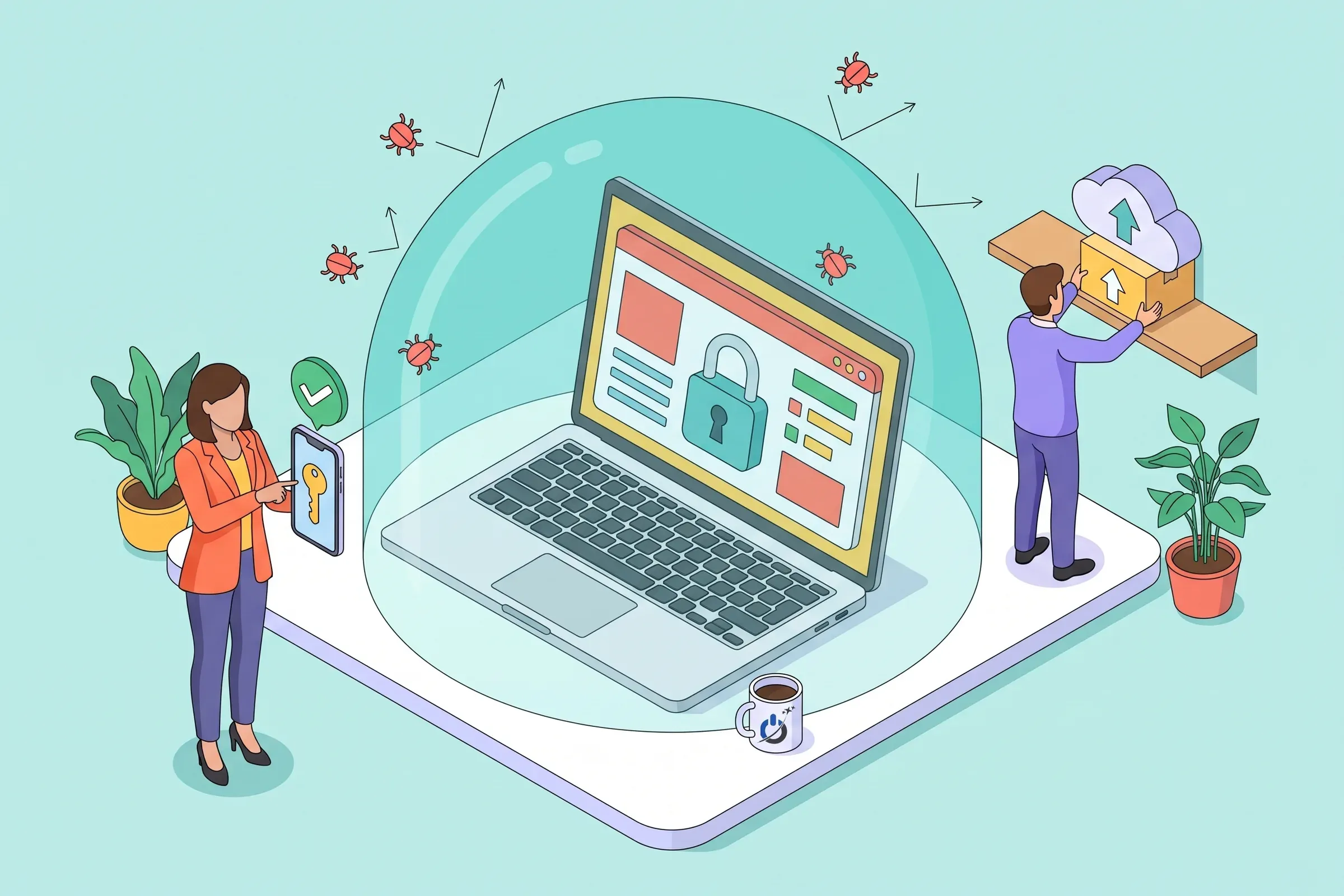
Website security does not come from one miracle tool but from a set of simple measures applied consistently. Most hacks exploit known vulnerabilities, weak passwords or missing backups, all of which you can fix without being an expert.
This guide explains how to secure your website: the main threats, essential, reinforced and advanced measures, WordPress specifics, hosting, backups, security headers and what to do when something goes wrong. A 10-point self-check helps you gauge your website security level.
At a glance
- Website security starts with updates, strong passwords with two-factor authentication, HTTPS and backups stored off the server.
- Most WordPress vulnerabilities come from plugins: fewer plugins and fast updates sharply reduce the risk.
- A web application firewall and file monitoring protect you even against vulnerabilities that have no patch yet.
- Hosting, the PHP version and security headers are part of website security too.
- Regular audits and an incident response plan complete the protection of sites that handle data or sales.
What is website security?
Website security covers every measure that protects a site, its data and its visitors against unauthorized access, malicious changes, data theft and downtime. It spans the code (CMS, theme, plugins), hosting, logins, traffic between the browser and the server, and the ability to recover from an incident.
A secure website is not an invulnerable one: it is a site where known holes get patched quickly, where an intruder would struggle to get in, would be spotted fast, and where a clean version can be restored within hours.
Why every site is a target
“My site is too small to interest a hacker” is the most common belief, and the most mistaken. Attacks are automated. Bots constantly test millions of sites for a vulnerable version or a weak password. A hacked site is then used to send spam, host phishing, redirect visitors or mine cryptocurrency.
The WordPress ecosystem shows the scale: according to Patchstack’s State of WordPress Security 2026 report, 11,334 new vulnerabilities were recorded in 2025, 91% of them in plugins, and 46% had no patch yet when they were disclosed.
The main threats to a website
| Threat | How it happens | Main protection |
|---|---|---|
| Exploiting a known vulnerability | An outdated plugin, theme or CMS | Fast updates, a web application firewall |
| Stolen or guessed password | Weak or reused password, brute force | Password manager, 2FA, login attempt limits |
| Injection (SQL, scripts) | A poorly filtered form or parameter | Up-to-date code, a WAF, input validation |
| Malware and redirects | Files changed after an intrusion | File scans, monitoring, clean backups |
| Denial of service (DDoS) | Massive traffic that overwhelms the server | A CDN or anti-DDoS service, suitable hosting |
| Phishing aimed at your team | Fake emails that steal logins | Awareness, 2FA, named accounts |
The 3 levels of website security
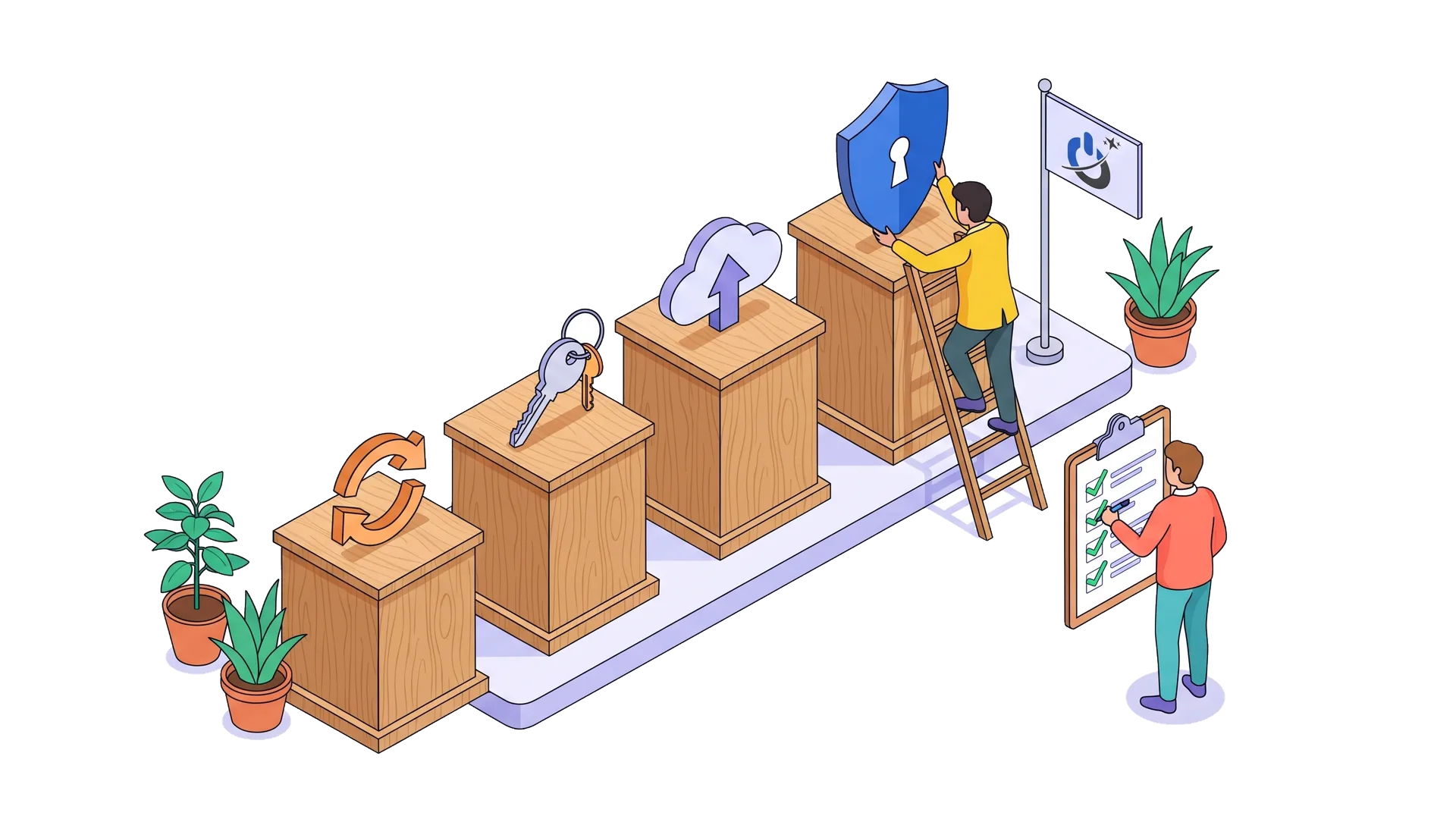
Not every measure carries the same weight or cost. We recommend thinking in levels, based on what the site means for your business.
| Level | Measures | For whom |
|---|---|---|
| Essential | Updates, strong unique passwords, 2FA, HTTPS, off-site backups, removing unused plugins | Every site |
| Reinforced | Web application firewall, uptime and file monitoring, login limits, security headers, named accounts | Sites that bring in leads or sales |
| Advanced | Audit and penetration testing, centralized logging, incident response plan, code review, separate environments | Stores, sites handling sensitive data, applications |
Essential measures to secure your website
1. Update the CMS, theme and plugins
This is the single most effective measure. Most hacks exploit holes the vendor already fixed but the site has not applied yet. Check for updates at least weekly, apply security fixes right away and back up before any major update.
2. Protect passwords
Use long, unique passwords for each service, generated and stored in a password manager. Never reuse the same password for the site admin, hosting and email. Avoid obvious usernames such as “admin” for the administrator account.
3. Turn on two-factor authentication (2FA)
Two-factor authentication adds a temporary code, generated by an app, on top of the password. Even if the password is stolen, the intruder cannot log in. Turn it on for every site administrator, and also for hosting, the domain registrar and email.
4. Serve the whole site over HTTPS
An SSL certificate encrypts traffic between the browser and the server, and HTTPS is now the bare minimum: without it, browsers show “Not secure”. Make sure every page, image and script is served over HTTPS and the certificate renews automatically. Note that HTTPS protects traffic, not the site itself against a vulnerability.
5. Back up off the server
An automatic, regular backup, kept in several versions and stored away from the site’s server, is your insurance against hacks, outages and mistakes. Test a restore from time to time: a backup that has never been restored is only a promise.
6. Remove what you no longer use
Every unused plugin, theme or user account is one more door. Delete (not just deactivate) unused plugins and themes, and close accounts for former staff and contractors.
Reinforced measures
A web application firewall (WAF)
A WAF filters requests before they reach the site and blocks known attacks: injections, mass login attempts, exploitation of vulnerabilities. It can come from your host, an upstream service (CDN) or a plugin. It is the main protection against vulnerabilities that are public but not yet patched.
Monitoring
Uptime monitoring alerts you when the site stops responding; file monitoring warns you when a file changes for no reason. Add Google Search Console notifications, which report security issues Google detects. Our website security monitoring service handles this for you.
Login limits and named accounts
Limit login attempts, hide or protect the login page, and give each person a named account with only the rights they need. If something goes wrong, you will know who did what.
Security headers
A few HTTP headers, set on the server or through the CDN, add protection for visitors against several types of attacks.
| HTTP header | What it does |
|---|---|
| Strict-Transport-Security (HSTS) | Forces the browser to use HTTPS |
| Content-Security-Policy | Limits which sources of scripts and content are allowed |
| X-Content-Type-Options | Stops the browser from guessing file types |
| X-Frame-Options or frame-ancestors | Prevents your site from being framed by others (clickjacking) |
| Referrer-Policy | Limits the information passed on to the next site |
Self-check: how secure is your website?
Want a team to secure and monitor your website for you? See our website security services
Website security: where to start? A 30-day plan
Week 1: close the obvious doors
Take inventory of every login (admin, hosting, domain, FTP, email), change weak or reused passwords, turn on two-factor authentication wherever possible and remove unneeded accounts. Apply all pending updates after a full backup.
Week 2: give yourself a way back
Set up automatic off-site backups with several versions, and test a restore on a copy of the site. Check that the whole site runs on HTTPS and the certificate renews on its own.
Week 3: filter and monitor
Turn on a web application firewall, login attempt limits and uptime monitoring with alerts. Connect the site to Google Search Console and turn on email notifications.
Week 4: shrink the attack surface
Remove unused plugins and themes, check the PHP version with your host, configure security headers and disable file editing from the admin. Finally, write down who is responsible for what, and how often, so the work continues after the first month.
WordPress security
WordPress is no less secure than any other CMS; it is simply the most widely used, so the most targeted, and its plugin ecosystem holds most of the vulnerabilities. The measures above apply, plus a few WordPress-specific points:
- Few, well-chosen plugins: actively maintained, well rated, installed from the official directory or a reputable vendor.
- Active licenses for paid themes and plugins, so you keep getting fixes.
- One security plugin (firewall, file scanning, login limits).
- A protected wp-config.php, with file editing from the admin turned off.
Our WordPress security services cover hardening and malware cleanup.
Hosting and the server
Website security also depends on hosting: isolation between sites on a shared server, a supported PHP version, a network firewall, DDoS protection and server-side backups. Check your site’s PHP version regularly: an unsupported version gets no more security fixes. The 2026 PHP2Shell flaw was a reminder, as explained in our article on the PHP2Shell vulnerability and PHP update.
Personal data and legal duties
A site that collects personal data (forms, customer accounts, orders) must protect it with appropriate security measures. In the United States, state breach notification laws apply when personal information is exposed, and the GDPR applies if you serve customers in the EU. For online payments, use a certified payment processor rather than storing card data on your site.
Testing and auditing your website’s security
Free tools give a first outside opinion: malware scans, certificate checks, security header checks. To go further, a security audit reviews configuration, versions, access and weak points; a penetration test simulates a real attack. Our website security analysis guide presents the tools, and our penetration testing services cover the deeper end.
What to do if your site gets hacked
Despite every precaution, an incident can still happen. The first hours matter: put the site in maintenance mode, alert your host, back up the current state, change every login, then clean up and fix the hole. Our guide website hacked: what to do walks through the 10 steps in order.
Common website security mistakes
- Thinking your site is too small to be targeted.
- Putting off updates for fear of breaking the site, with no backup or testing plan.
- Reusing a password across services.
- Keeping backups on the same server as the site.
- Believing HTTPS is enough to secure a site.
- Piling up plugins and never removing unused ones.
- Not knowing who is responsible for the site’s security.
Conclusion: website security is a rhythm, not a state
A site that is secure today will not be tomorrow if nobody looks after it. Website security comes down to regular habits: updates, passwords and two-factor authentication, tested off-site backups, a firewall and monitoring. Sites that handle data or sales add audits, penetration testing and an incident plan.
Start with the essential measures: they already stop the vast majority of automated attacks.
Frequently asked questions about website security
How do I secure my website?
Update the CMS, theme and plugins every week, use unique passwords with two-factor authentication, serve the whole site over HTTPS and back it up automatically off the server. Then add a web application firewall, file and uptime monitoring, and remove unused plugins and accounts.
What are the most common threats to a website?
The most common are exploited vulnerabilities in outdated plugins or themes, stolen or guessed passwords, code injection through poorly protected forms, malware and redirects, and denial-of-service attacks that overwhelm the server.
Is an SSL certificate enough to secure a website?
No. An SSL certificate encrypts traffic between the browser and the server, which protects data in transit. It does not protect the site against a plugin vulnerability, a stolen password or malware. It is essential, but only one measure among many.
How can I tell if a website has been hacked?
The most frequent signs are redirects to other sites, unknown pages in Google, a “dangerous site” warning in the browser, administrators you never created or a host suspending the account. The Security Issues report in Google Search Console shows whether Google has detected a hack.
What security duties apply to a website that collects personal data?
You must protect personal data with technical and organizational measures suited to the risk: encryption, access control, backups, updates and logging. If a breach exposes personal information, state laws in the US, and the GDPR for EU customers, may require you to notify regulators and the people affected.
How often should I check my website’s security?
Watch updates and alerts every week, and backups and accounts every month. A full security audit is recommended at least once a year, and after every redesign, migration or incident. Sites that handle payments or sensitive data benefit from regular penetration testing.