PHP Security: 10 Measures to Protect Your Application
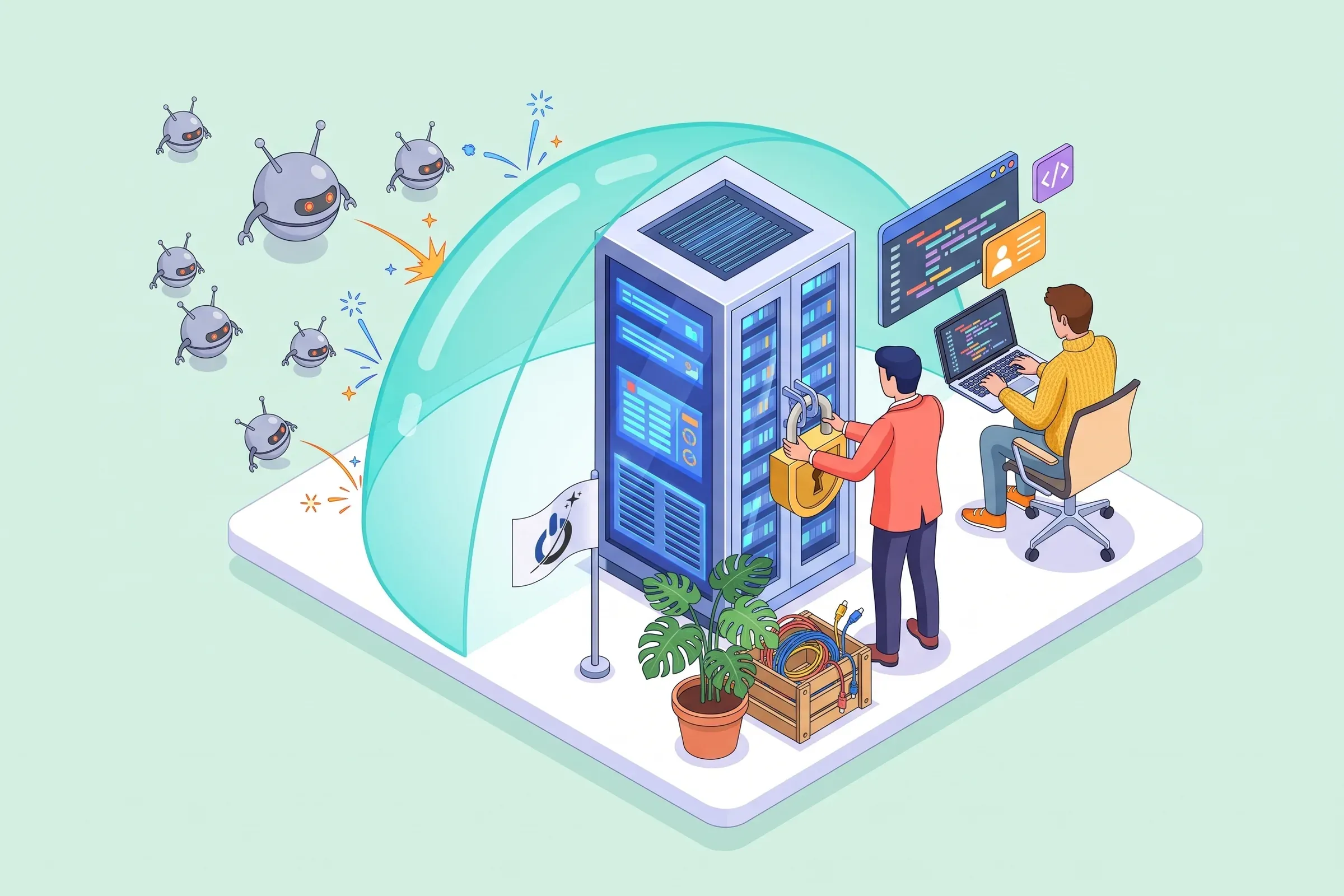
PHP security comes down to a handful of simple habits, applied everywhere. This guide covers the most exploited PHP vulnerabilities (SQL injection, XSS, CSRF, sessions, path traversal, uploads) and the PHP security best practices that close them, with code examples, the configuration to use in production and an interactive checklist to assess your own application.
At a glance
- PHP security means treating every piece of outside data as hostile: validate it on input, escape it on output.
- Prepared statements (PDO) block SQL injection; htmlspecialchars() and a CSP policy block most XSS.
- Forms need a CSRF token; sessions need a regenerated ID and HttpOnly, Secure and SameSite cookies.
- Passwords are stored with password_hash(), never with MD5 or SHA-1.
- A maintained PHP version and up-to-date Composer dependencies matter as much as the code: PHP 8.2 gets no fixes after December 31, 2026.
What is PHP security?
PHP security covers the development and configuration practices that stop an attacker from hijacking a PHP application: reading or changing the database, running code on the server, stealing a session or trapping visitors. PHP is not weaker than other languages. It is simply everywhere, often used by beginners, and its older functions let many dangerous things happen without warning.
One principle sums up almost everything: never trust incoming data. URL parameters, form fields, cookies, HTTP headers, uploaded files, API responses: all of it can be forged. Validate on input, escape on output, according to context (SQL, HTML, shell, file path).
The most common PHP vulnerabilities
| Vulnerability | What the attacker does | Severity | PHP fix |
|---|---|---|---|
| SQL injection | reads or changes the database | critical | PDO / MySQLi prepared statements |
| XSS | runs JavaScript in your visitors’ browsers | high | htmlspecialchars(), CSP |
| CSRF | makes a logged-in user act without knowing it | medium | per-form token, SameSite |
| Session hijacking | takes over a logged-in user’s session | high | session_regenerate_id(), HttpOnly and Secure cookies |
| Path traversal | reads files outside the intended folder | high | allowlist, basename(), realpath() |
| Malicious upload | drops and runs a script on the server | critical | check the real type, store outside the web root |
| Command injection | runs system commands | critical | no exec() on input, escapeshellarg() |
| Weak password storage | cracks stolen hashes | high | password_hash(), login rate limiting |
| Broken access control | opens other users’ pages or data | critical | server-side permission checks |
| Outdated PHP version | exploits a known flaw in the language | critical | PHP 8.4 or 8.5, composer audit |
The OWASP Top 10, updated at the end of 2025, puts broken access control first, ahead of security misconfiguration and software supply chain failures (dependencies). Injection drops to fifth place, but it remains one of the easiest attacks to automate against an old PHP site.
1. SQL injection, the first threat to PHP security
SQL injection happens when a value typed by the user is pasted straight into a query. The attacker closes the string and adds instructions of their own: bypassing the login, dumping the customer table, deleting data.
The fix fits in one rule: prepared statements everywhere, with PDO or MySQLi. The query and the data travel separately, so the database can no longer confuse the two.
$stmt = $pdo->prepare('SELECT id, name FROM customers WHERE email = :email');
$stmt->execute(['email' => $_POST['email']]);
$customer = $stmt->fetch();
The old mysql_* functions have been gone since PHP 7, and addslashes() does not protect you. For column names or sort order, which cannot be prepared, use an allowlist of accepted values. Finally, give the application a database user with limited rights: a brochure site has no need for DROP or GRANT.
2. Cross-site scripting (XSS): escape every output
An XSS vulnerability lets someone inject JavaScript into a page other visitors will see: a comment, a profile name or a URL parameter displayed without care. The injected script runs with the victim’s rights: session theft, fake forms, redirects.
How do you prevent XSS in PHP?
Escape every value at the moment you display it, according to its context:
echo htmlspecialchars($comment, ENT_QUOTES | ENT_SUBSTITUTE, 'UTF-8');Inside an attribute, a URL or JavaScript, HTML escaping is not enough: use json_encode() for a JavaScript variable and validate URLs (http or https scheme only). Template engines such as Twig or Blade escape by default; do not switch that off to save time. Add a Content-Security-Policy that forbids unsigned inline scripts: it limits the damage if an output was missed.
3. CSRF: protect forms with a token
Cross-site request forgery makes a logged-in user perform an action without knowing it: a booby-trapped link in an email changes the delivery address or deletes an account, because the browser sends the session cookie automatically.
Every form that changes something must carry a random token, stored in the session and checked on submission:
$_SESSION['csrf'] ??= bin2hex(random_bytes(32));
// on submission
if (!hash_equals($_SESSION['csrf'], $_POST['csrf'] ?? '')) { http_response_code(403); exit; }
Sensitive actions never go through a plain GET request, and the SameSite cookie attribute adds a second barrier.
4. Sessions and cookies: stopping session hijacking
Stealing a session ID means stealing the account, no password needed. The classic attacks: reading the cookie through an XSS script, intercepting it on an unencrypted connection, or session fixation (the attacker forces a known ID before login).
How do you secure PHP sessions?
- Regenerate the ID at login and whenever privileges change:
session_regenerate_id(true). - Set session cookies to HttpOnly (unreadable by JavaScript), Secure (HTTPS only) and SameSite=Lax or Strict.
- Enable
session.use_strict_modeto reject made-up IDs. - Limit idle time and destroy the session properly at logout.
- Never store a password or payment data in a cookie.
The whole site must run on HTTPS, with no mixed pages.
5. Directory / path traversal: control file paths
Path traversal abuses a parameter that points to a file, such as page.php?doc=invoice.pdf. By replacing the value with ../../config.php, the attacker climbs the directory tree and reads configuration files, or even gets PHP to include a file.
How do you prevent path traversal in PHP?
Never build a path directly from input. Use an allowlist (an ID that maps to a known file), or failing that basename() then realpath(), checking that the resulting path stays inside the allowed folder. Ban include $_GET['page'] and keep allow_url_include disabled.
Would your PHP application withstand these attacks? Have it tested with a pentest
6. Passwords: password_hash() and nothing else
A password is never stored in plain text, MD5 or SHA-1: those hashes are cracked in bulk with precomputed tables. PHP provides everything you need:
$hash = password_hash($password, PASSWORD_DEFAULT); // bcrypt, or PASSWORD_ARGON2ID
if (password_verify($input, $hash)) { /* log in */ }
The salt is generated automatically. Use a wide enough column (255 characters), call password_needs_rehash() at login to follow algorithm changes, and limit attempts to slow brute-force attacks. For tokens (password reset, API), use random_bytes(), never rand() or uniqid().
7. File uploads, system commands and deserialization
Three doors lead straight to code execution on the server.
- File uploads: an “avatar” that is really a PHP script. Check the real type (finfo), rename the file, cap the size and store it outside the web root or in a folder where PHP cannot run.
- System commands: exec(), system() or shell_exec() with user input open the door to command injection. Avoid them; otherwise wrap every argument in escapeshellarg().
- eval() and unserialize() on received data: never. Use JSON to exchange data.
8. Configure PHP for production
Part of PHP security is set in php.ini, without touching the code:
| php.ini directive | Recommended value | Why |
|---|---|---|
| display_errors | Off | do not show paths and queries to visitors |
| log_errors | On | keep errors in a log file |
| expose_php | Off | do not advertise the PHP version |
| allow_url_include | Off | block remote file inclusion |
| session.cookie_httponly / cookie_secure | 1 | session cookies unreadable by JavaScript, HTTPS only |
| session.cookie_samesite | Lax or Strict | slow down request forgery |
| session.use_strict_mode | 1 | reject made-up session IDs |
| open_basedir | site folder | limit the files PHP can reach |
| disable_functions | exec, shell_exec, system… if unused | close off command execution |
| upload_max_filesize | as low as practical | limit uploaded file size |
On access control, the first OWASP category: check permissions on every page and every action on the server side, including AJAX calls and APIs. Hiding a button forbids nothing; guessing an ID in the URL must not open anything.
9. Keep PHP and Composer dependencies up to date
The cleanest code cannot protect you from a flaw in PHP itself or in a library. Each PHP branch gets two years of active fixes, then two years of security fixes only. In November 2026, PHP 8.4 and 8.5 are fully maintained, PHP 8.3 only gets security fixes, and PHP 8.2 reaches end of life on December 31, 2026. Our advice: run PHP 8.4 or 8.5 in production.
The October 2026 emergency was a reminder: the PHP2Shell flaw was in PHP, not in the websites. Our guide to the PHP2Shell vulnerability and PHP updates explains how to check your version and who has to update it. For dependencies, run composer audit regularly and in your CI pipeline, and keep only the packages you actually use.
10. HTTP headers, errors and logs
A few headers sent by the server or by PHP strengthen everything else: Strict-Transport-Security (HTTPS enforced), Content-Security-Policy, X-Content-Type-Options: nosniff, and a framing policy (frame-ancestors) against clickjacking. Detailed errors stay in the logs, never on screen. And those logs must be read: a burst of failed logins or odd requests is often the first sign of an attack.
For a wider view beyond the code, see our website security guide.
PHP security checklist: assess your application
Should you use a PHP framework?
Symfony and Laravel include most of these protections: prepared statements through the ORM, automatic escaping in templates, CSRF tokens in forms, solid session and password handling. They also publish security fixes on a steady schedule. For a new application, we recommend starting from a framework rather than rewriting these building blocks by hand.
A framework does not replace thinking. A raw SQL query, a |raw filter in a template or a permission check forgotten in a controller reopens the same holes. Code written with the help of AI deserves the same review, and a website security analysis helps you see where you stand.
Common mistakes
- Filtering input and forgetting output: clean data in the database can become dangerous again on display.
- Relying on JavaScript to validate a form: browser-side checks are bypassed in a second.
- Leaving display_errors on in production, with paths and queries visible.
- Leaving test or backup files (phpinfo.php, dump.sql, .env) reachable on the server.
- Updating the CMS but not PHP, or the Composer libraries.
- Granting every right to the database user.
Conclusion: PHP security is a habit
None of the measures in this guide is complex. The hard part is applying them everywhere, all the time: every new page, every form, every update. Our advice: fix the critical checklist items first (prepared statements, escaping, PHP version), automate what you can (composer audit, updates), then have the application tested by an outside eye before a bot does it for you.
Frequently asked questions about PHP application security
How do you protect against SQL injection in PHP?
Always use prepared statements with PDO or MySQLi: the query and the values are sent separately, so user input can never become an SQL instruction. For items that cannot be prepared, such as a sort column name, use an allowlist. Also limit the rights of the database user.
What is an XSS vulnerability and how do you prevent it in PHP?
An XSS vulnerability lets someone inject JavaScript into a page shown to other visitors, for example through a comment or a URL parameter. You prevent it by escaping every value when you display it, with htmlspecialchars() using ENT_QUOTES and UTF-8 for HTML, and json_encode() for JavaScript. A Content-Security-Policy limits the damage if something slips through.
How do you secure sessions and cookies in PHP?
Regenerate the session ID at login with session_regenerate_id(true), enable session.use_strict_mode and serve the whole site over HTTPS. Session cookies must carry the HttpOnly, Secure and SameSite attributes. Set an idle timeout and destroy the session at logout.
Which PHP version should a secure website use in 2026?
A version that still receives fixes: ideally PHP 8.4 or 8.5, both actively maintained. PHP 8.3 only gets security fixes, and PHP 8.2 gets no fixes after December 31, 2026. Any version 8.1 or older is end of life and should be upgraded quickly.
How do you prevent path traversal attacks?
Never build a file path directly from user input. Prefer an allowlist of IDs mapped to known files; failing that, clean the name with basename(), resolve it with realpath() and check that it stays inside the allowed folder. Never include a file whose name comes from the URL.
Should you use a PHP framework to improve security?
It is strongly recommended for a new application: Symfony or Laravel provide prepared statements, automatic escaping, CSRF tokens and password handling, with regular security fixes. A framework does not prevent every mistake, though: a raw SQL query, unescaped output or a missing permission check are still possible. Code review and security testing remain necessary.