How to Protect Your Website from Hackers: 12 Practical Measures

This guide explains how to protect your website from hackers with 12 practical measures ranked by priority: accounts and passwords, updates, admin pages, file uploads, HTTPS, firewall, backups and monitoring. It is written for business owners and site managers who want solid protection without becoming cybersecurity experts. An interactive checklist lets you measure your level of protection.
At a glance
- To protect your website from hackers, start with the basics: strong passwords, two-factor authentication and regular updates.
- Most hacks exploit a weak password or an outdated plugin, not a sophisticated flaw.
- Hide and protect admin access, and limit login attempts and file uploads.
- HTTPS, a web application firewall and tested backups complete the protection.
- Monitor the site continuously to react fast: a hack detected early costs far less.
Why hackers target small websites
Many business owners think their website is too small to interest a hacker. The opposite is true: most attacks are automated. Bots constantly scan the web, try common passwords and look for versions known to be vulnerable, regardless of company size. A hacked site is then used to send spam, host fraudulent pages, steal form data or mine cryptocurrency.
The consequences are serious: a site blocked or flagged as dangerous by Google, lost rankings, a personal data breach to report to the data protection authority, a damaged reputation and cleanup costs.
The most common attacks and how to protect your website from hackers
| Attack | What it exploits | Main protection |
|---|---|---|
| Brute force | weak passwords, unlimited login attempts | strong passwords, 2FA, login limits |
| Vulnerability exploit | outdated CMS or plugin | updates, unused plugins removed |
| SQL injection or XSS | poorly filtered forms and parameters | secure code, web application firewall |
| Malicious file upload | overly permissive upload forms | limited file types, content checks |
| Phishing | credentials stolen by email | 2FA, team awareness |
| Denial of service | artificial traffic surge | firewall, CDN, rate limiting |
1. Use strong, unique passwords
This is the simplest and most effective measure. Every admin account needs a long password (a passphrase of several words works very well), unique and stored in a password manager. Delete unused accounts, rename or disable the default “admin” account, and never share one account between several people.
2. Enable two-factor authentication
Two-factor authentication (2FA) requires, in addition to the password, a temporary code generated by a smartphone app. Even if a password leaks, the attacker cannot log in. It takes minutes to enable on WordPress, PrestaShop, Drupal or Shopify, and should be mandatory for every account with admin rights, as well as for hosting and the domain name.
3. Hide and protect admin pages
The default login address (/wp-admin, /admin, /user/login) is the first target of bots. You can move it to a custom address, restrict access to certain IP addresses, add extra protection at server level and limit login attempts to block brute-force attacks. That is the practical answer to “how do I block a hacker” trying to guess your credentials.
4. Do not rely on robots.txt to hide sensitive pages
The robots.txt file tells search engines what not to crawl, but it is public: listing sensitive pages there points hackers straight to them. To protect a page, use authentication, access rights or an IP restriction, never robots.txt.
5. Update the CMS, plugins and server
Updates fix known vulnerabilities, which bots often exploit within days of disclosure. Regularly update the CMS, theme and plugins, as well as the PHP version and the server’s operating system. Remove unused plugins and themes: a deactivated but installed plugin can still be exploited. Test updates on a copy of the site before production if the site is critical.
6. Restrict file uploads
Forms that accept files (resumes, photos, attachments) are a classic entry point: a hacker uploads a script disguised as an image, then runs it. Limit accepted file types, check their actual content and not just the extension, rename them, store them outside executable folders and cap their size.
7. Install an SSL certificate and switch to HTTPS
HTTPS encrypts exchanges between the visitor and the site: passwords, forms and payments no longer travel in plain text. Certificates are now free (Let’s Encrypt) and browsers flag insecure sites. Force redirection to HTTPS and enable the HSTS header.
8. Install a web application firewall (WAF)
A web application firewall filters traffic before it reaches your site: it blocks SQL injection, malicious scripts, known bots and denial-of-service attacks. It can be provided by an online service (Cloudflare, Sucuri), by your host or by a CMS plugin. Geolocation or rate-limiting rules add useful protection against waves of suspicious traffic.
9. Apply the principle of least privilege
Every user, plugin and database connection should have only the rights it needs. A writer does not need to install plugins; a contractor does not need permanent access. Remove access for former staff and contractors as soon as their work ends.
10. Secure hosting and technical access
The site is only part of the attack surface. Also protect your hosting account, FTP access (prefer SFTP or key-based SSH), the database (never reachable from the Internet) and the domain name account. Quality hosting isolates sites from each other and applies server patches itself.
11. Make regular, tested backups
Backups are your insurance: after a hack, they let you restore a clean site. They should be automatic, daily for an active site, kept for several days or weeks, stored off the site’s server and tested regularly. A backup that has never been restored is a backup you cannot trust.
12. Monitor the site continuously
A hack detected within hours is quickly fixed; detected after weeks, it has already hurt your rankings and reputation. Set up uptime monitoring, regular file scans for malicious code, alerts on new admin logins and Search Console security alerts. A periodic website security analysis completes this monitoring.
Want an expert to check your site’s protection? Discover our website security services
Checklist: is your website protected from hackers?
Tick the measures already in place. The most important ones weigh more in the score.
Where to start to protect your website from hackers
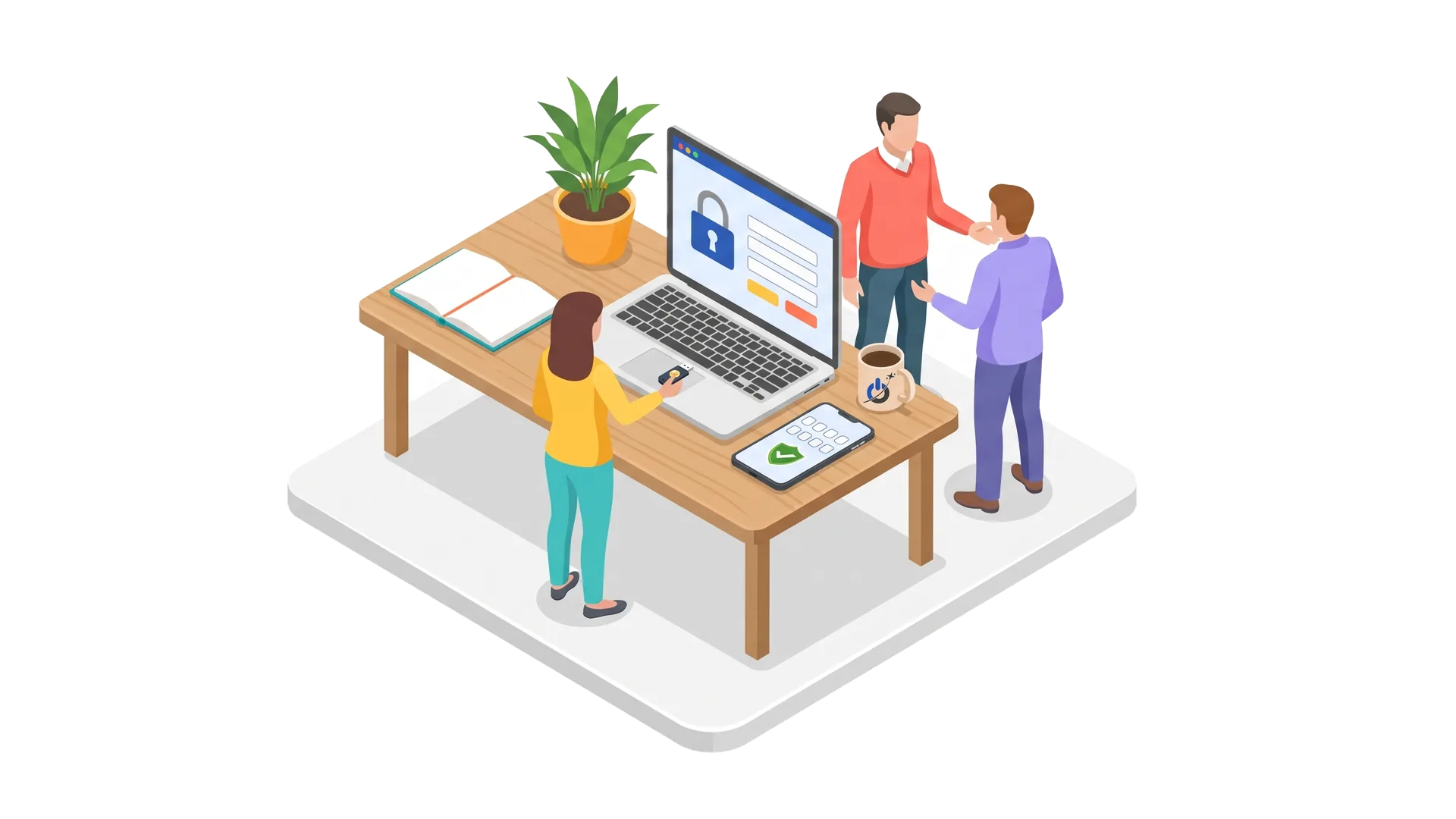
If you cannot do everything at once, start with what blocks the most attacks for the least effort: passwords and two-factor authentication, updates, login limits and backups. Then add the firewall, upload restrictions and monitoring. More advanced measures (security headers, code audit, penetration testing) come next, depending on how important the site is to your business. Our website security guide goes deeper into each topic.
What to do if your website has already been hacked
Our guide website hacked: what to do details each step.
Conclusion
Protecting your website from hackers depends less on sophisticated tools than on regular hygiene: strong credentials, consistent updates, a well-guarded admin, tested backups and active monitoring. These measures block the vast majority of automated attacks, precisely those that target small sites. For a site your business depends on, have its security checked by a specialist rather than waiting for an incident.
Frequently asked questions: how to protect your website from hackers
How do I know if my website has been hacked?
The most common signs are redirects to other sites, unknown pages or links, admin accounts you did not create, a warning from Google or the browser, a sudden drop in traffic or spam emails sent from your domain. Search Console also reports security issues detected by Google.
How do I block a hacker trying to log in to my site?
Limit login attempts, enable two-factor authentication, move or protect the login address and block suspicious IP addresses with a web application firewall. Change passwords immediately if you suspect a leak.
Should a small business protect its website from hackers?
Yes, because small sites are actually the most frequent targets. Attacks are automated: bots test thousands of sites looking for weak passwords and vulnerable plugins, whatever the company’s size. Poorly maintained sites are the most exposed.
Is HTTPS enough to protect a website?
No. HTTPS encrypts exchanges between the visitor and the server, protecting data in transit, but it does not stop a hacker from exploiting a CMS flaw or a weak password. It must be combined with updates, two-factor authentication, a firewall and backups.
How often should I back up my website?
Daily backups are recommended for a site that changes often or takes orders, weekly for a rarely updated brochure site. Keep several versions, store them off the server and test restoring them regularly.
Does a brochure website need a firewall?
It is strongly recommended. A web application firewall blocks much of the malicious traffic before it reaches the site: bots, injection attempts, brute-force attacks. Free or low-cost solutions exist and can be set up quickly.