SEO-Friendly URLs: The Complete Guide to URL Optimization
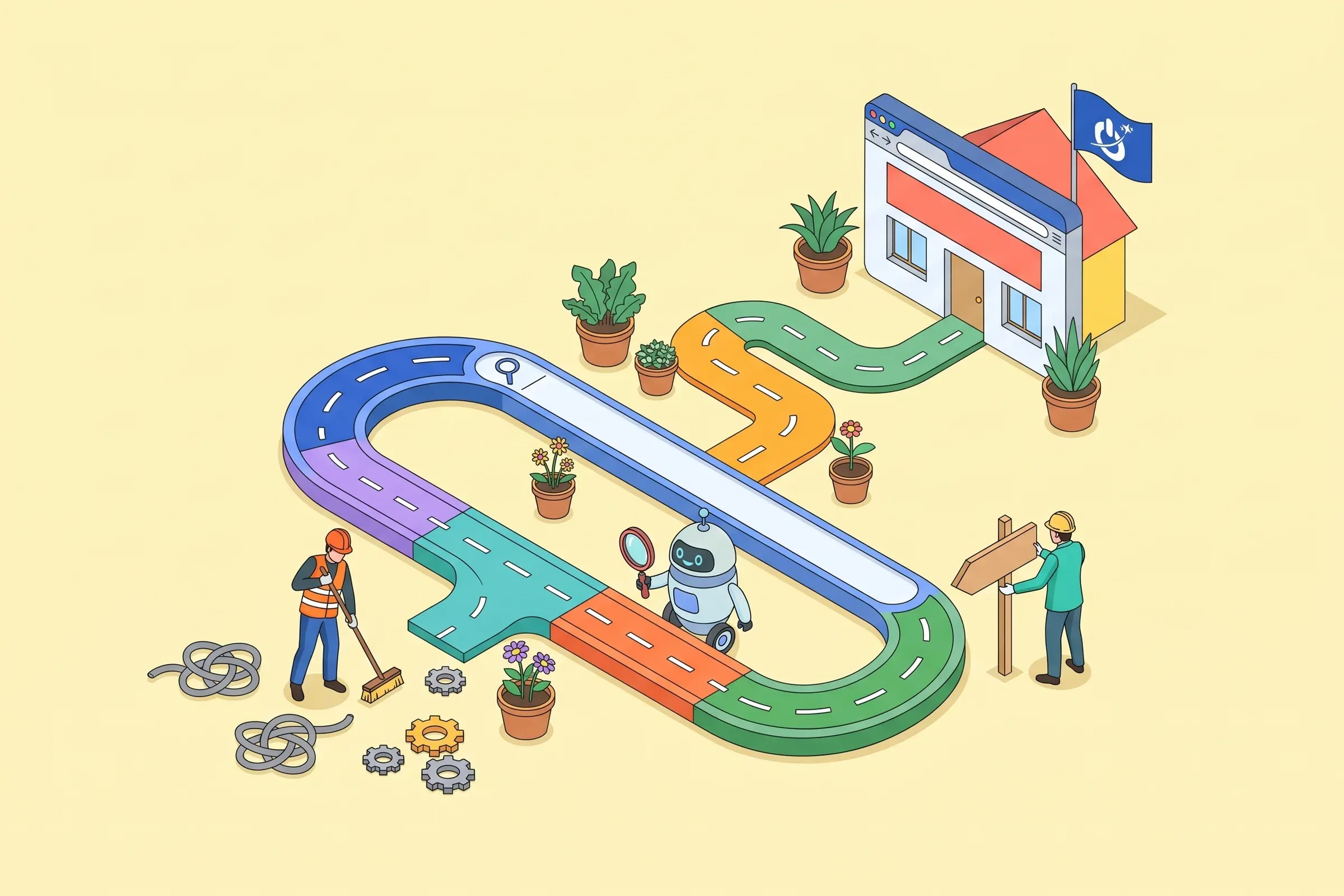
example.com/index.php?id=4827&cat=12 and example.com/shoes/womens-running. Before clicking, you already know what the second one holds. So does Google. A clear URL will not push a page to the top on its own, but a confusing, overly long URL, or one changed without a redirect, can cost real visibility.This guide explains how to create SEO-friendly URLs: the anatomy of a URL, 9 rules for writing an optimized URL slug, the site’s URL structure (subfolders, subdomains, parameters, multilingual), when it is better to change nothing, and a tool that turns a title into a clean slug and checks an existing URL.
At a glance
- An SEO-friendly URL is short, readable, lowercase, with words separated by hyphens and the page’s main keyword.
- URLs carry little weight in Google’s ranking, but they influence clicks, sharing and how the site is understood.
- A subfolder structure mirrors the site tree; avoid needless parameters and session IDs.
- Do not change the URL of a page that ranks well without a 301 redirect and a serious reason.
- Avoid dates, accents and stop words in new URLs.
What is an SEO-friendly URL?
A URL (Uniform Resource Locator) is the unique address of a page on the web. An SEO-friendly URL is one that both users and search engines understand at a glance: it describes the page in a few words, including the main keyword, without useless characters.
Google says so itself: words in the URL are a very light signal. Their value lies elsewhere. A readable URL reassures before the click, shows up as a breadcrumb in results, shares cleanly on social networks and in emails, and reveals the site’s structure. Duplicate URLs, stacked parameters and changes without redirects, on the other hand, waste crawl budget and dilute links.
The anatomy of a URL
Protocol, domain and extension are chosen once. The path, and above all the slug (the last part, unique to each page), is decided with every new page: that is where most URL optimization happens.
How to write an SEO-friendly URL slug
1. Start from your page title
The page title is the best starting point: it already holds the topic and, normally, the main keyword. For writing it well, see our guide to the SEO title tag.
2. Remove special characters
Apostrophes, exclamation marks, symbols, emojis: in a URL they get encoded into unreadable sequences such as %C3%A9. Keep only letters, useful numbers and hyphens.
3. Remove unnecessary numbers
“10 tips” quickly becomes “12 tips” at the next update. A number in the URL then forces you to keep a wrong address or change it. Drop it, unless it is part of the topic (iphone-17, gdpr-article-6).
4. Remove filler words
Stop words (the, a, an, of, for, and, to) make the URL longer without adding anything. Keep them only if the URL becomes hard to understand without them.
5. Boil the URL down to its keyword
Aim for the main keyword plus one or two words if needed: 3 to 5 words, ideally under 60 characters for the path. A short URL is easier to read, remember and share, and gets truncated less in results.
6. Add a keyword modifier (optional)
A word such as “guide”, “price”, “example” or “comparison” clarifies search intent: /wordpress-website-cost/ says more about the page than /wordpress-website/. Use it only if it truly reflects the content.
7. Keep the URL readable (optional)
If the shortest version turns into a code (/seo-url-opt/), add a word back so it reads naturally. You should be able to read the URL out loud.
8. Use lowercase
URLs are case-sensitive: /Shoes and /shoes can be two different pages for Google. Write everything in lowercase and redirect uppercase variants.
9. Replace spaces with hyphens
Google recommends hyphens to separate words, not underscores (_) or words glued together. “seo-url” reads as two words, “seo_url” as a technical identifier.
| Avoid | Better | Why |
|---|---|---|
| /index.php?id=4827&cat=12 | /shoes/womens-running/ | words instead of IDs |
| /2020/12/10-tips-to-optimize-your-urls/ | /blog/seo-friendly-urls/ | no date, no number, no stop words |
| /Blog/URL_Optimization | /blog/url-optimization/ | lowercase and hyphens |
| /seo/local-seo/local-seo-agency-seo/ | /seo/local-seo-agency/ | no repetition |
| /caf%C3%A9-menu/ | /cafe-menu/ | no encoded accents |
Slug generator and URL checker
Best practices for the rest of the URL
Use HTTPS
HTTPS is a light ranking signal but above all a trust requirement: browsers flag non-secure pages. Every HTTP version should 301 redirect to HTTPS.
Use subdomains only when you have to
A subdomain (blog.example.com) is often treated as a separate site: the authority earned by the main domain benefits it less directly. For a blog, a store or a language version, a subfolder (example.com/blog/) is usually the simplest choice.
Choose a memorable domain
Short, without multiple hyphens, easy to say, close to your brand. Keyword-stuffed domains (best-cheap-plumber-london.com) no longer bring an advantage and inspire little trust.
Choose the right extension
A .com suits an international business; a country extension (.co.uk, .ca, .com.au) clearly signals the target country, which helps local SEO and trust among customers there.
Use subfolders to build a hierarchy
/services/web-design/ or /blog/seo/ show Google and users where the page sits in the site. That hierarchy goes hand in hand with consistent internal linking.
Use as many subfolders as needed, no more
Two or three levels are enough for most sites. Beyond that, URLs get long and deep pages are often crawled less. A logical tree matters more than depth.
Avoid keyword repetition
/seo/local-seo/local-seo-agency/ does not help: Google sees redundancy at best, over-optimization at worst. One keyword per level is enough.
Avoid dates in URLs
/2020/12/optimize-urls/ makes content look old and prevents clean updates. For a blog, prefer /blog/topic/; in WordPress, that is the “Post name” permalink setting.
Avoid URL parameters where possible
Sorting, filters, campaign tracking, session IDs: each parameter can create a new URL for the same content. Keep clean URLs for pages you want indexed, use the canonical tag for variants, and block endless filter combinations that should not be indexed in robots.txt.
Are your current URLs holding back your rankings? An SEO review checks them for you

Should you change the URLs of an existing site?
Rarely. A page that ranks has built up links, shares and history. Changing its URL, even for a better one, requires a 301 redirect and a few weeks of fluctuation. Our advice: apply this guide’s rules to new pages, and change an existing URL only if it causes a real problem (unreadable ID, misleading date, duplicate, site structure overhaul).
If you do: create a 301 redirect from the old address to the new one, update internal links, the sitemap and the canonical tag, then track the page in Search Console. During a full redesign, you need a complete redirect map: an SEO audit of the old site is the best starting point.
URLs and CMSs: WordPress, PrestaShop, Shopify, Drupal
- WordPress: set permalinks to “Post name” and edit the suggested slug for each new post. More in our WordPress SEO guide.
- PrestaShop: turn on friendly URLs and define readable route patterns for products and categories.
- Shopify: the /products/ and /collections/ prefixes are fixed, but the final part (the “handle”) can be edited on each item.
- Drupal: the Pathauto module generates aliases from patterns; see our Drupal SEO checklist.
Multilingual sites: which URL structure?
Three options: one domain per country (example.de, example.fr), one subdomain per language (fr.example.com) or one subfolder per language (example.com/fr/). A country domain sends the clearest geographic signal; a subfolder is the simplest to manage and benefits from the main domain’s authority. Either way, translate the slugs too, link versions with hreflang tags, and avoid automatic redirects based on IP address.
Common mistakes
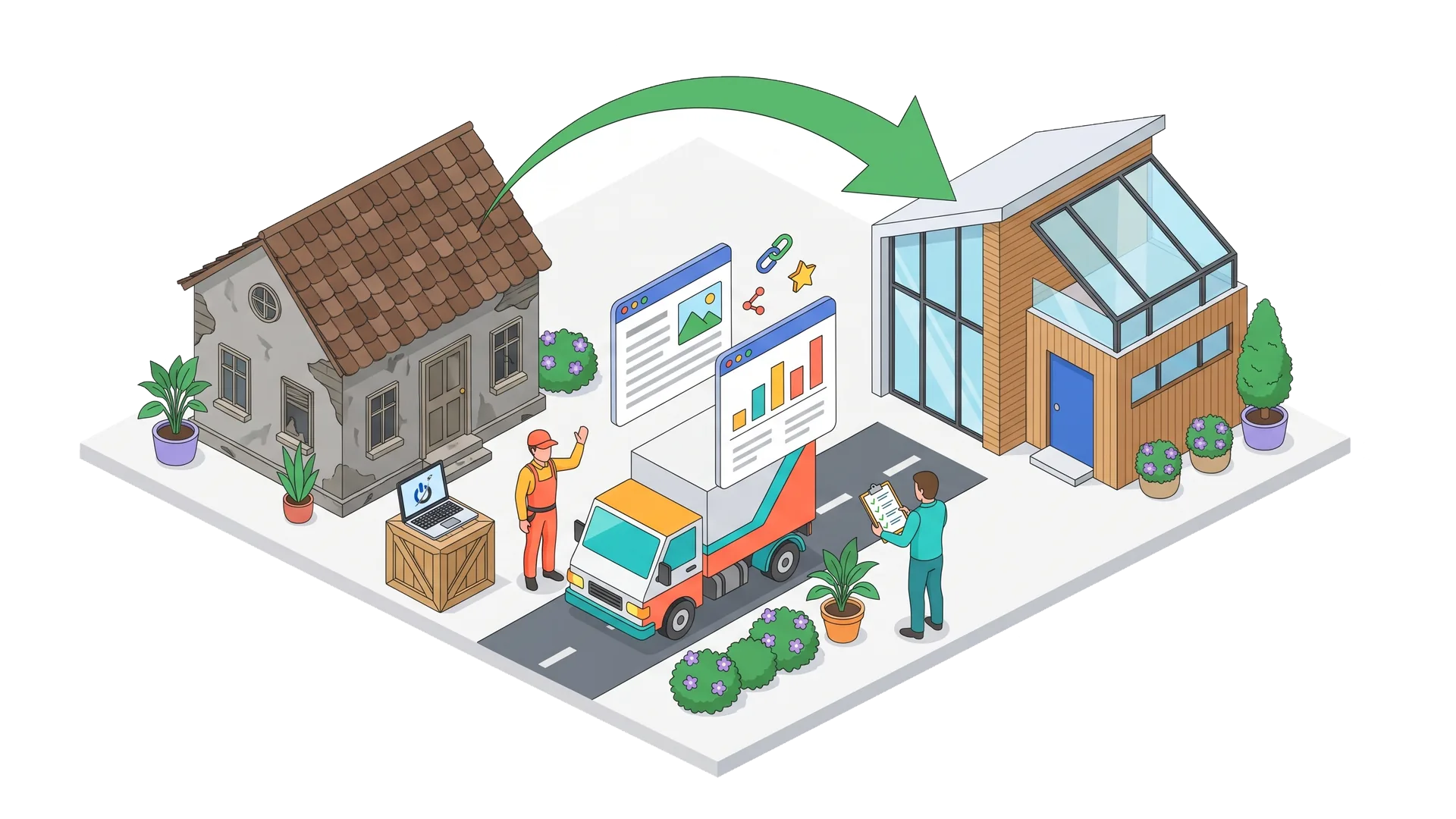
- Changing the URL of a well-ranked page without a 301 redirect.
- Keeping the automatic slug of a long title, with stop words and punctuation.
- Mixing uppercase, underscores and hyphens from one section to another.
- Creating several URLs for the same page (with and without trailing slash, with parameters) without a canonical.
- Stuffing the URL with keywords repeated in every folder.
- Leaving staging or test URLs in internal links after launch.
Wrapping up
A good URL is short, readable and stable. It announces the content, fits into a logical structure and never changes without a redirect. URL optimization is one of the simplest SEO tasks, as long as you do it at the right time: when pages are created, or during a well-prepared redesign.
Frequently asked questions about SEO-friendly URLs
Does a page’s URL affect Google rankings?
The direct impact is very small: Google says words in the URL are only a light signal. The indirect effect is larger, because a clear URL improves click-through rate, makes sharing easier and helps Google understand the site structure. URL problems (duplicates, parameters, changes without redirects) can, on the other hand, do real harm.
Should you change the URL of a page that already ranks well?
Usually not. A well-ranked page has built up links and history; changing its address creates a period of instability, even with a 301 redirect. Only do it to fix a real problem, with a 301 redirect, updated internal links and sitemap, and monitoring in Search Console.
Can you use accents or non-English characters in URLs?
Technically yes: Google accepts accented characters, encoded in UTF-8. But they often appear as unreadable codes (%C3%A9) when the link is copied, and they are harder to type. For most sites, we recommend plain ASCII URLs, replacing é with e and so on.
How should you set up WordPress permalinks for SEO?
In Settings, Permalinks, choose “Post name” (/%postname%/), or a structure with category if your site really needs it. Avoid date-based structures. On a live site, only change this setting with a redirect plan, because every post URL would change.
How should you structure URLs on a multilingual site?
Pick one approach: country domains, subdomains or language subfolders (/fr/, /en/). Translate slugs in each language, link versions with hreflang tags and let users choose their language rather than redirecting them automatically. Subfolders are often the easiest to maintain.
What is the difference between a canonical URL and a 301 redirect?
A 301 redirect actually sends users and Google to another address: the old URL is no longer reachable. A canonical tag keeps both pages accessible but tells Google which one to index first. Use a 301 for a permanent address change, and a canonical for variants of the same page.