Description
Does your back office slow down as orders pile up?
The more your store sells, the larger your database grows. The order list takes time to load, a loyal customer’s profile can freeze your browser, and daily management becomes a hassle. Yet, deleting your old records is not an option: you need them for accounting and customer service.
Archive PrestaShop orders instead of deleting them
ArchiveBox automatically moves your old validated sales into an archive. Your PrestaShop back office regains its speed, and every archived order remains accessible in just a few clicks.
Without or with ArchiveBox?
| Without the module | With ArchiveBox |
|---|---|
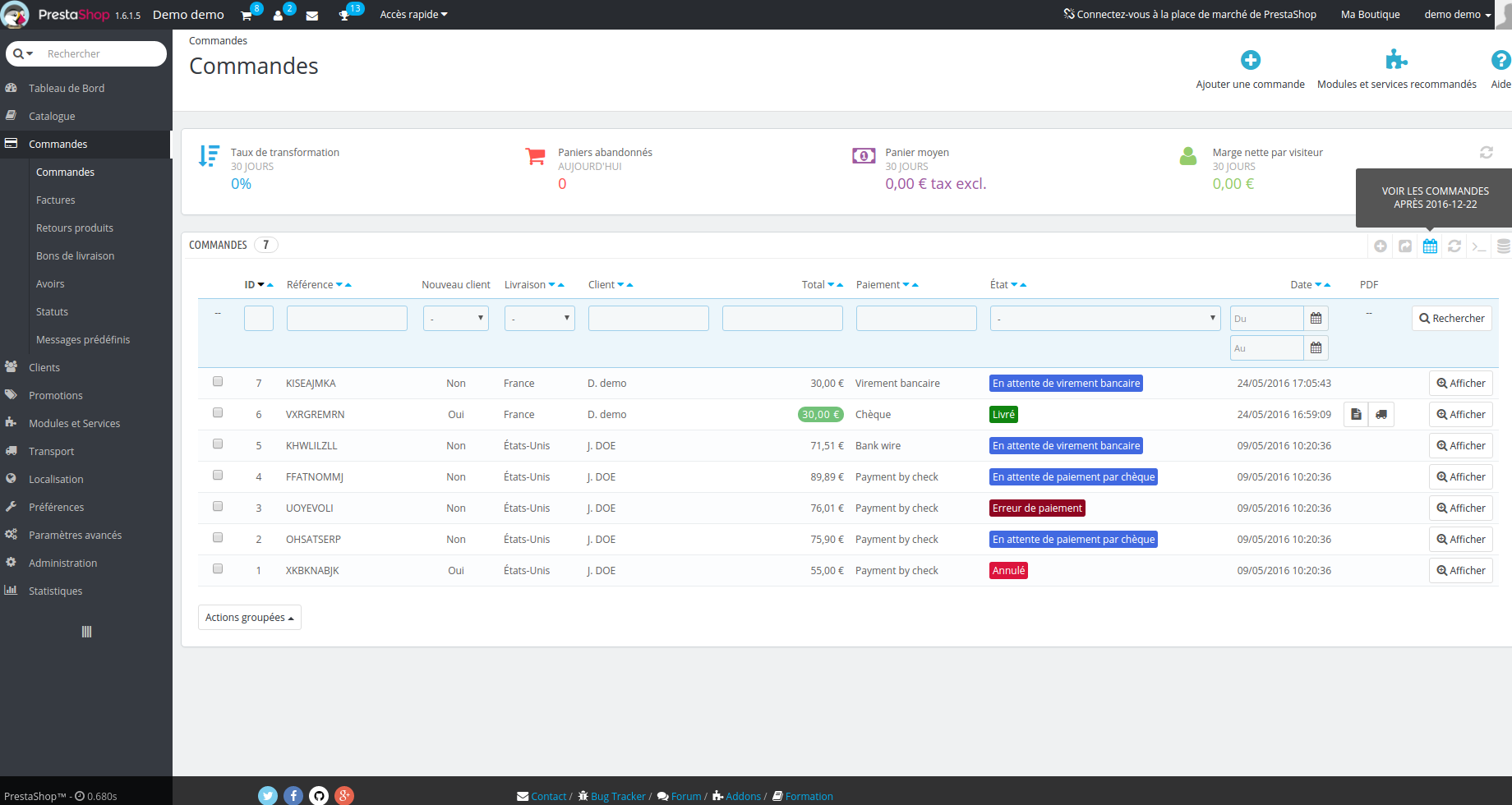
| The order list takes time to load | A back office lightened of its old orders |
| A large customer’s profile can freeze the browser | Customer profiles that load quickly |
| Choosing between a slow back office and deleting history | A preserved history that is accessible at all times |
Who is it for?
Established stores
Years of order history that weigh down the back office.
B2B merchants
Customers who order very frequently and endless customer profiles.
Support and accounting teams
Essential access to old orders without slowing down daily tasks.
What you gain
- A faster back office: fewer active orders to load on every screen.
- No lost data: your history remains available for accounting and customer support.
- No more freezing on large accounts: creating an order for a customer who has already bought a lot becomes smooth again.
Everything you need to know about ArchiveBox
Features
3 archiving criteria
- Archive orders older than X days
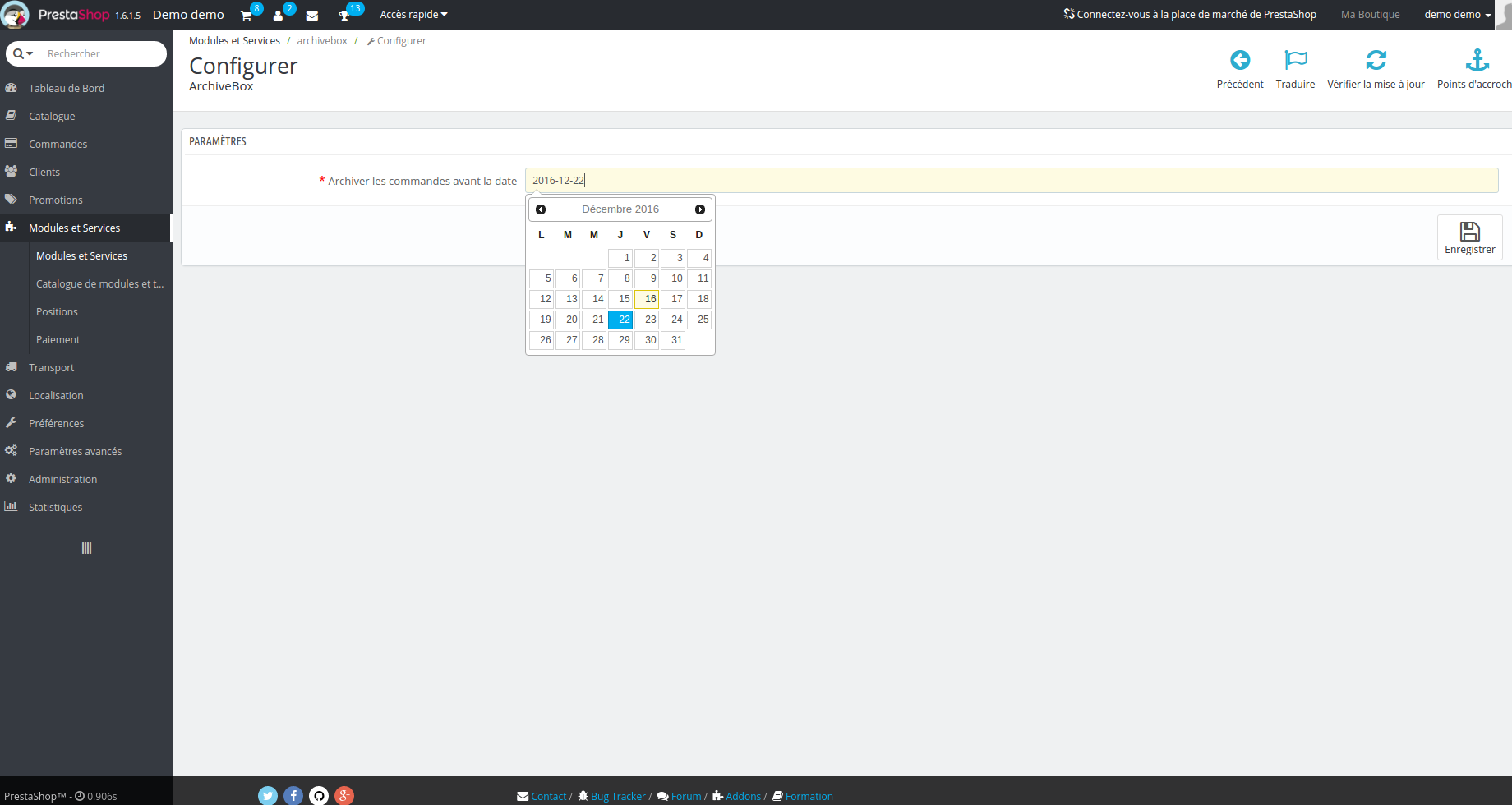
- Archive orders prior to a specific date
- Archive based on order statuses
Streamlined customer profiles
- Limit the number of orders and carts displayed in a customer’s details
- Option to disable the “Purchased products” block
- No more slowdowns when adding an order from the back office
Compatibility
- License valid for all PrestaShop versions
Installation
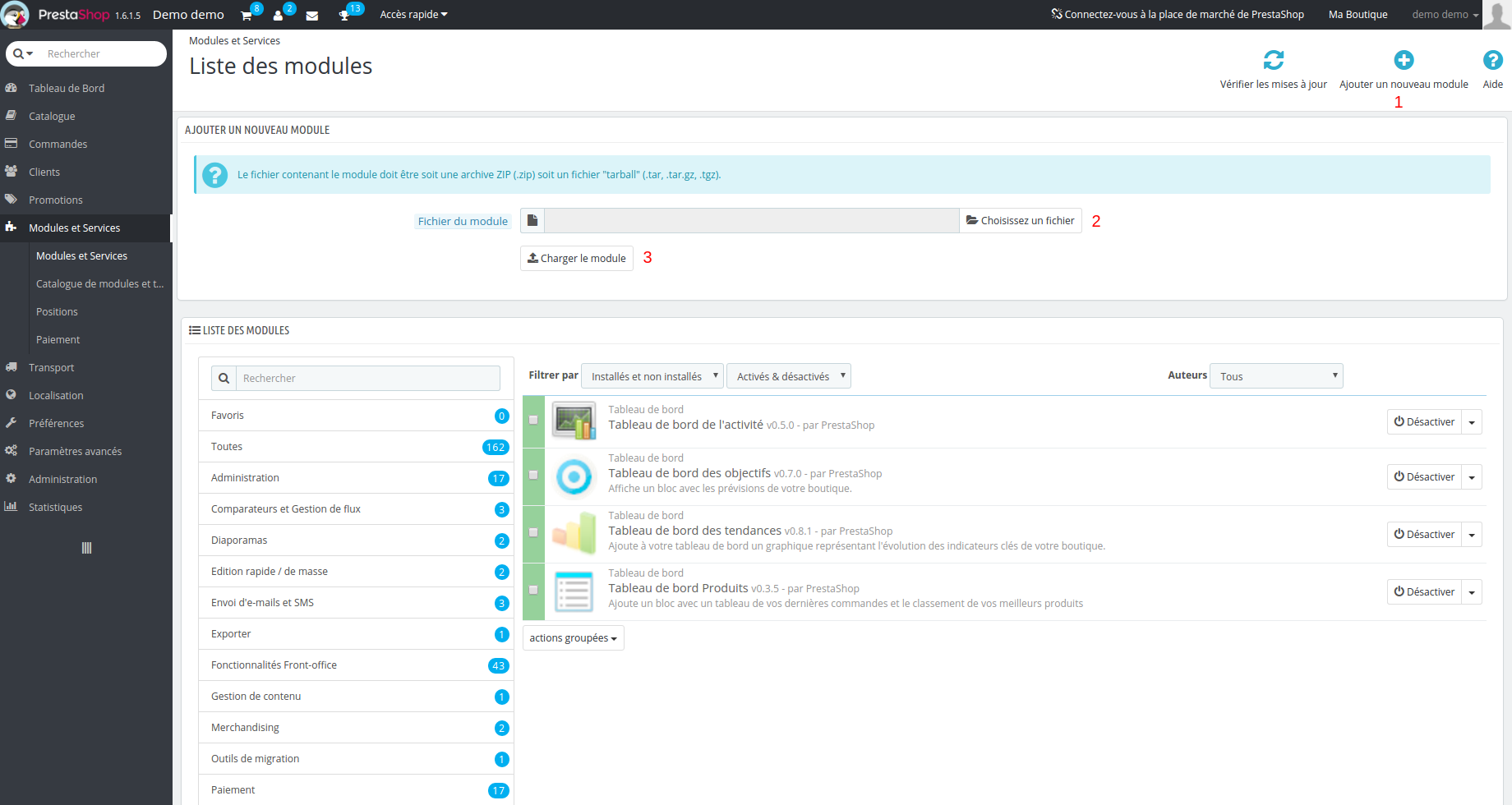
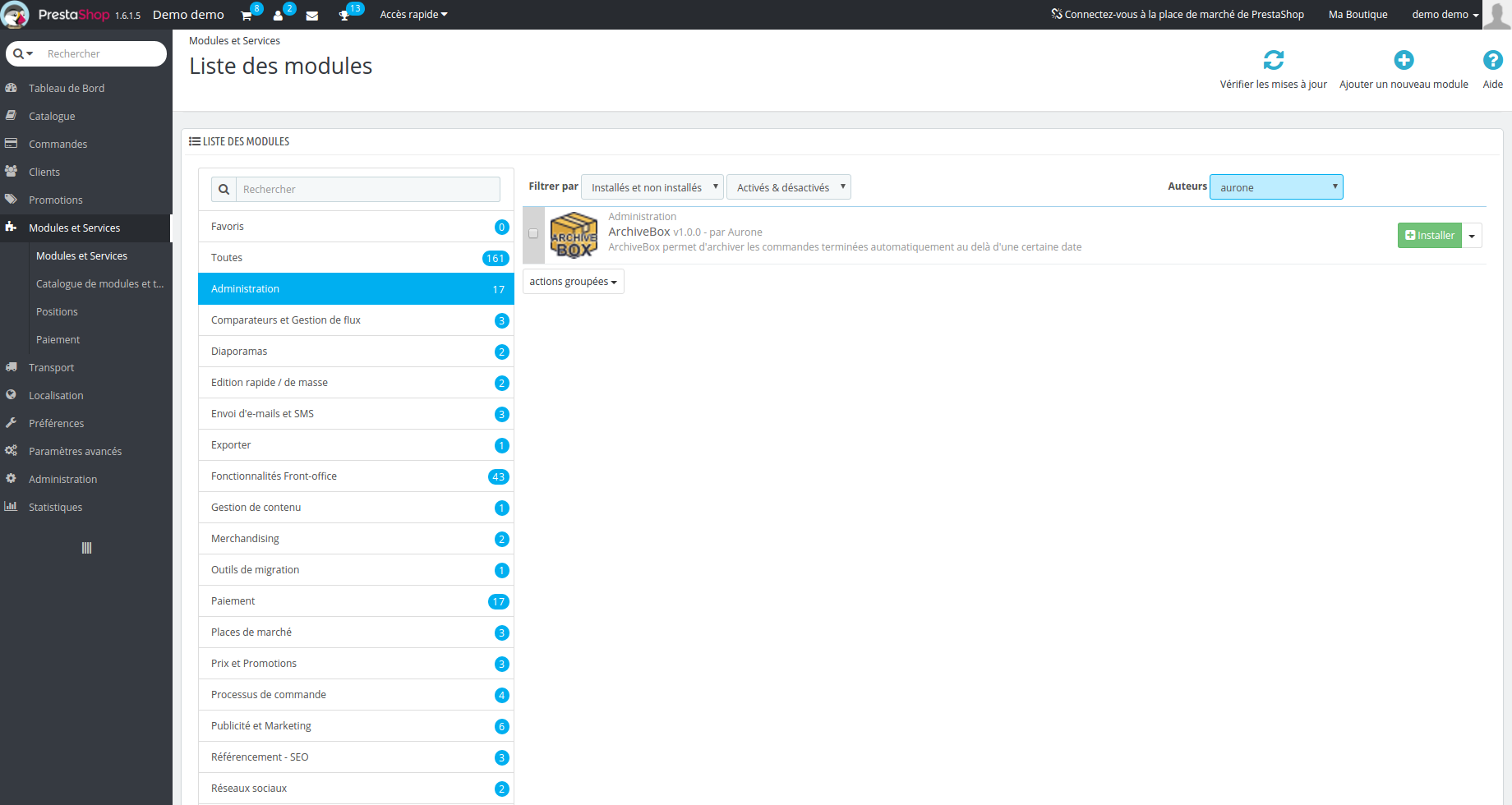
- In Modules > Module Manager, click on Install a module
- Select the ArchiveBox ZIP file
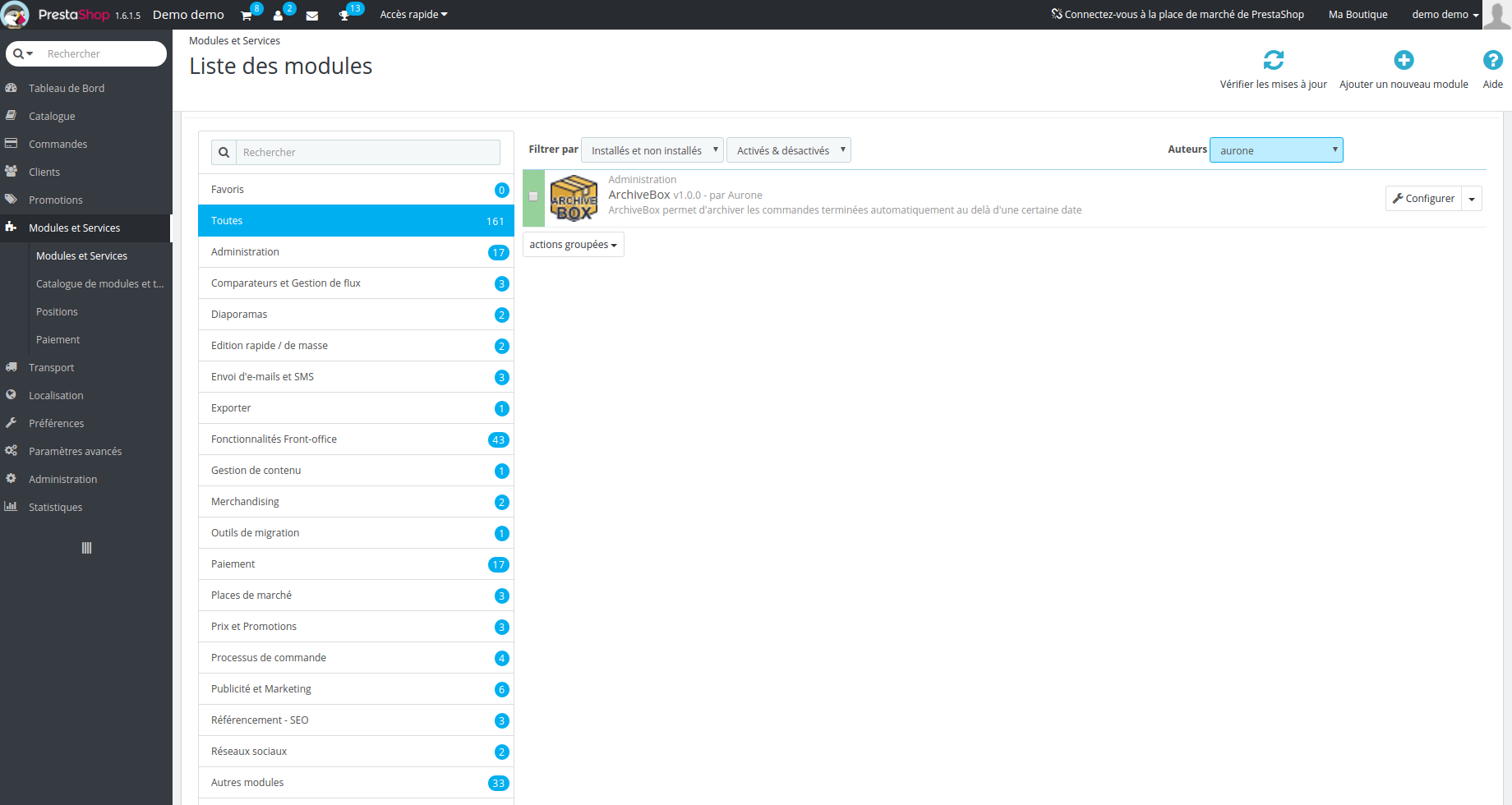
- Click on Configure and choose your archiving criteria
What’s included
- License for 1 PrestaShop store
- Updates for 12 months
- Support for 12 months in English, French, Spanish, German, Italian, and Arabic
- Immediate download after payment
“Module + installation” option (+$10): our experts install the module on your store and perform the basic configuration. You don’t have to do anything.
Frequently asked questions
Are my archived orders deleted?
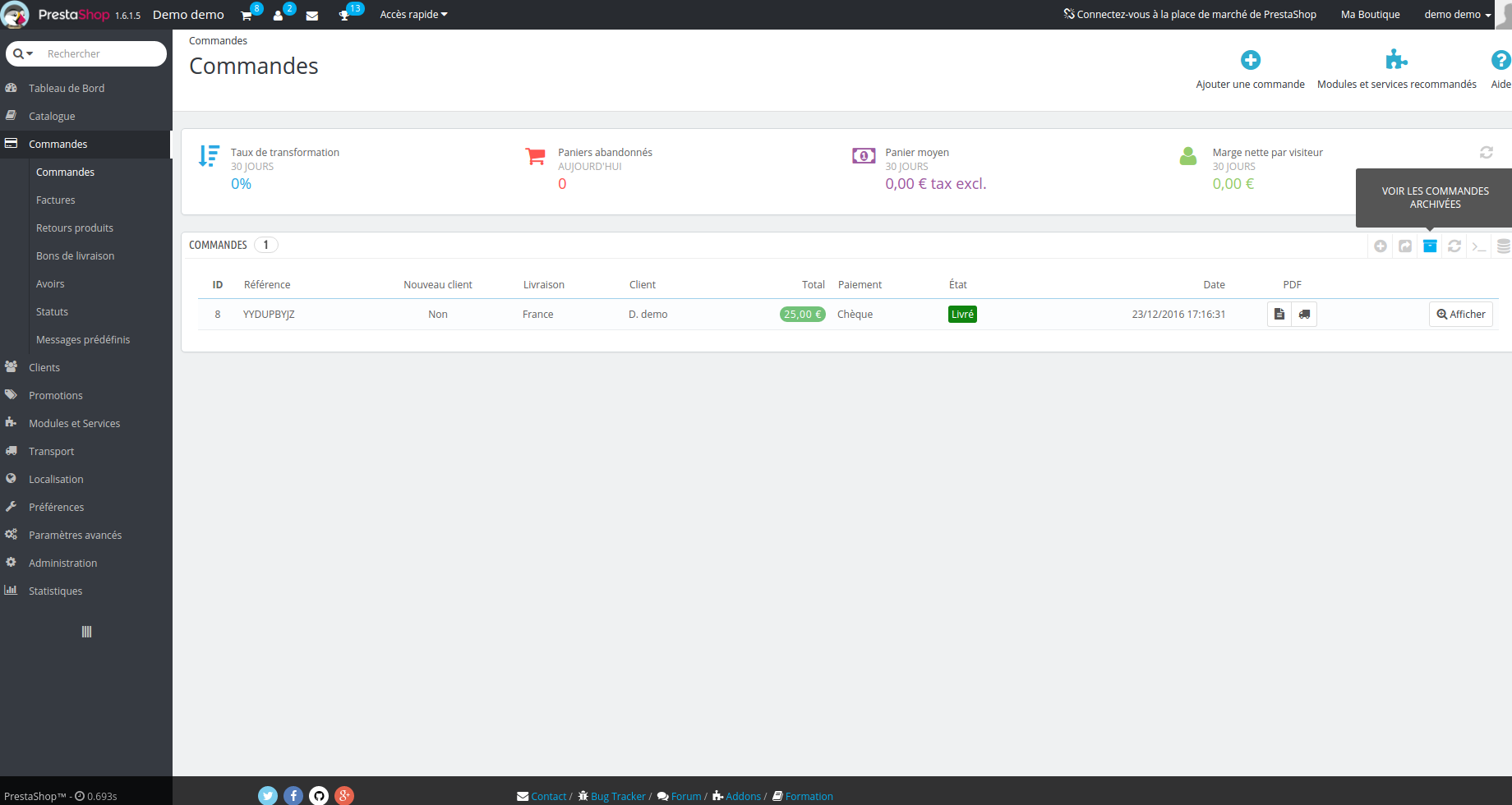
No. They are simply removed from the active list and remain accessible at all times from the module.
Is the archiving automatic?
Yes. Once your criteria are defined (age, date, or status), ArchiveBox will archive PrestaShop orders that match without any action on your part.
Is ArchiveBox useful for a small store?
It is mostly useful once your order volume slows down your back office or when certain customers have a long purchase history. If your back office is still fast, you don’t need it right away.
What does the “Module + installation” option include?
Our experts install the module on your PrestaShop store and handle its basic configuration. After your order, we will contact you to arrange access to your store.
Can I use the module on multiple stores?
The license is valid for one store. For another store, you simply need to order an additional license.
In which languages is support provided?
Our team can answer you in English, French, Spanish, German, Italian, and Arabic.
What happens after 12 months?
The module continues to work on your store. Only the updates and support expire.


Reviews
There are no reviews yet.